
The front page of your assignment is the literal face of your hard work and the very first detail an instructor or examiner evaluates. A crisp, symmetrically aligned layout signals professionalism, systematic attention to detail, and scholarly rigor before a single word of your body copy is read.
To save you formatting time while preserving top academic presentation standards, we have compiled an expansive catalog of ready-to-use assignment front page and project cover page templates. These assets are packaged as fully editable Microsoft Word (.doc/.docx) files configured precisely for standardized A4 printing layout sheets. Simply select your preferred aesthetic layout, enter your personal details, and print!
How to Download and Edit the Templates ?
- Step 1: Browse our categorized layout galleries below and pick a layout context matching your assignment/project theme.
- Step 2: Click directly on your favorite template preview image to instantly access the dedicated download landing asset.
- Step 3: Open the file in MS Word and replace the placeholder text with your Name, Roll No., Class, and Assignment/Project title.
- Step 4: Save as a PDF for a perfect, professional print!
Front Page Designs For Assignments [Free MS Word Template Download]
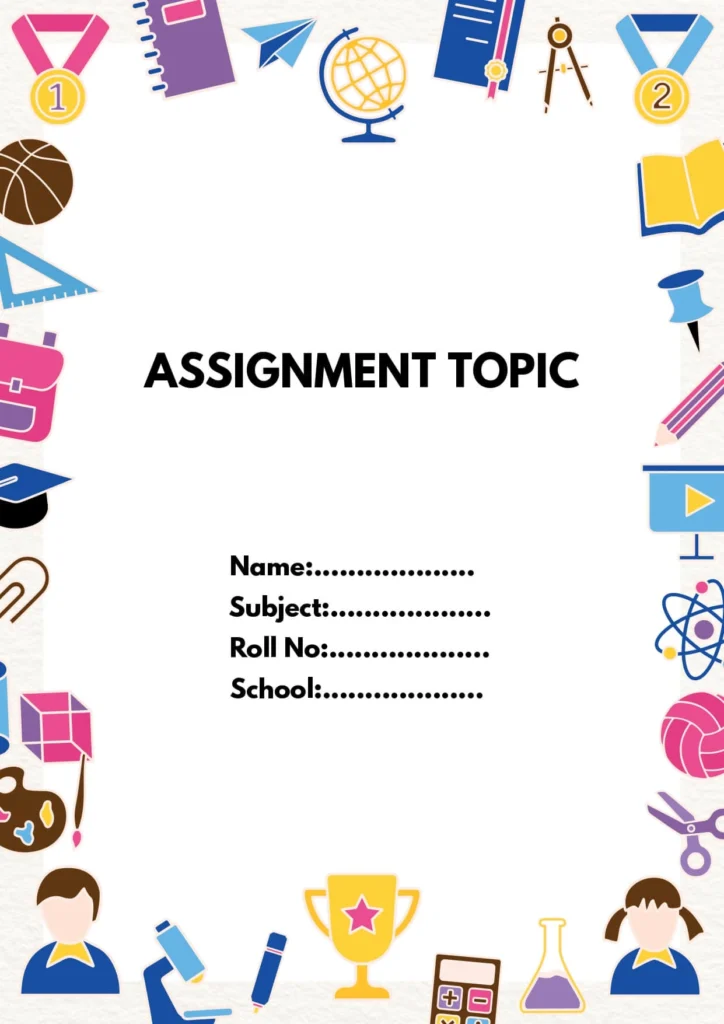
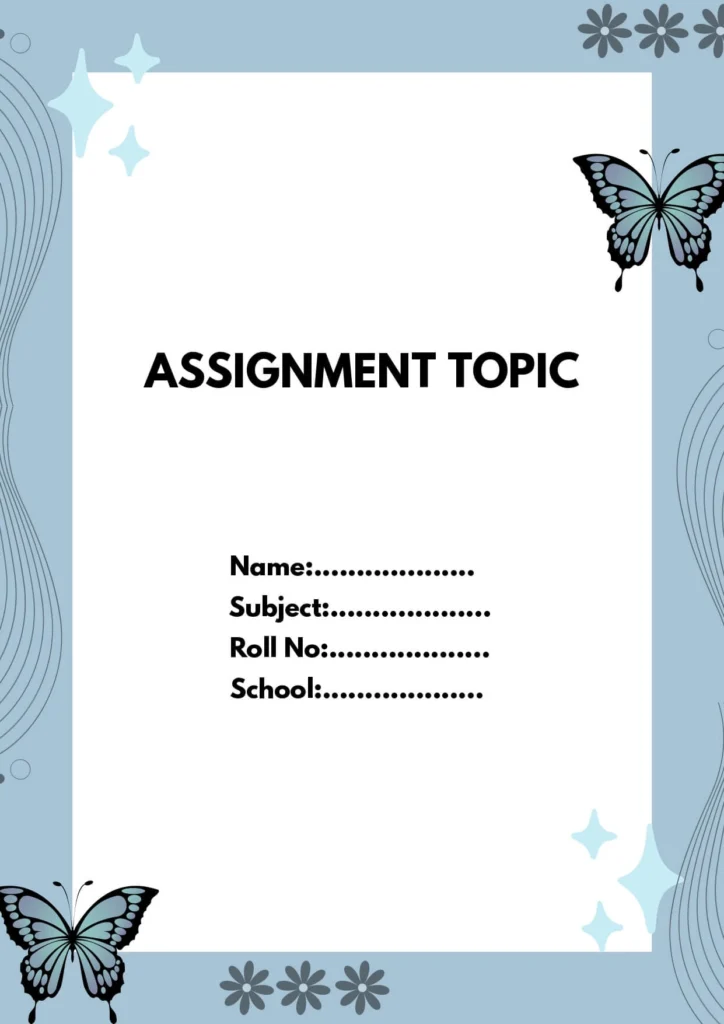
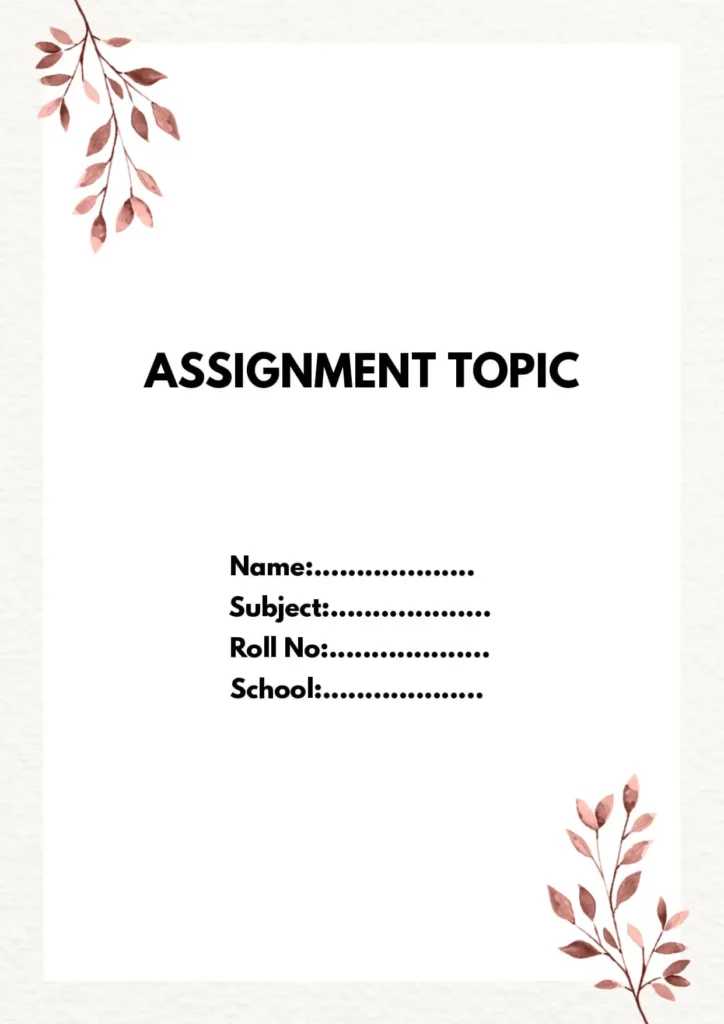
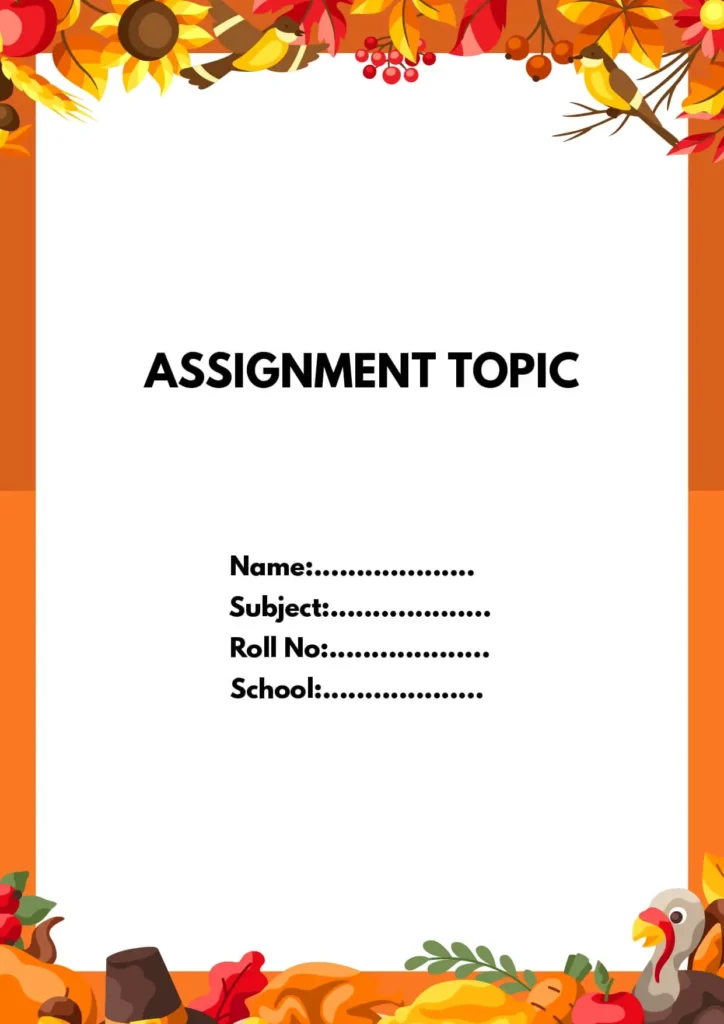
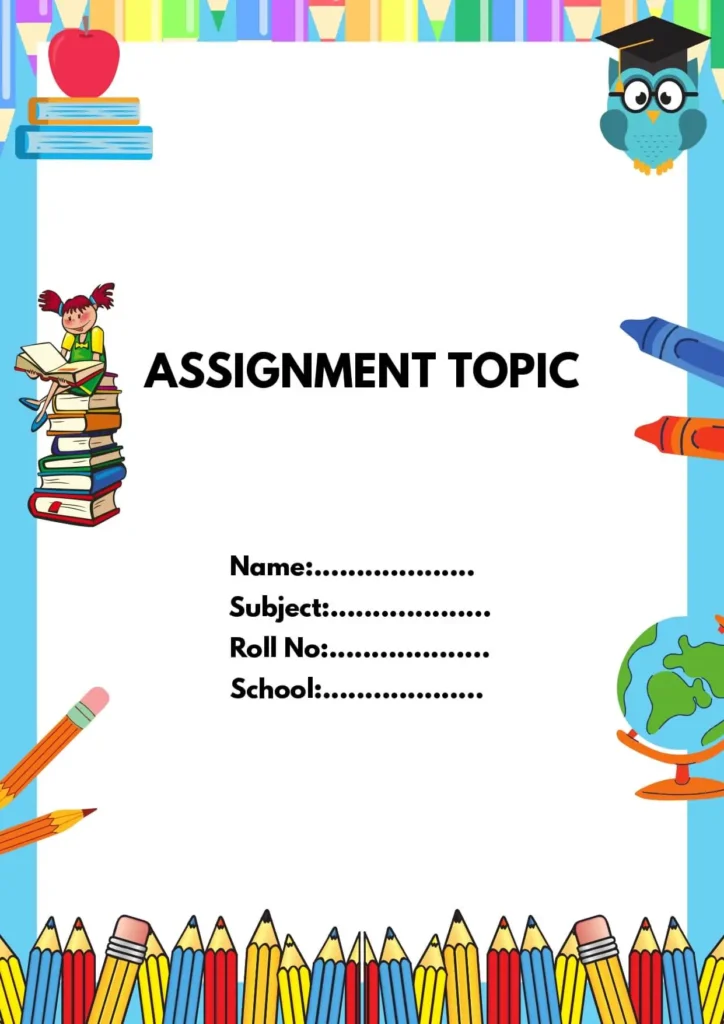
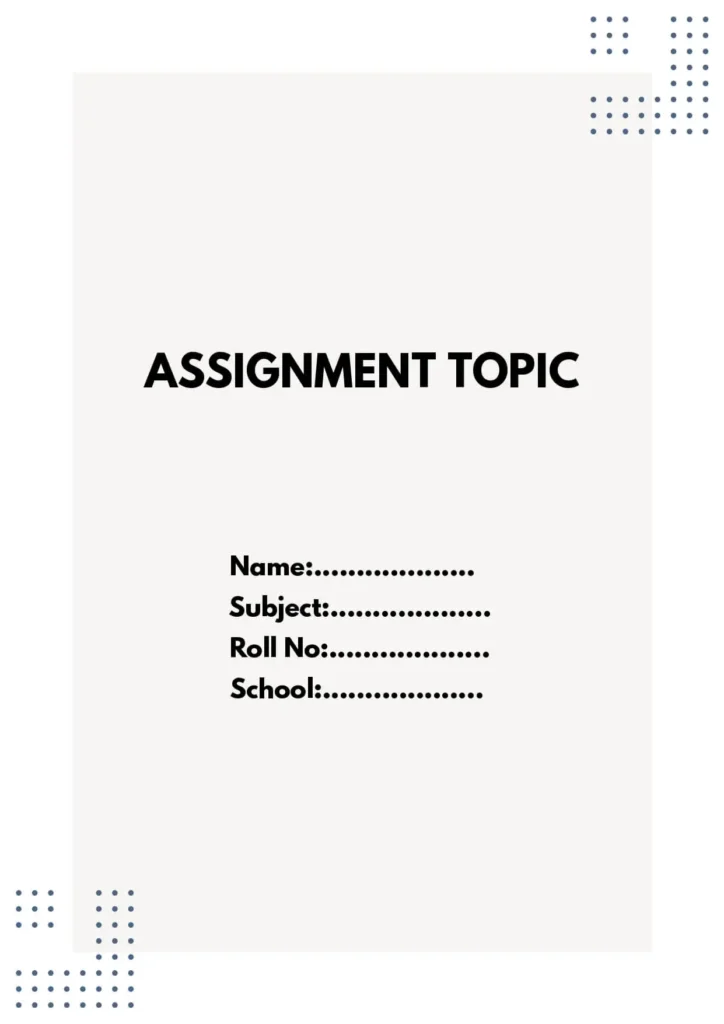
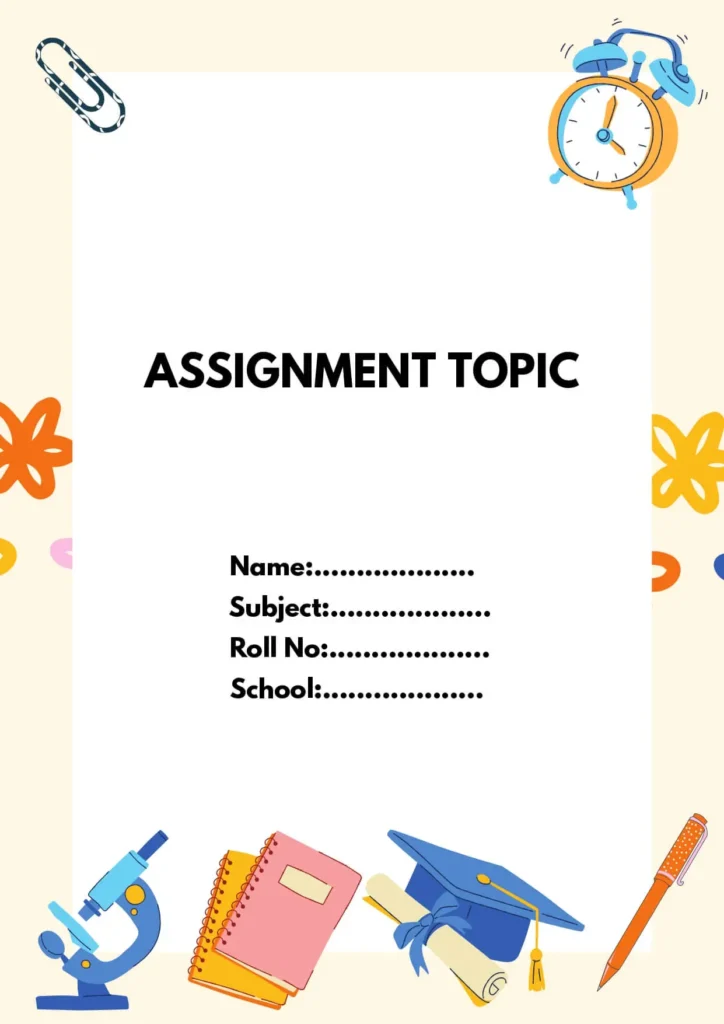
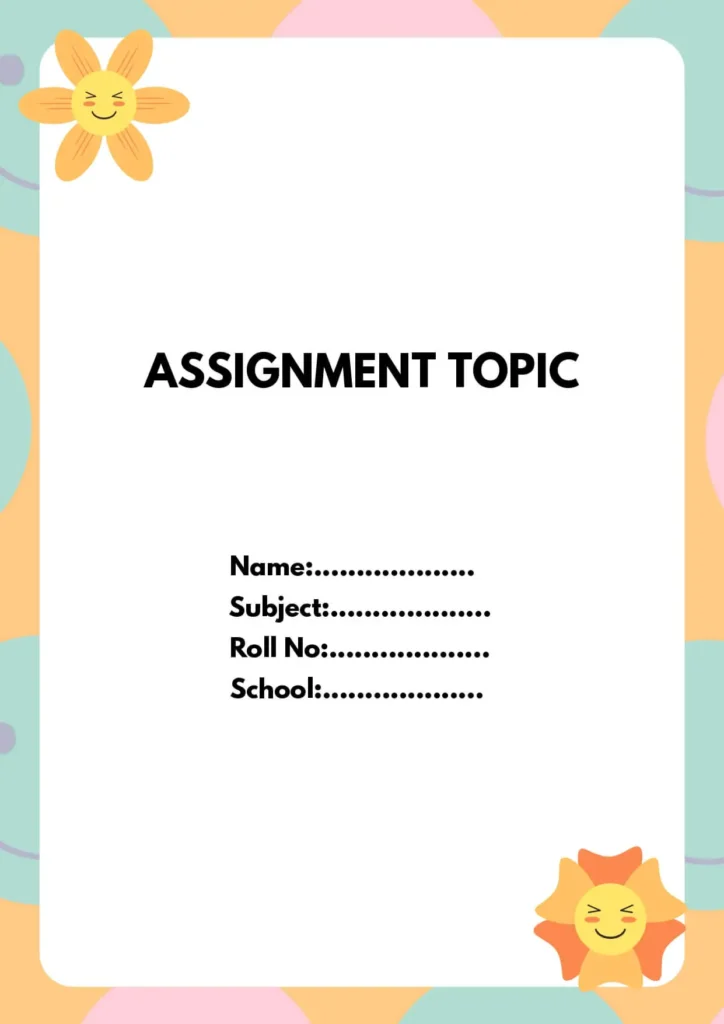
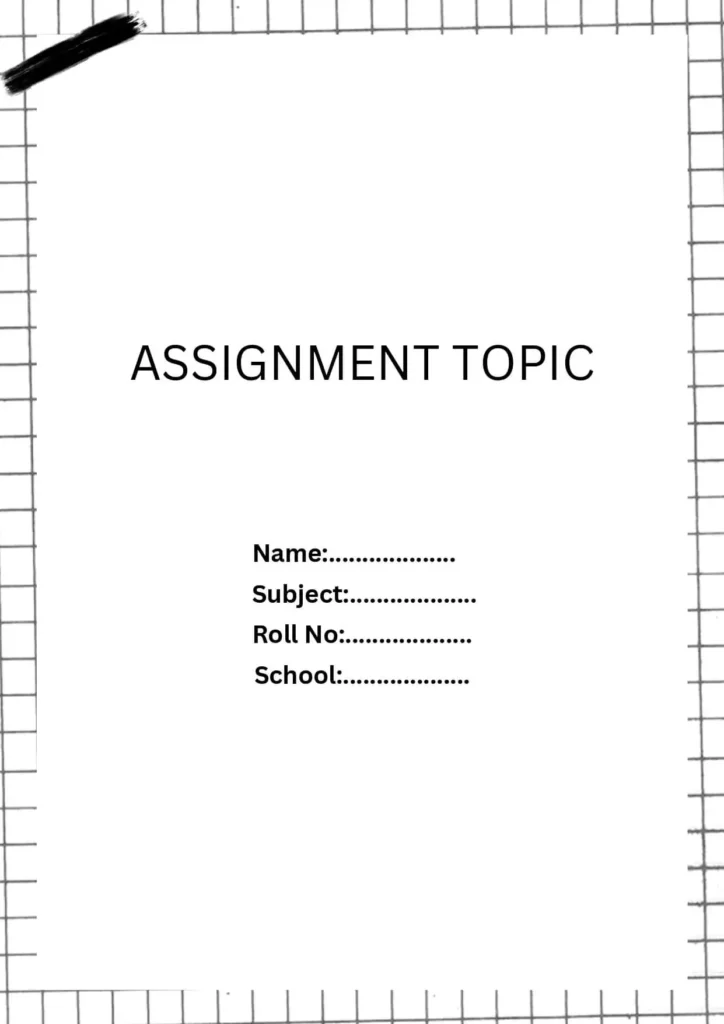
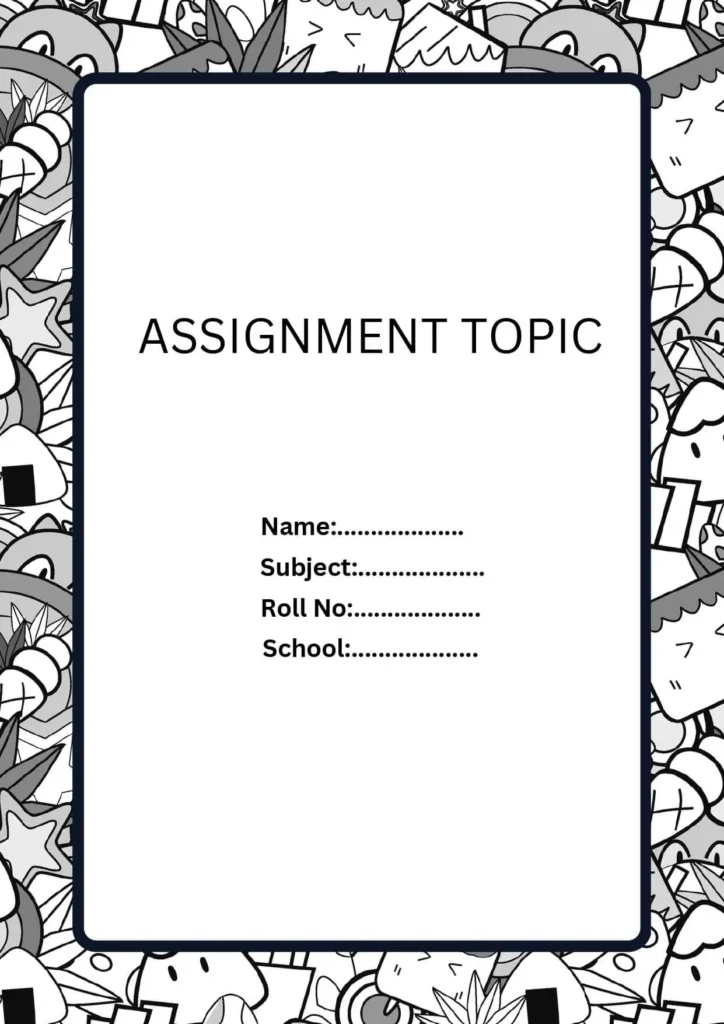
Science Assignment Front Page Design [ Free Download MS Word Template]
Assignment Front Page Design Templates For Physics:

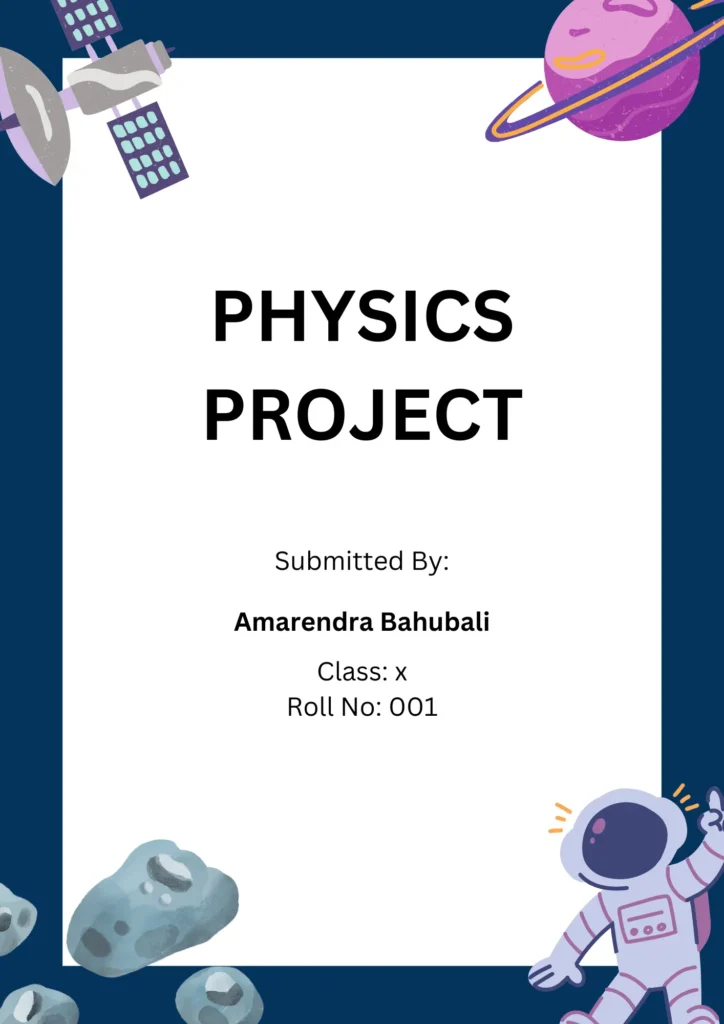
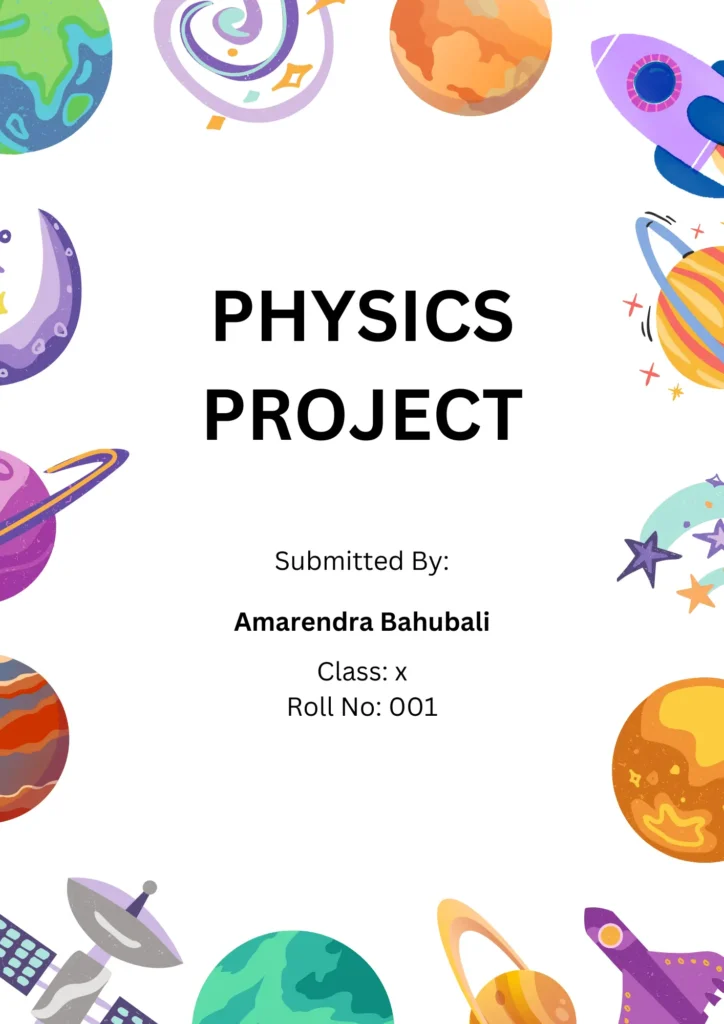
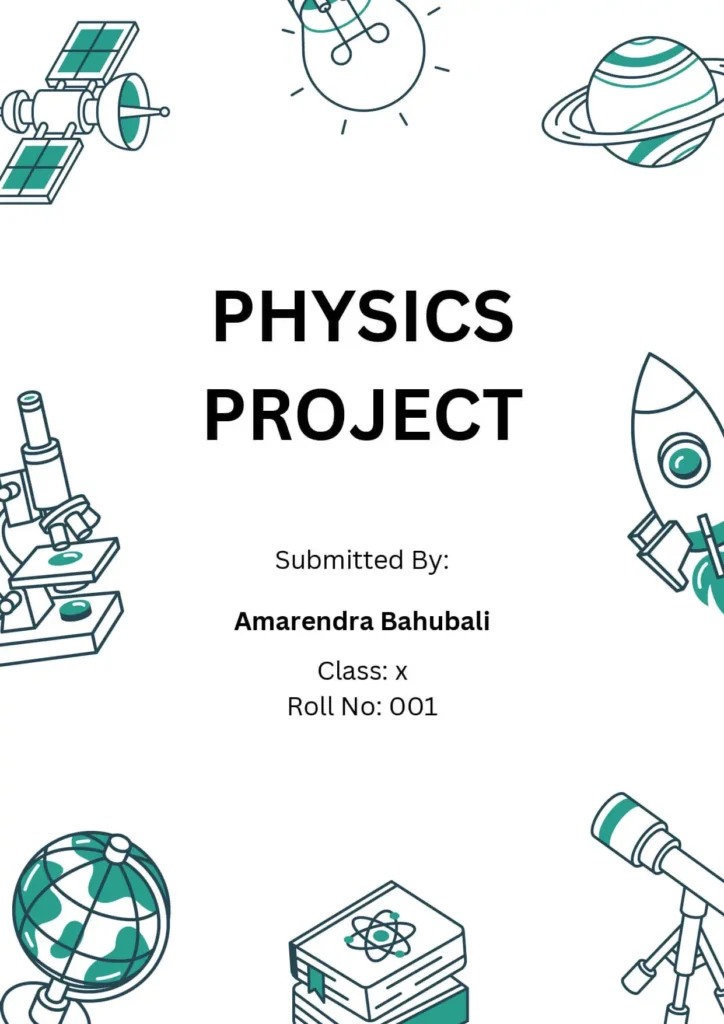

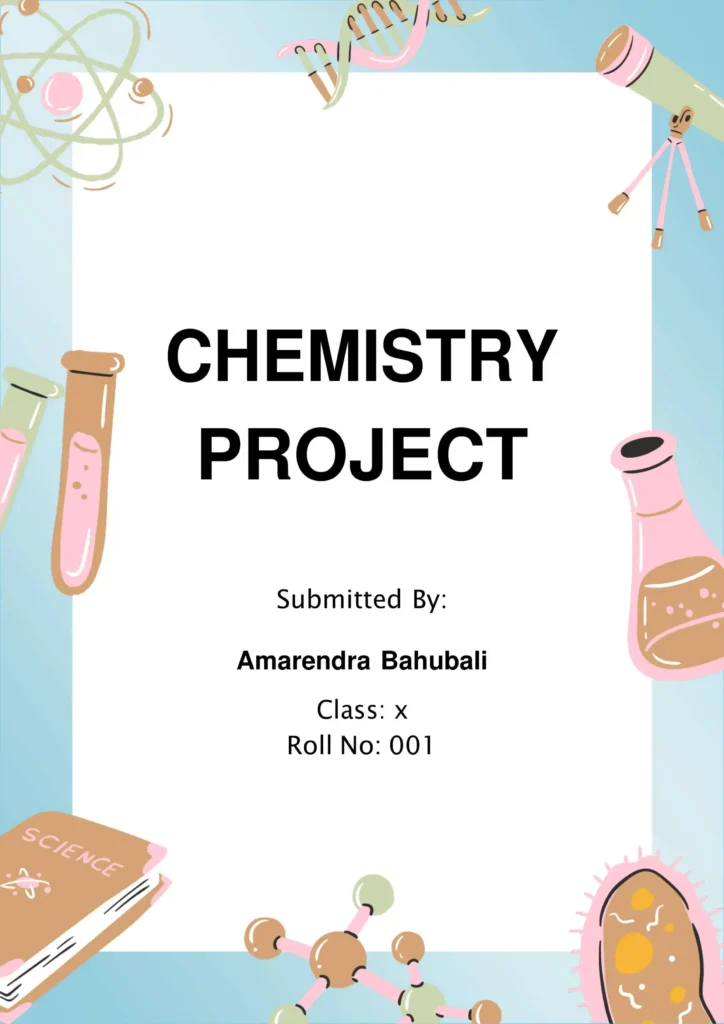
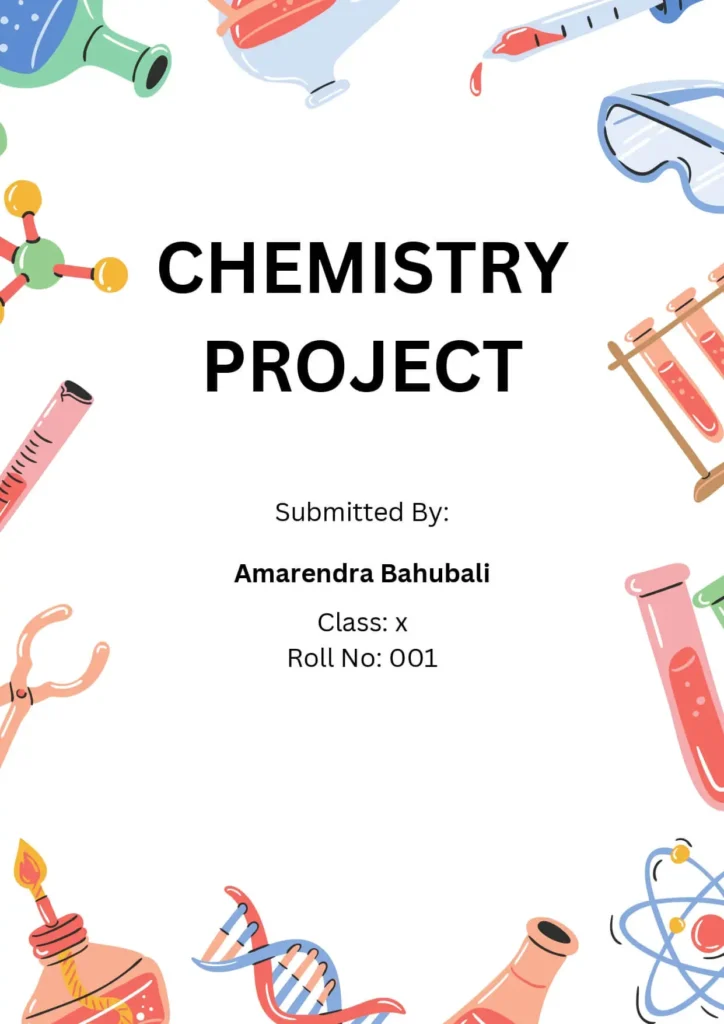
Assignment Front Page Design Templates For Chemistry:
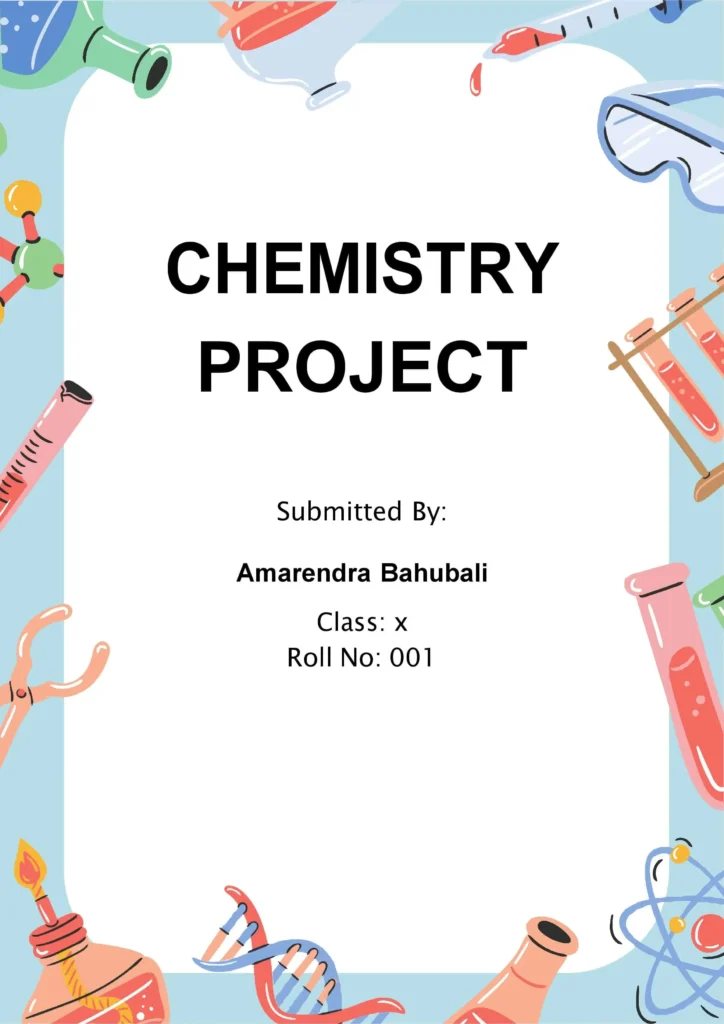
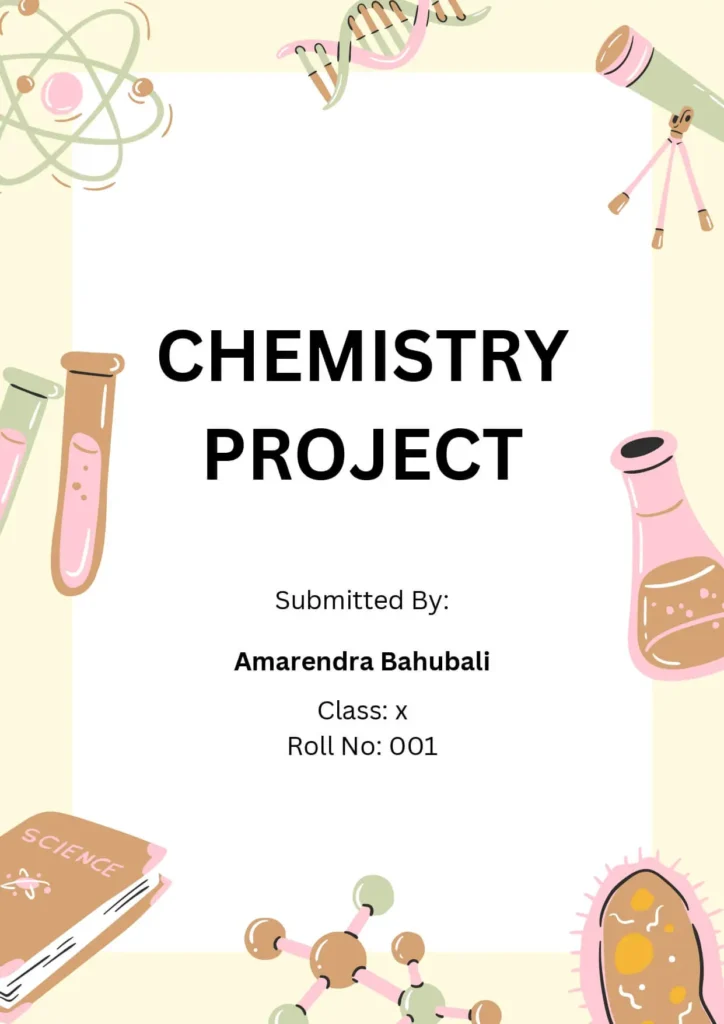
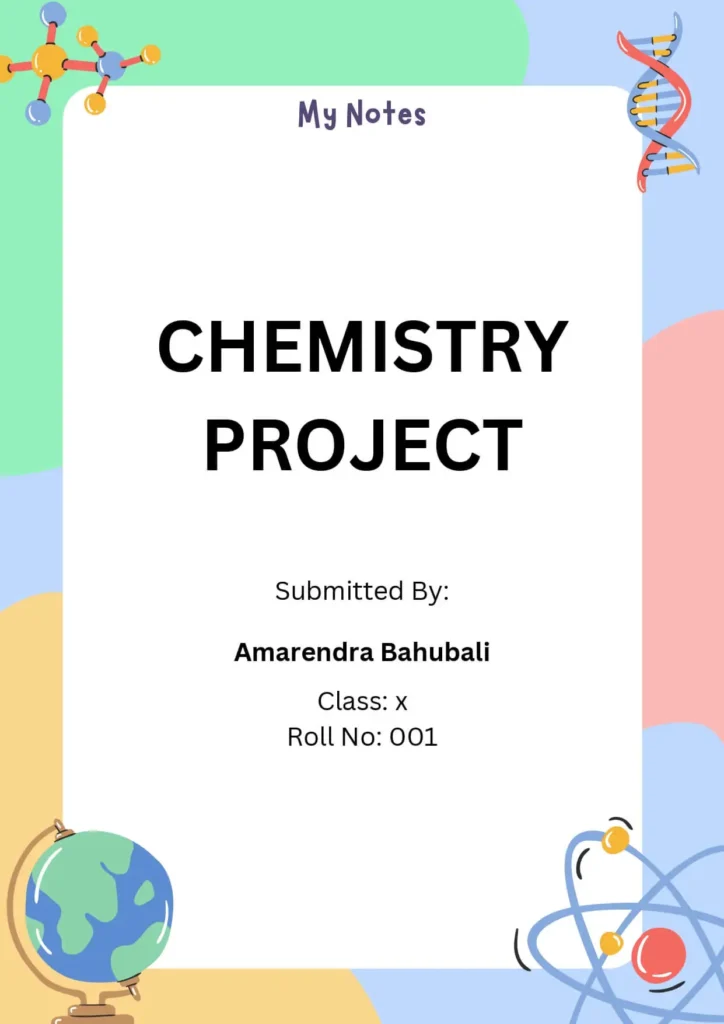
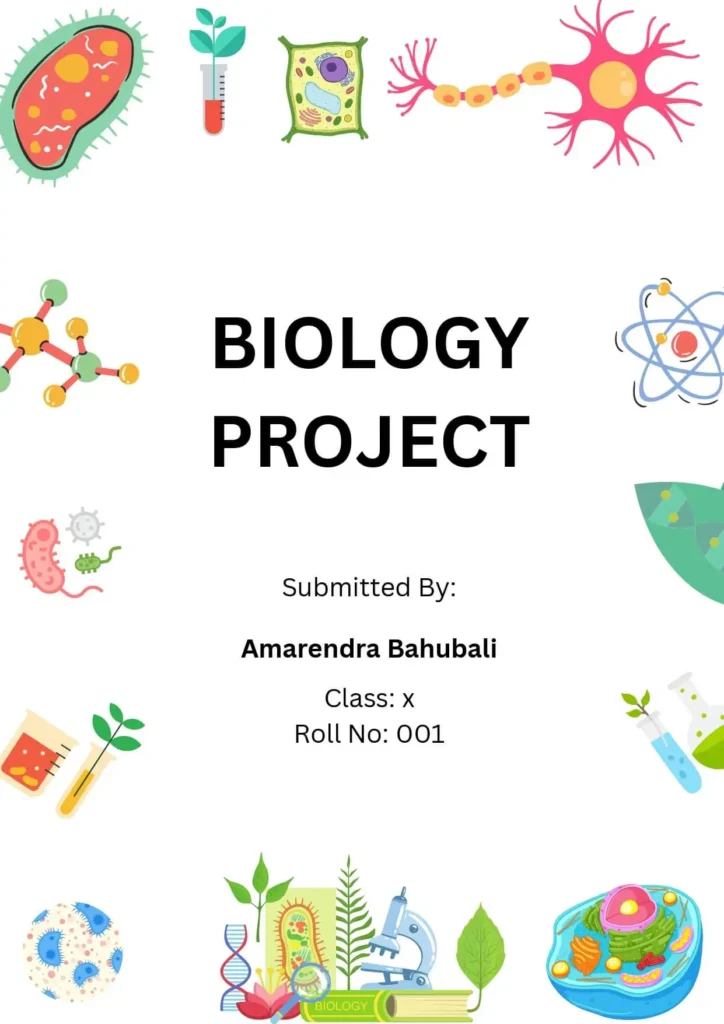
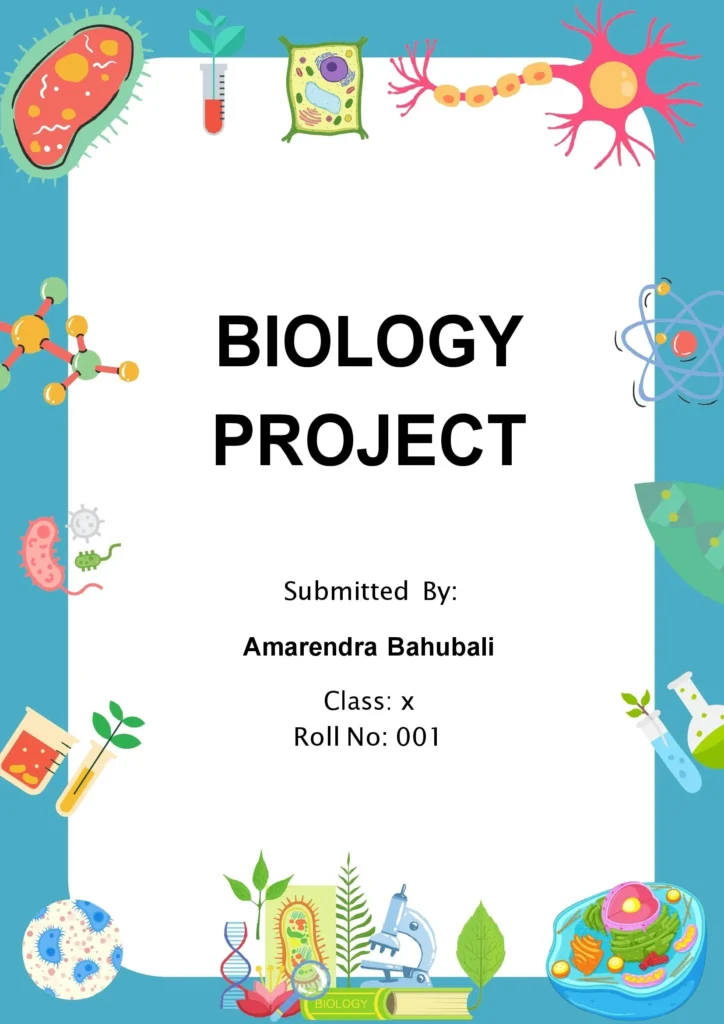
Assignment Front Page Design Templates For Biology:
More Science Assignment & Project Front Page Designs
Maths Assignment Front Page Design [ Download Free MS Word Template ]

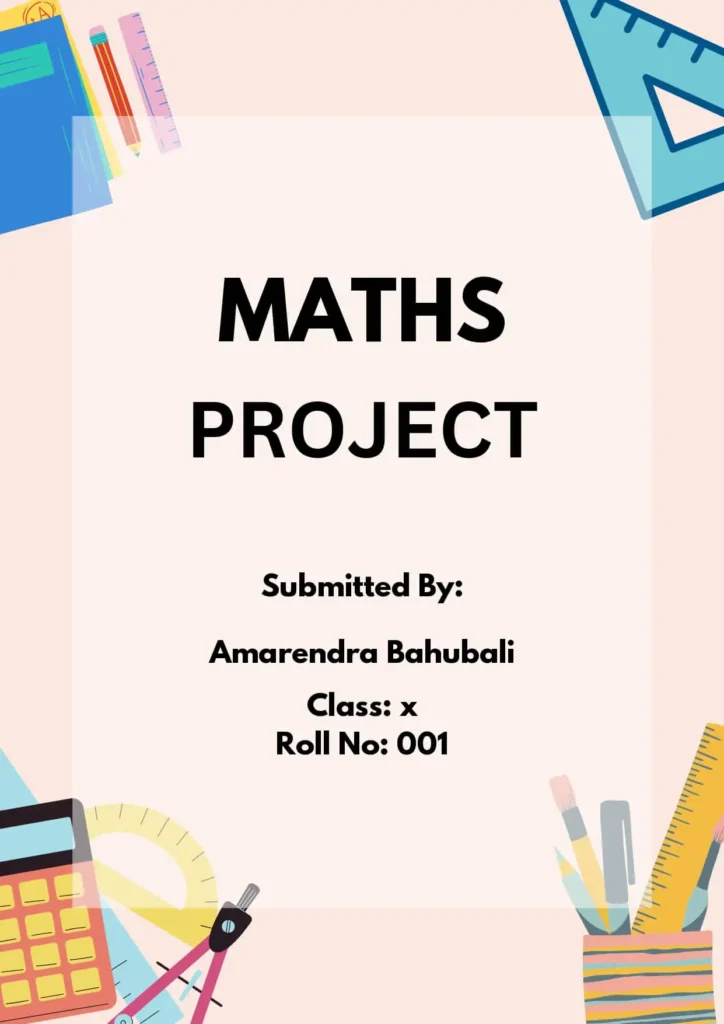

More Maths Assignment & Project Front Page Designs
Floral Assignment Front Page Design [ Download Free MS Word Template ]
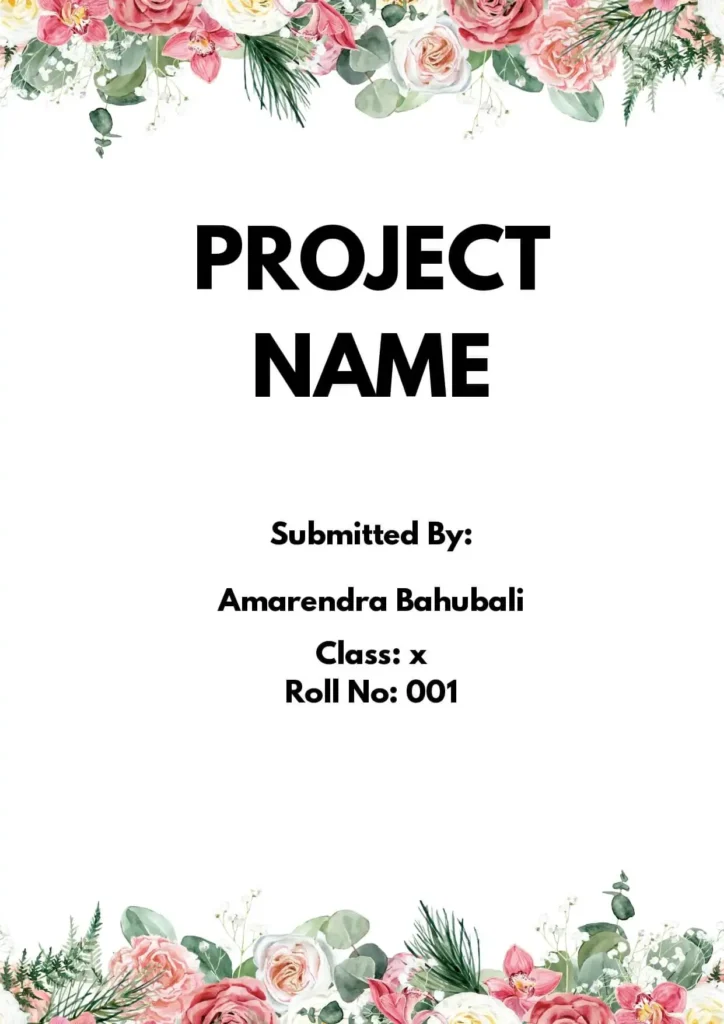
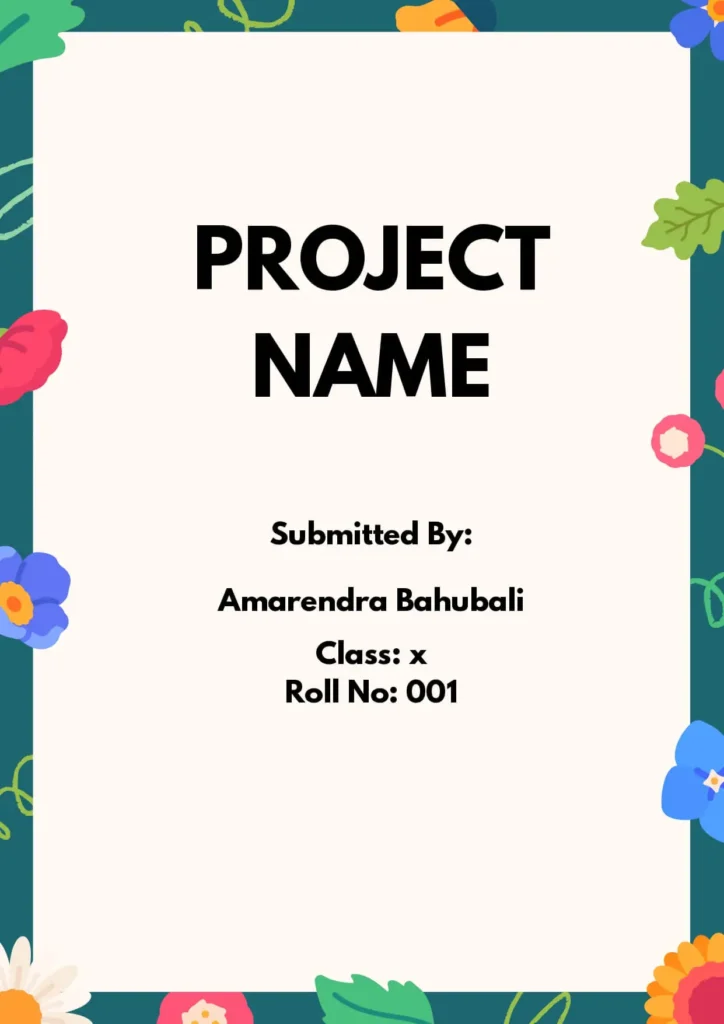
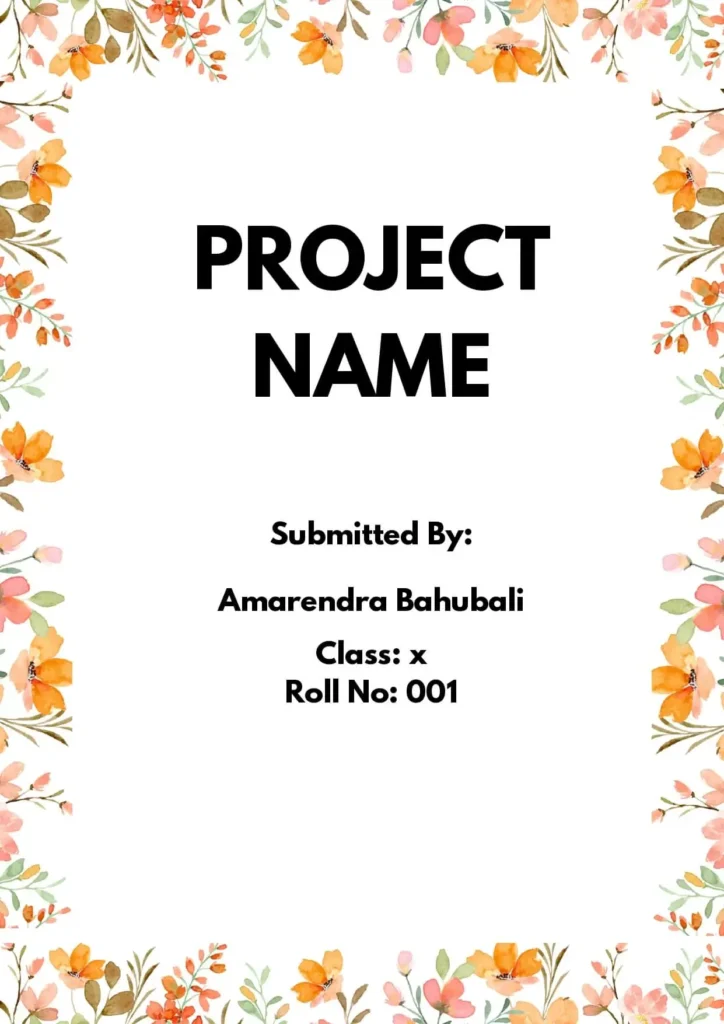
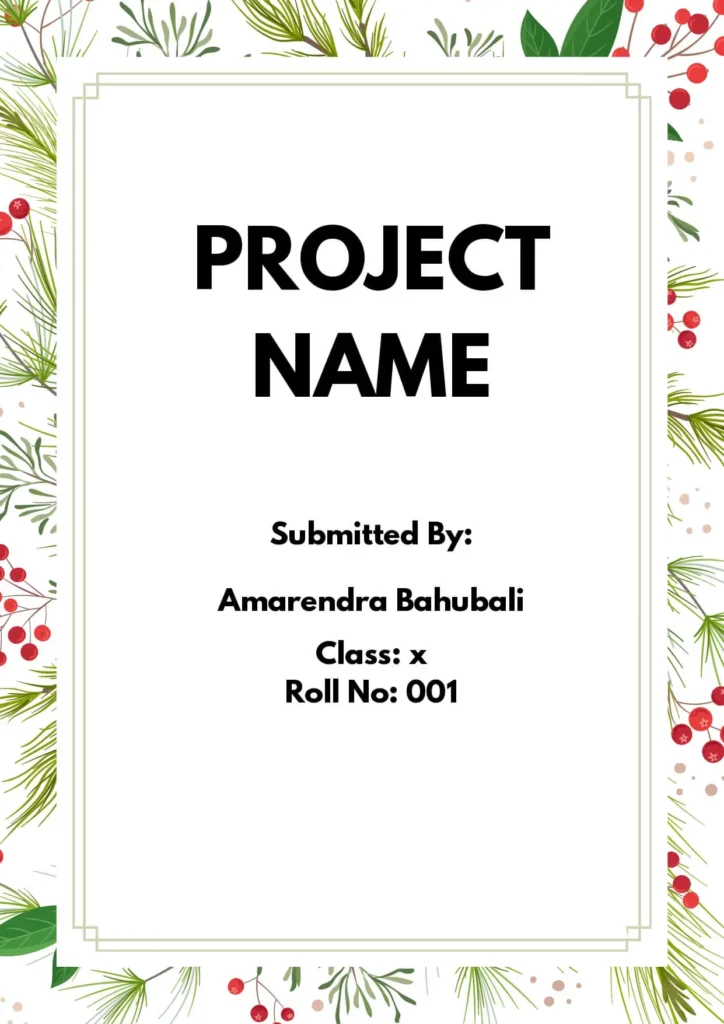
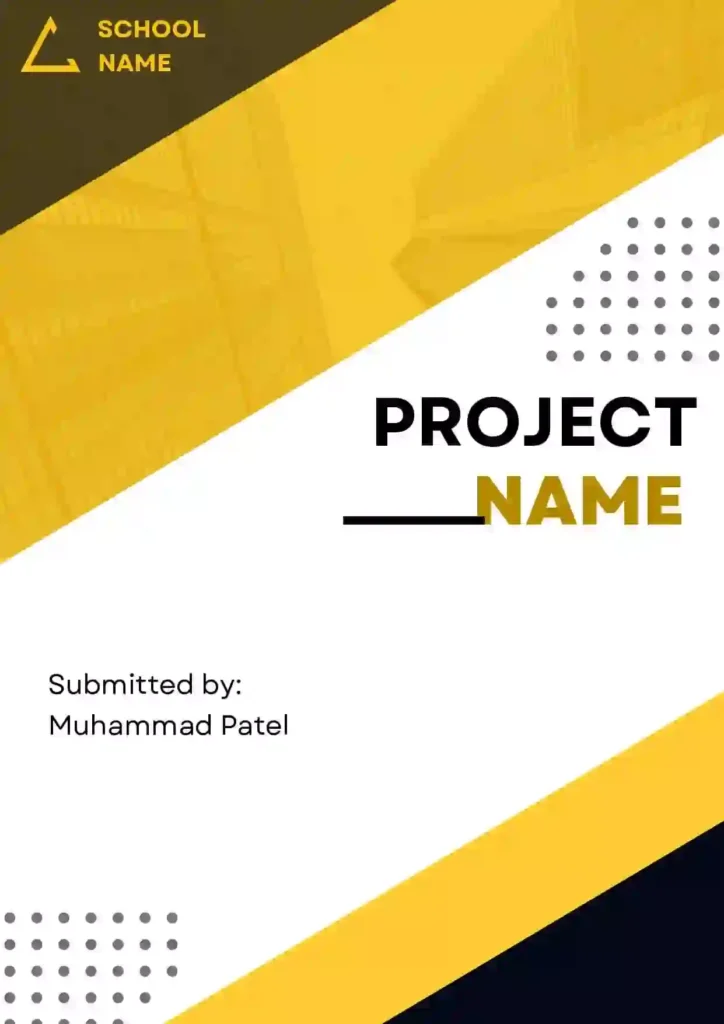
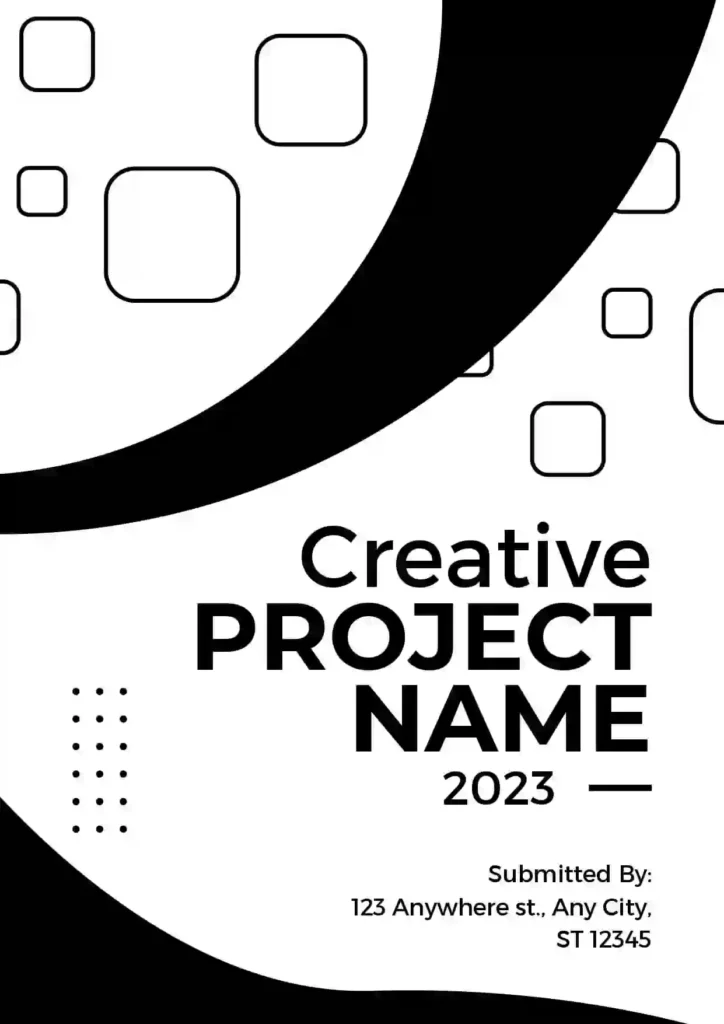
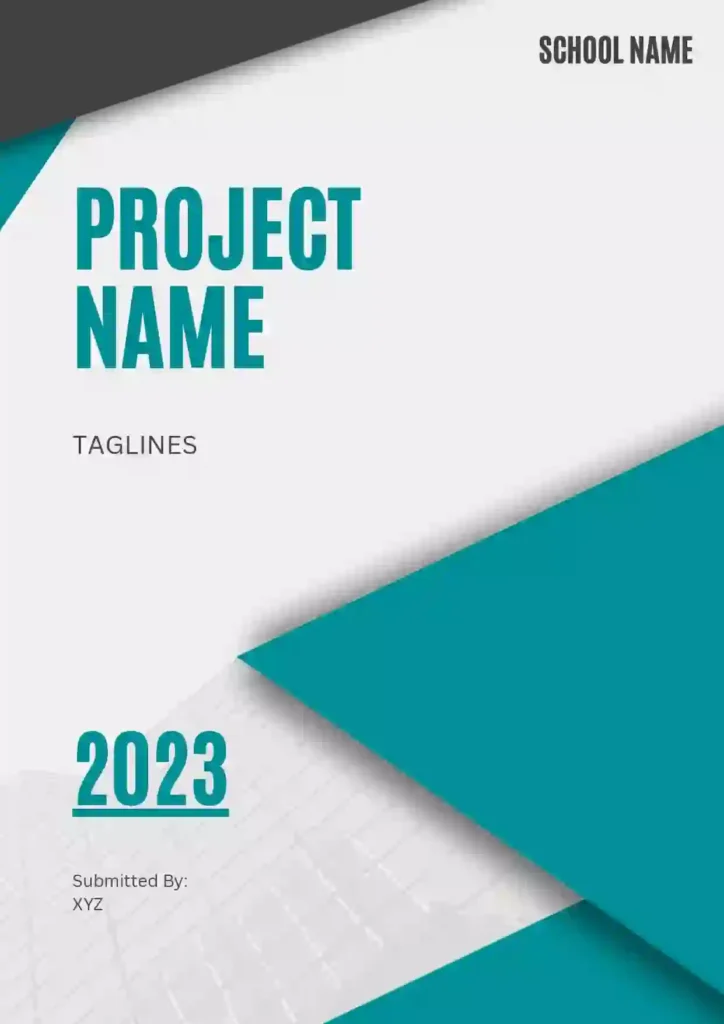
Creative Front Page Design For Assignment [Free MS Word Template Download]
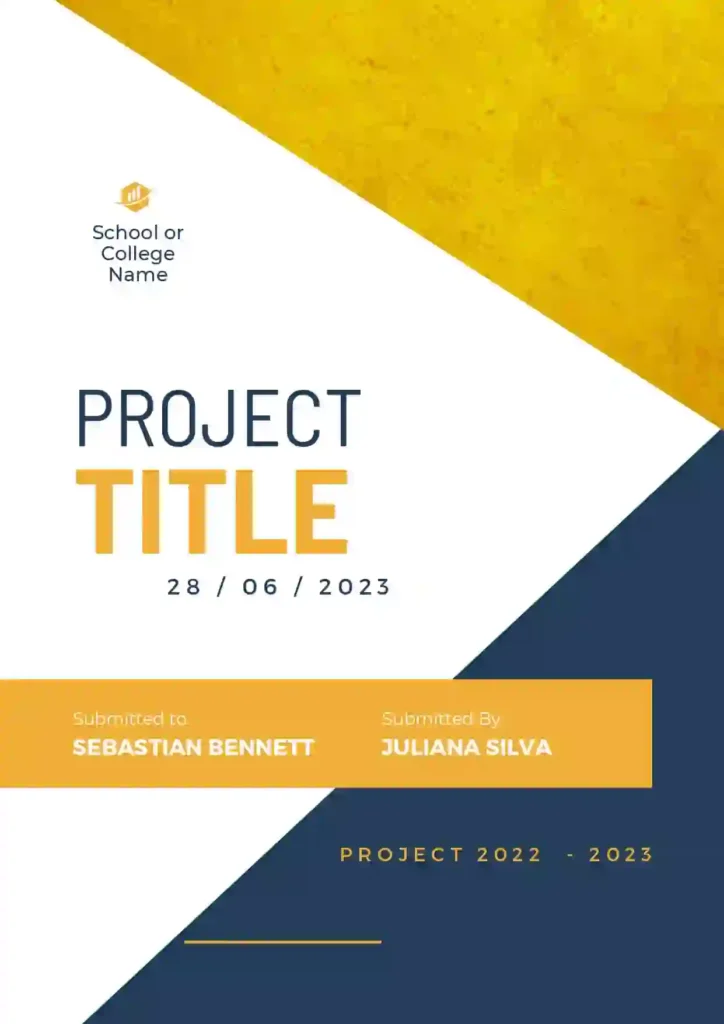

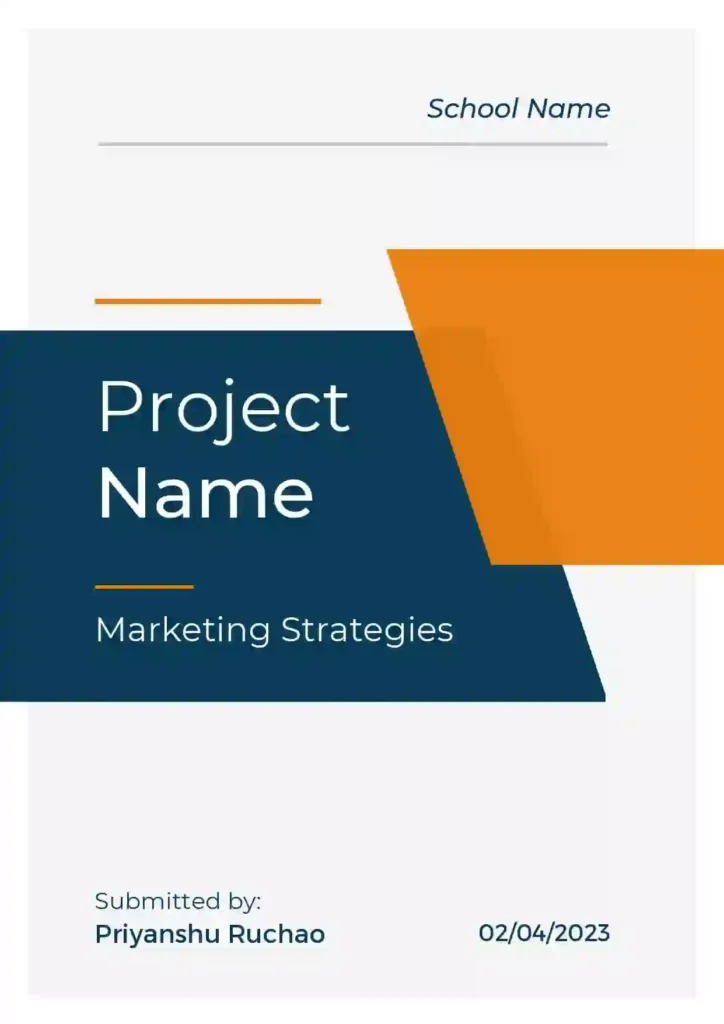
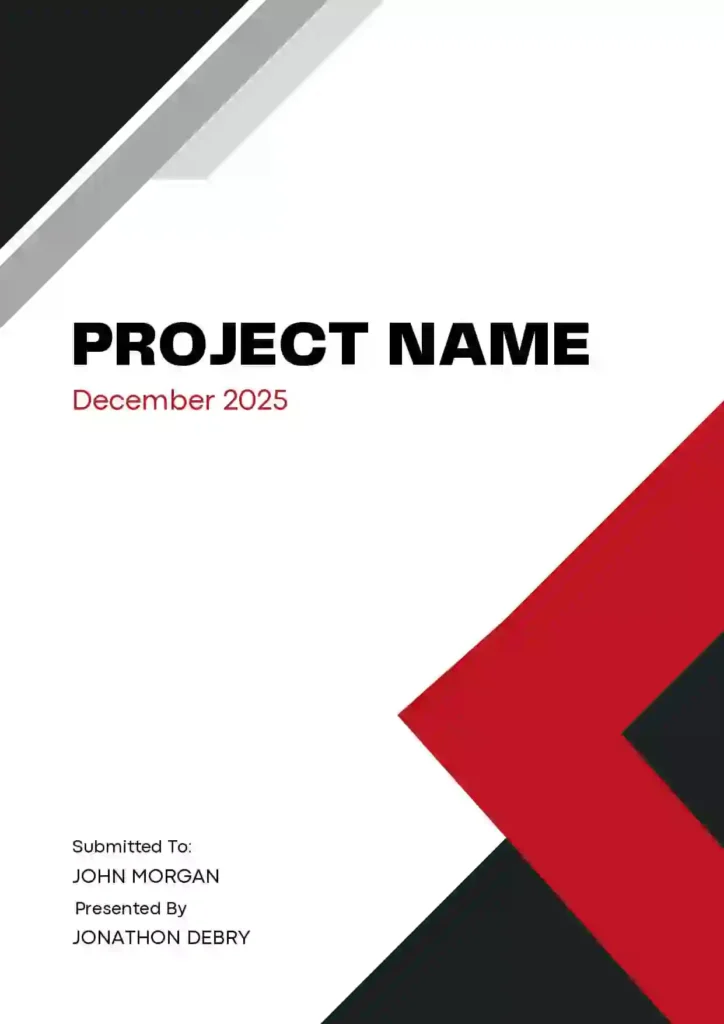



Pro-Tips for Customizing Your Template
To ensure your cover page looks its best after you download it, keep these quick tips in mind:
- Check Institutional Guidelines: Before finalizing, ensure your template includes all required fields such as the subject code, instructor’s name, and submission date as specified by your department.
- Keep Fonts Professional: While it’s tempting to use decorative fonts, stick to readable classics like Arial, Times New Roman, or Calibri (size 12-14 for body text, 16-20 for titles).
- Use High-Resolution Logos: If you are adding your university or school logo, ensure the image is high quality so it doesn’t appear blurry when printed.
- Mind the Alignment: Always double-check that your text is centered or aligned consistently. A slight shift in margins can make a page look cluttered.
- Save as PDF: Once you have finished editing the Word document, save a copy as a PDF before printing or emailing to ensure the formatting stays exactly as you intended.
How to create a front page design for assignment?
Designing a front page for an assignment is important because it’s the first thing your professor or teacher will see, and it sets the tone for your work. Here are some steps to help you design a great front page for your assignment:
- Start with a clean slate: Begin by creating a new document in your favorite design software, or use a pre-made template to get started.
- Choose a layout: Decide on a layout that is clean, professional, and easy to read. Keep in mind that the layout should complement the content of your assignment.
- Use a suitable font: Select a font that is easy to read and suitable for academic work. Stick to one or two fonts at most, and avoid using too many different font styles, as it can make your design look cluttered and unprofessional.
- Add a title: The title of your assignment should be the focal point of your front page design. Choose a font size and style that stands out, and position it in the center of the page.
- Include your name: Add your name or the name of the student group, course name, and date of submission to the front page. Position it below the title and make it smaller than the title.
- Use imagery: Consider adding imagery that relates to your assignment topic, but keep it simple and relevant. Avoid using clipart or generic images.
- Keep it simple: Remember to keep your design simple and professional. Avoid adding too many colors or too much text. Use whitespace to create balance and add breathing space.
- Check for errors: Before submitting your assignment, check for any errors or typos in your front page design. A polished and professional front page will help make a good first impression on your teacher or professor.
Best Tools To Create Front Page Design of Assignment
There are several tools you can use to create front page designs for your assignment, including:
- Microsoft Word: Microsoft Word is a popular word processing program that includes templates and design tools for creating professional-looking front pages. You can choose from a variety of pre-designed templates or create your own custom design.
- Canva: Canva is a popular online graphic design tool that offers a range of templates, graphics, and design tools for creating front page designs. It’s user-friendly and requires no prior design experience.
- Adobe InDesign: Adobe InDesign is a professional-level graphic design software that allows you to create complex designs, including front page designs for assignments. It offers a range of design tools and templates to help you create visually stunning designs.
- Google Docs: Google Docs is a web-based word processing program that offers templates and design tools for creating front page designs. You can also collaborate with others on your design in real-time.
- PowerPoint: PowerPoint is a popular presentation software that can also be used to create front page designs. It offers a range of design tools and templates, making it easy to create professional-looking designs.
Conclusion
A great assignment starts with a great presentation. By using these templates, you are setting a standard of excellence before the reader even gets to the first page of your work. Browse our selection below, download the style that best fits your project, and give your hard work the professional look it deserves. Happy writing!
Check This Also:
Border Front Page Design For Project [Free MS Word Template Download]
FAQ
What is the downloaded file format?
All download triggers deliver a native Microsoft Word Document (.doc / .docx) file format. These can be altered natively across desktop word processors, mobile apps, or open-source office platforms.
How to edit the template?
You can edit the template using MS Word .
Template size?
A4