
First impressions are everything—especially when it comes to your science project. You’ve spent hours researching, experimenting, and writing, but if your cover page looks messy, your hard work might not get the credit it deserves. But let’s be honest: not everyone is a graphic designer, and you shouldn’t have to be.
To help you stand out, we’ve curated the ultimate collection of 50+ Free Science Project Front Page Designs. Whether you are diving into the laws of Physics, exploring the reactions of Chemistry, or detailing the wonders of Biology, we have a professional template ready for you.
The best part? These are all fully customizable MS Word templates. Just download the editable layout, type in your custom data parameters, and you are ready to submit an assignment that looks as polished as the science inside it!
How to Download & Customize Your Cover Sheet ?
- Step 1: Browse through our catalog of 50+ unique layout variations below and pick your favorite design style.
- Step 2: Click the designated button or template image card to load the direct MS Word file download link.
- Step 3: Open the document natively and replace the text placeholders with your name, academic class/section, roll number, and project title.
- Step 4: Export or save your finished file as a PDF document to achieve a crisp, perfectly formatted professional print!
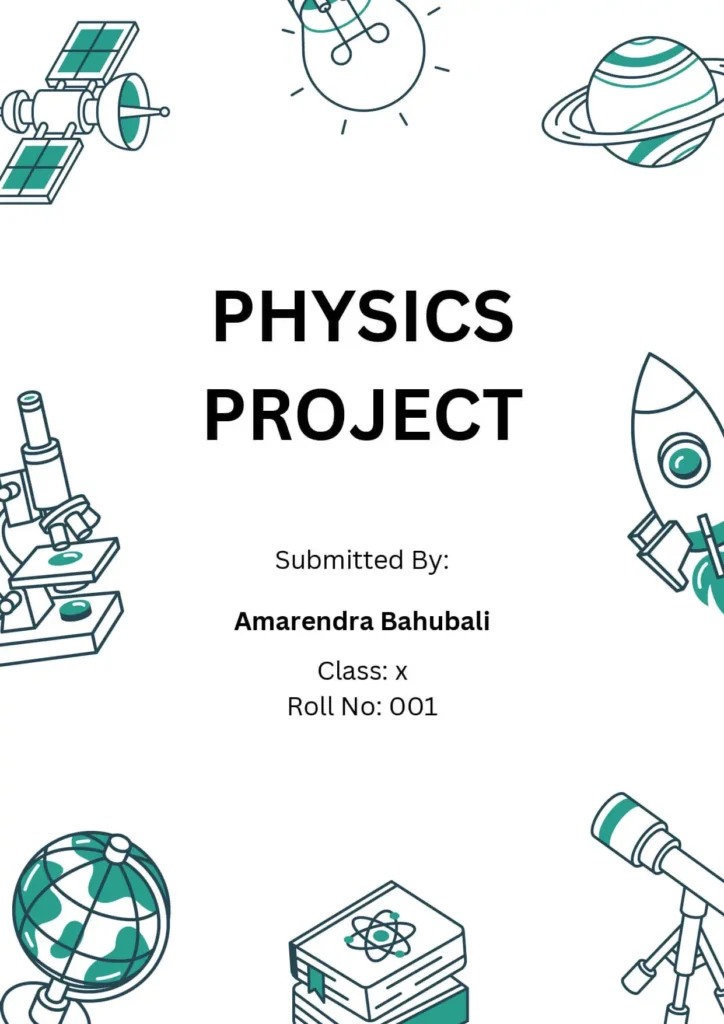
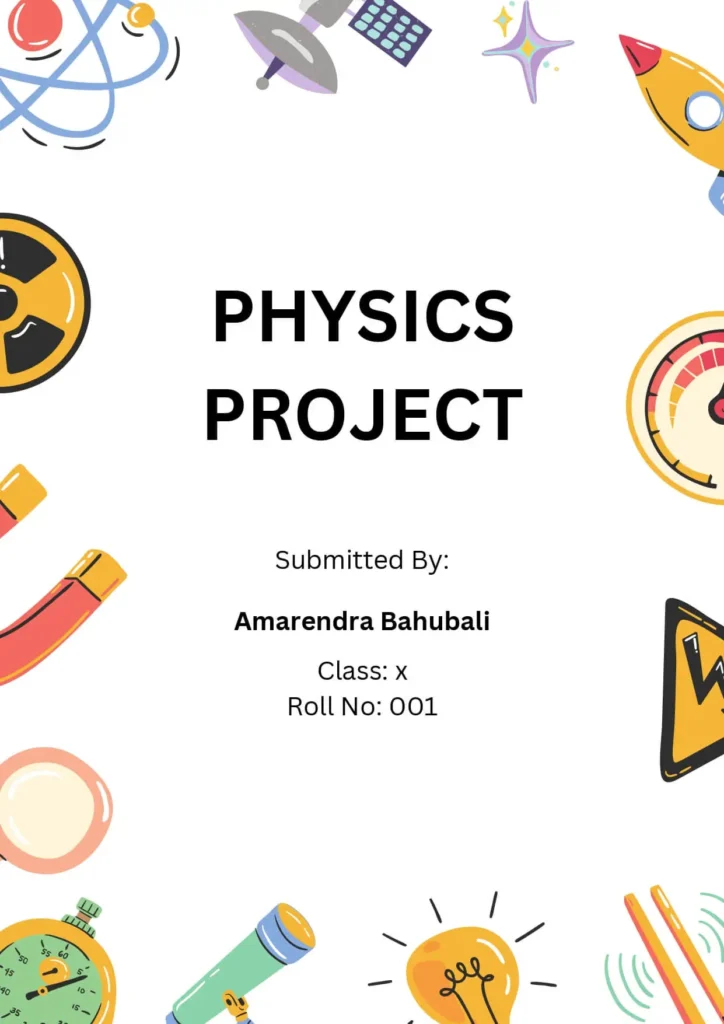
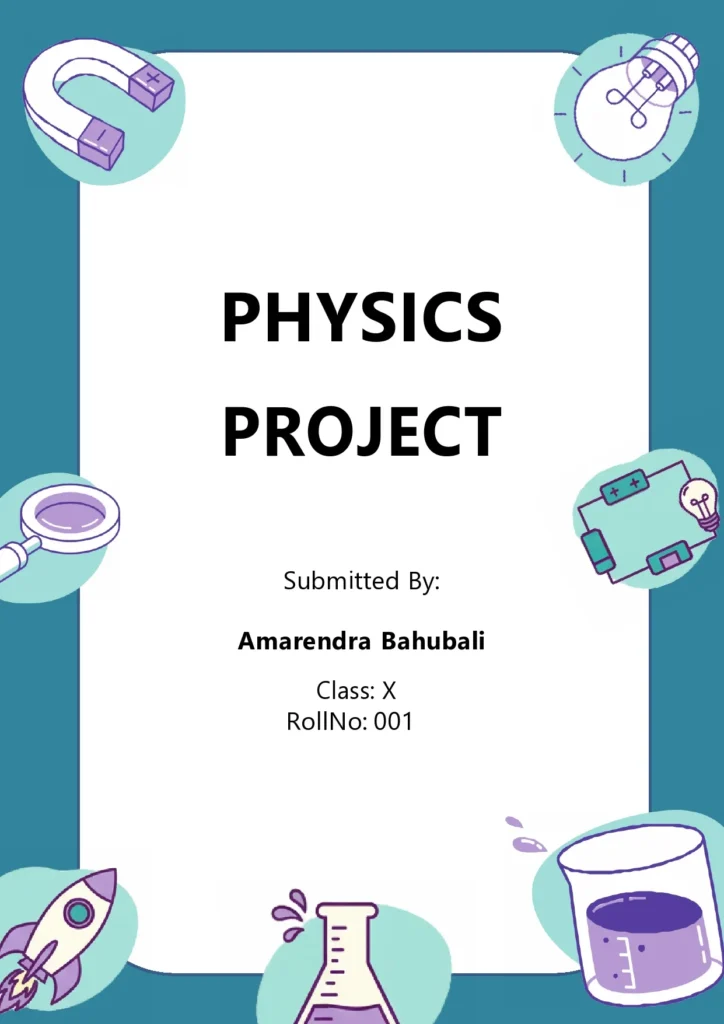
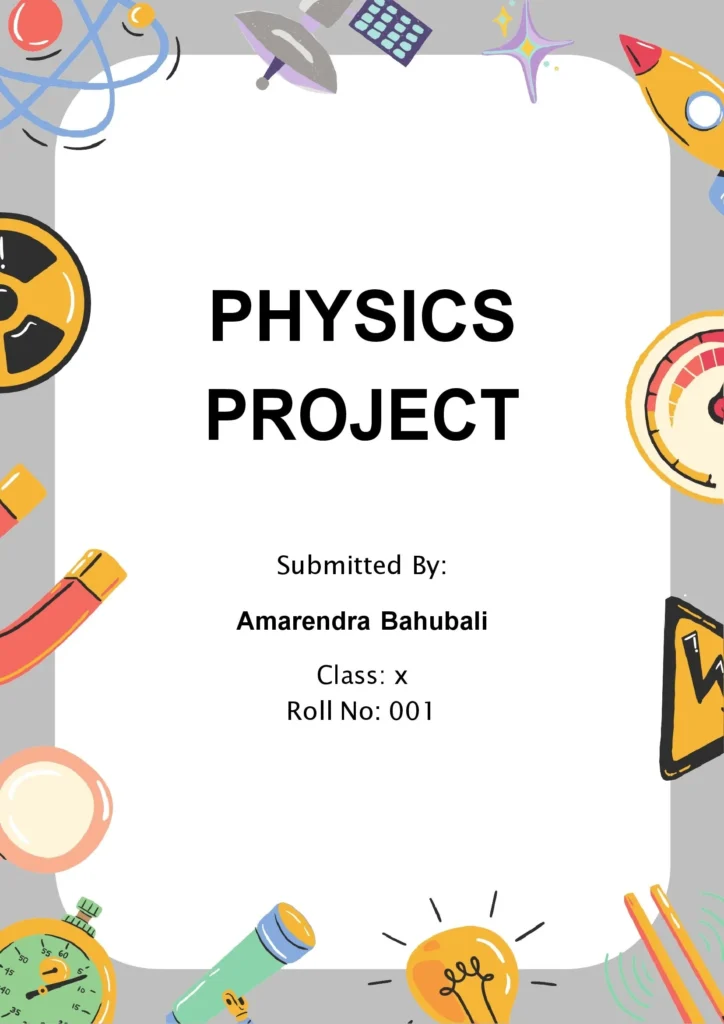
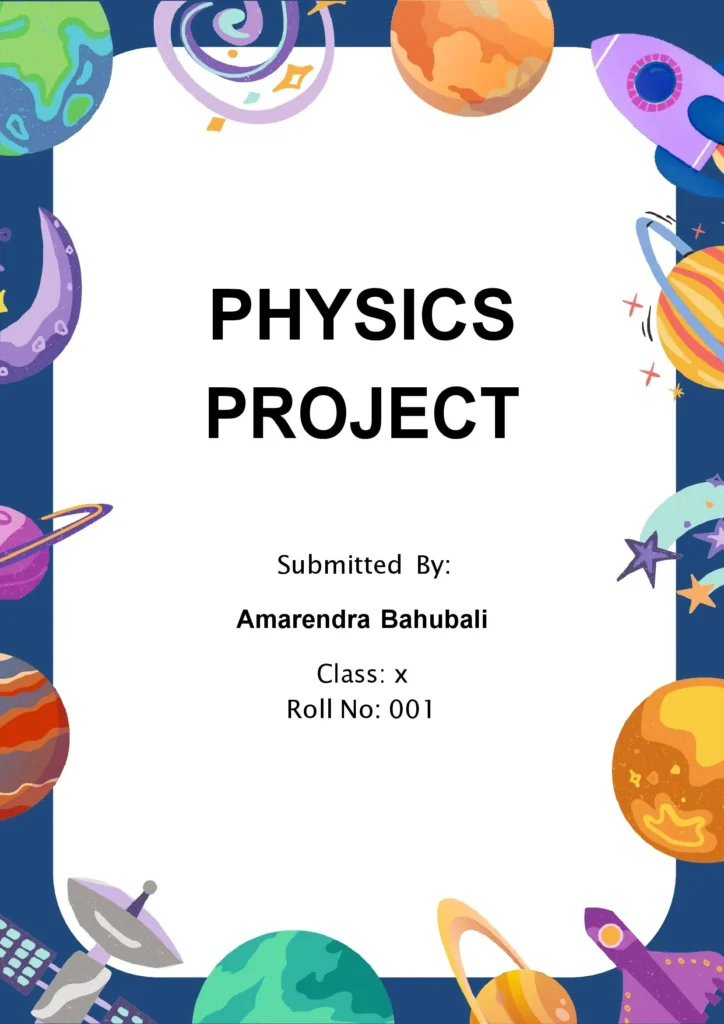
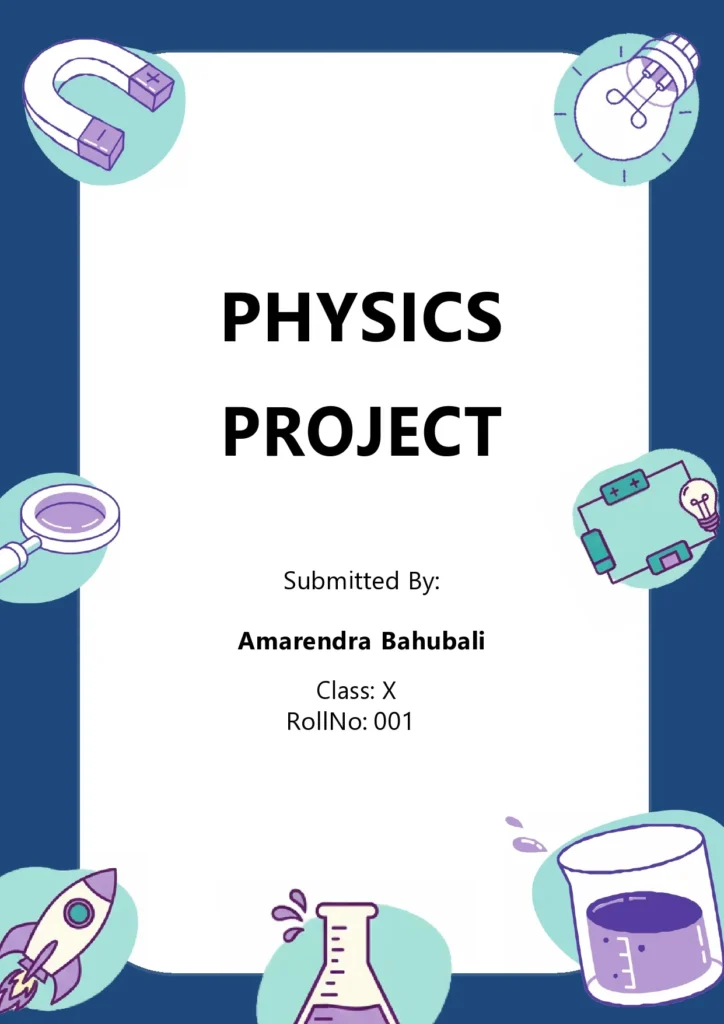
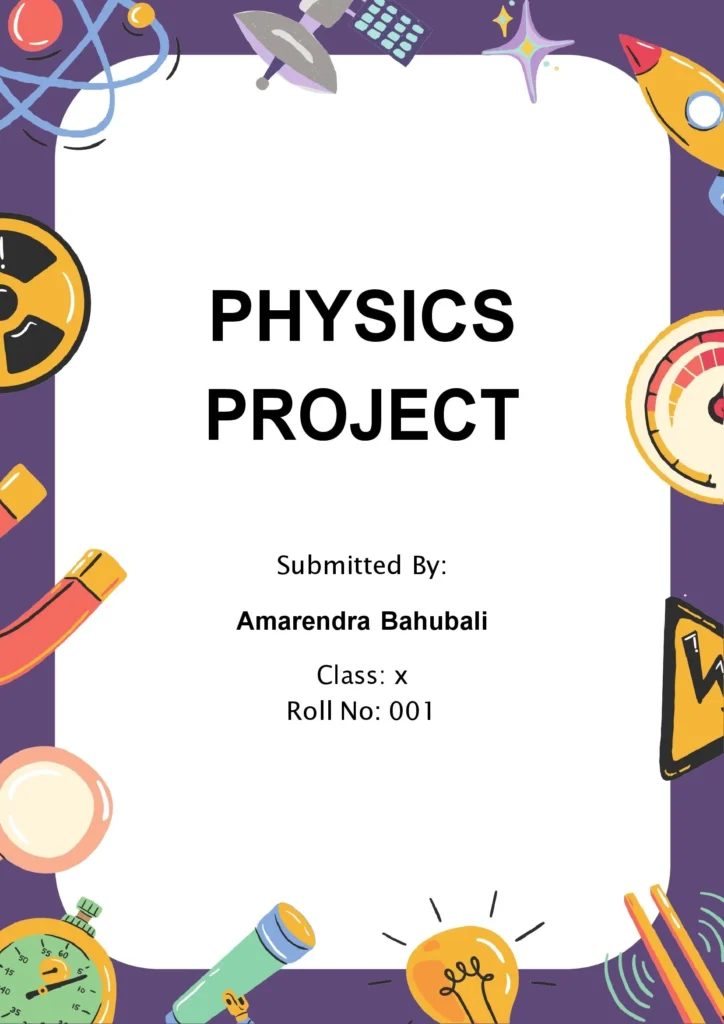
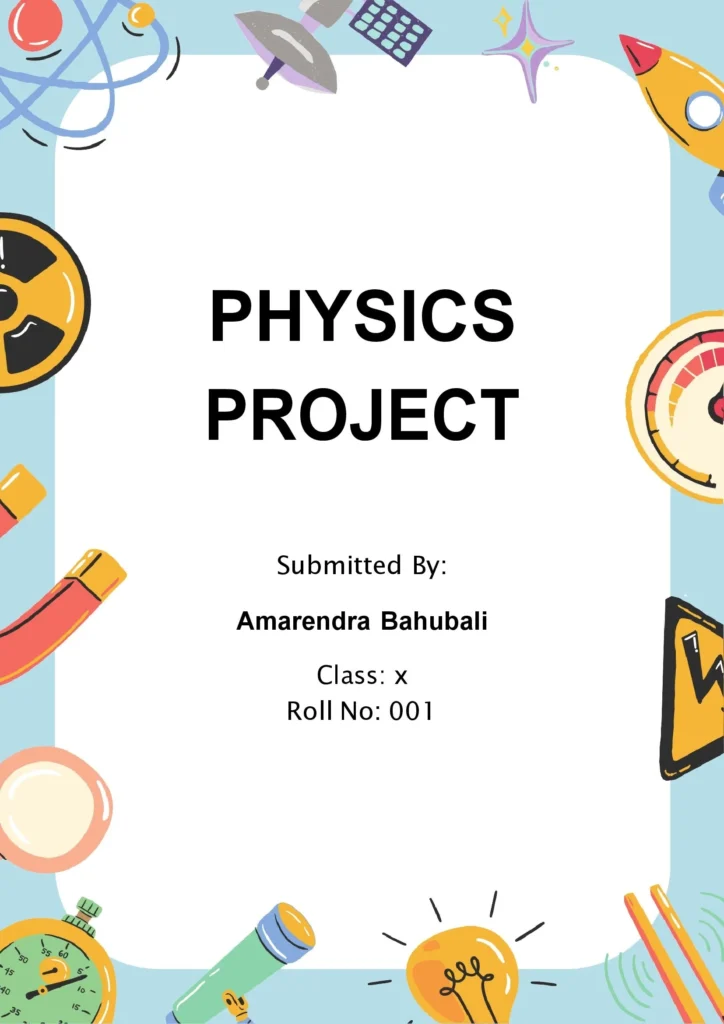
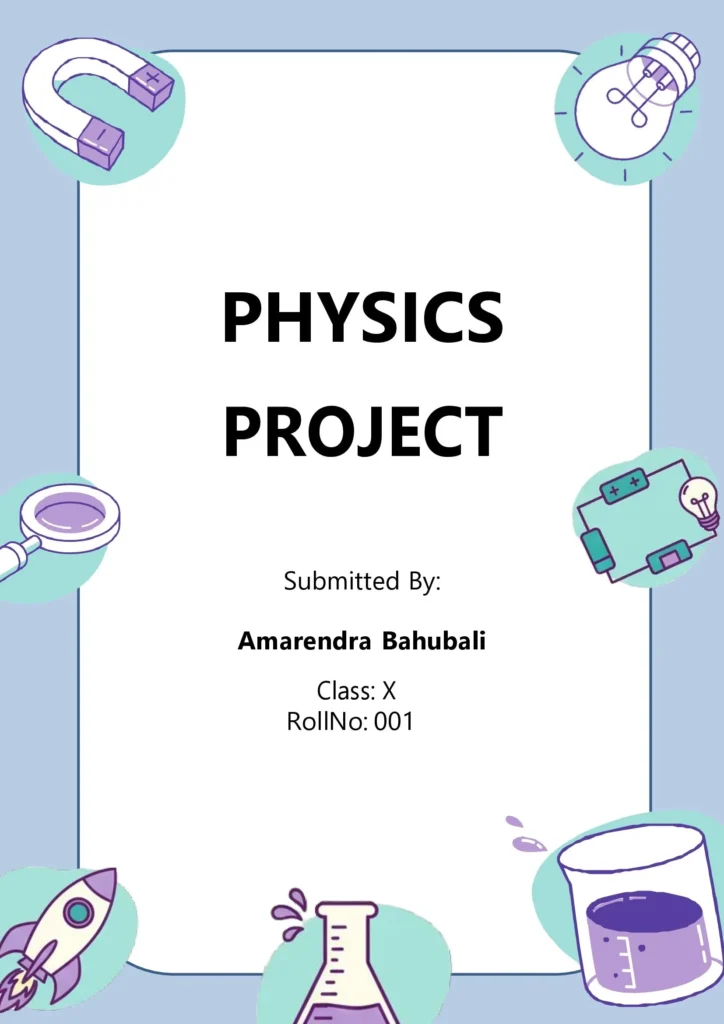
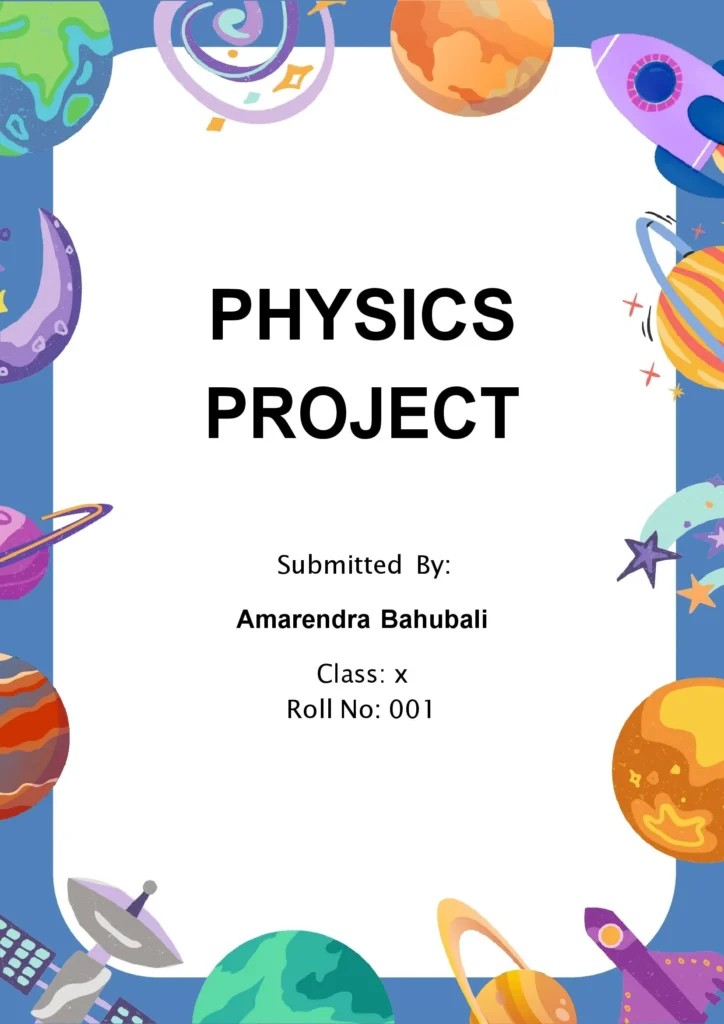
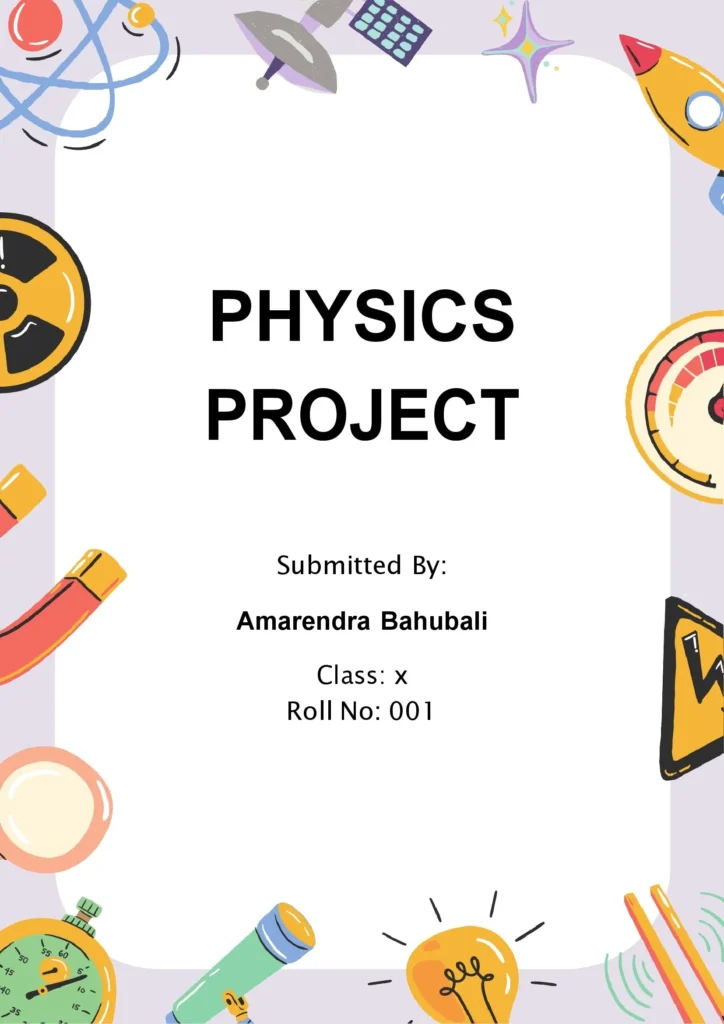
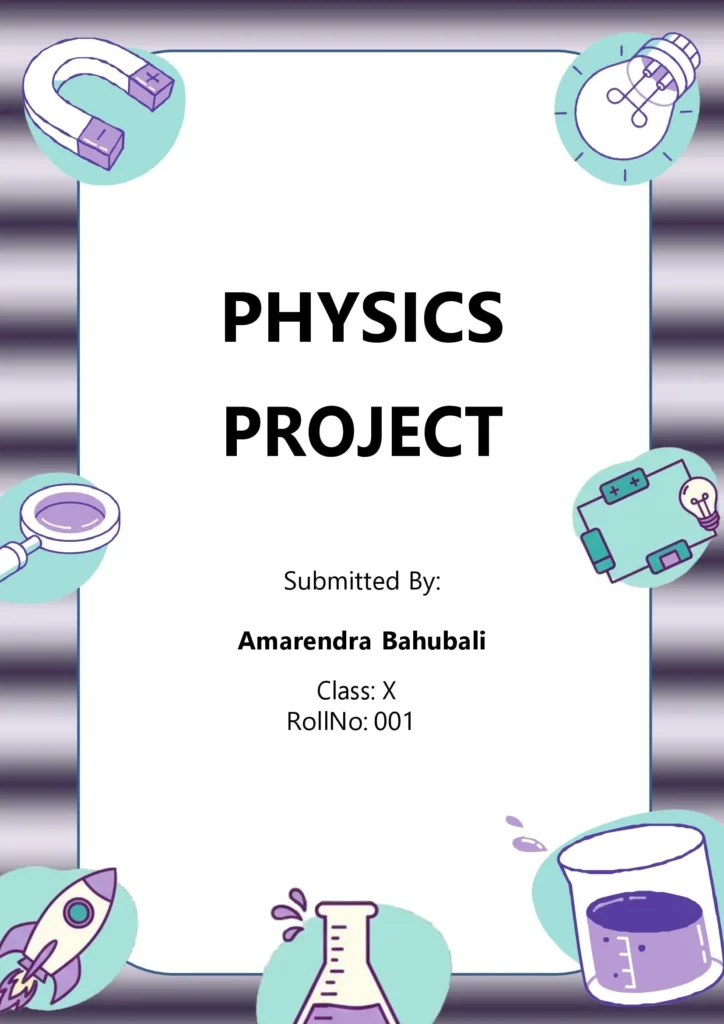
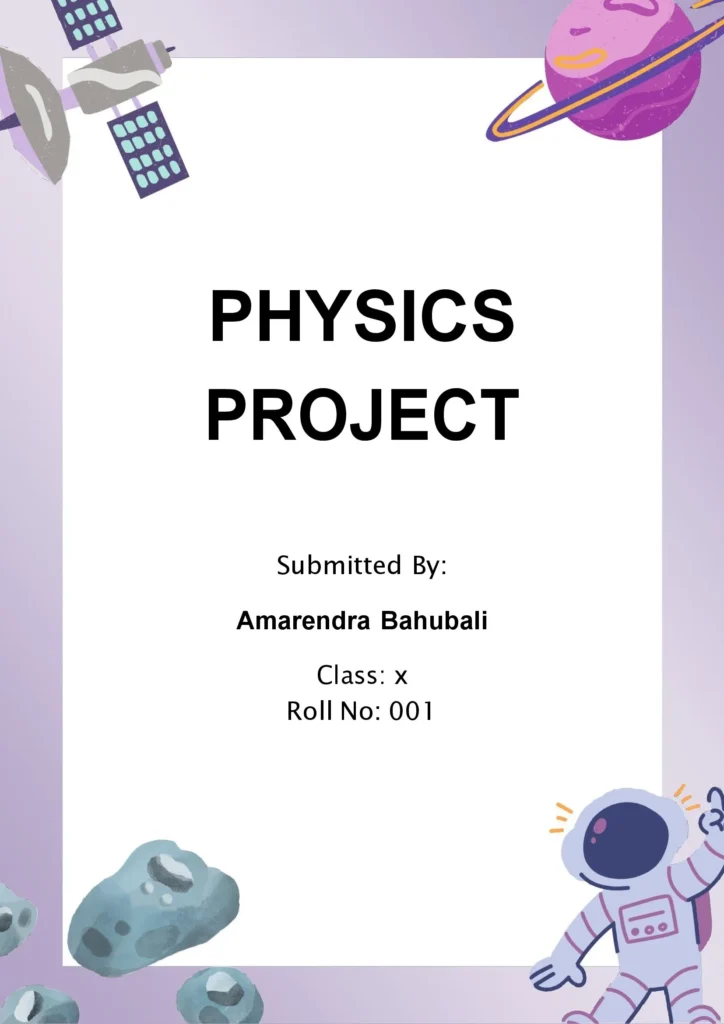
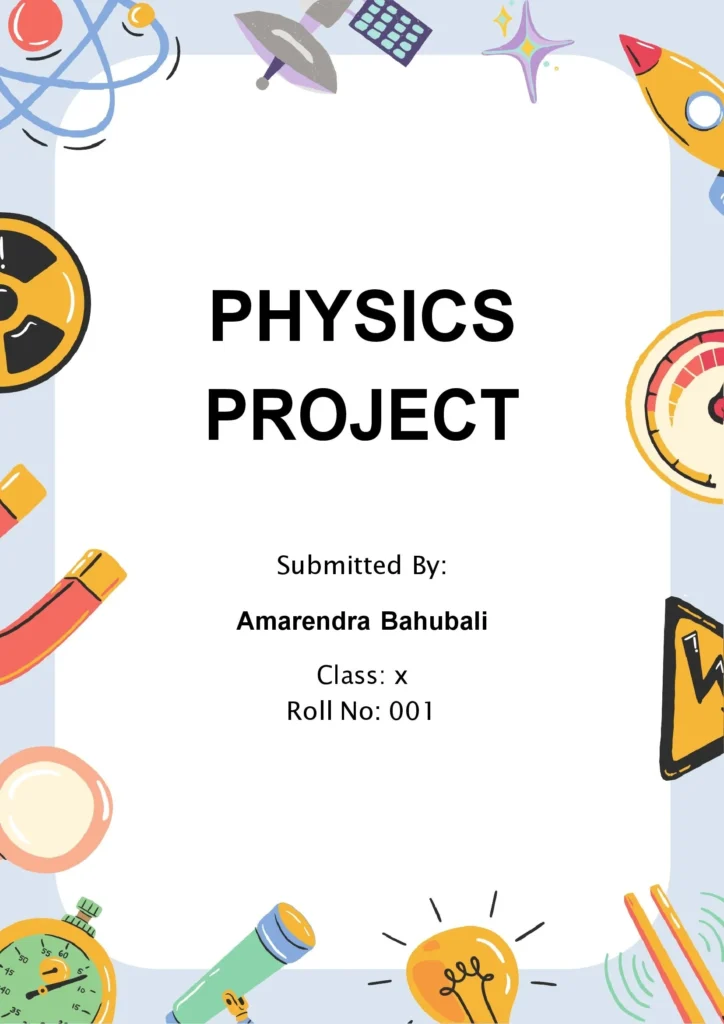
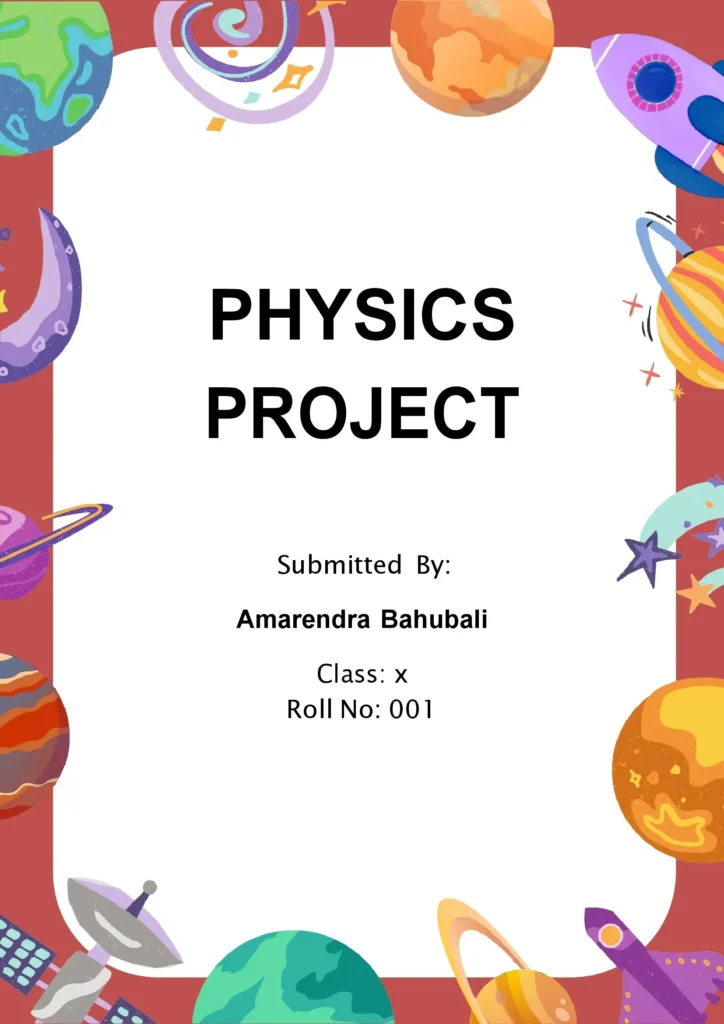
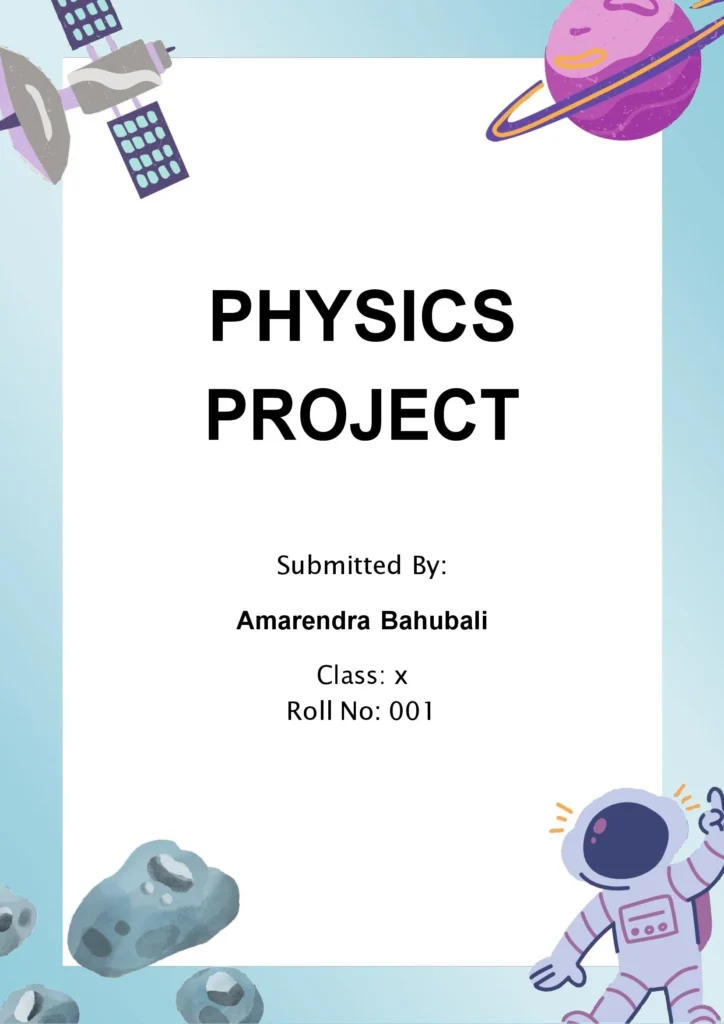
30+ Physics Project Front Page Designs & Ideas:
Explore our collection of physics front sheets featuring custom design frames tailored for mechanics, thermodynamics, electromagnetism, and astronomy reports.
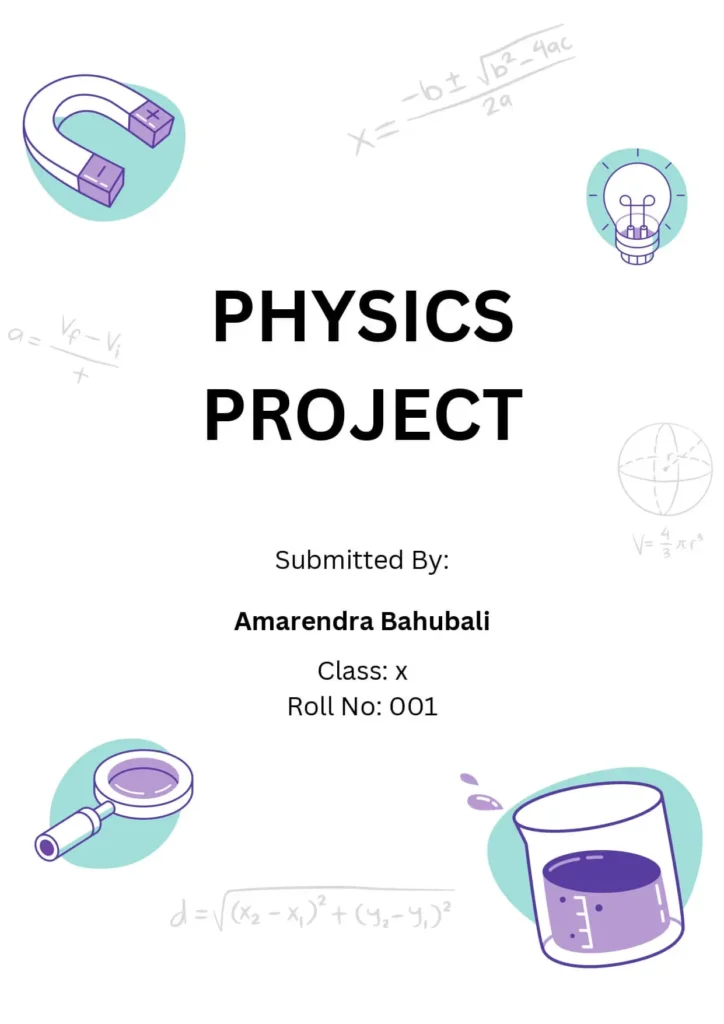
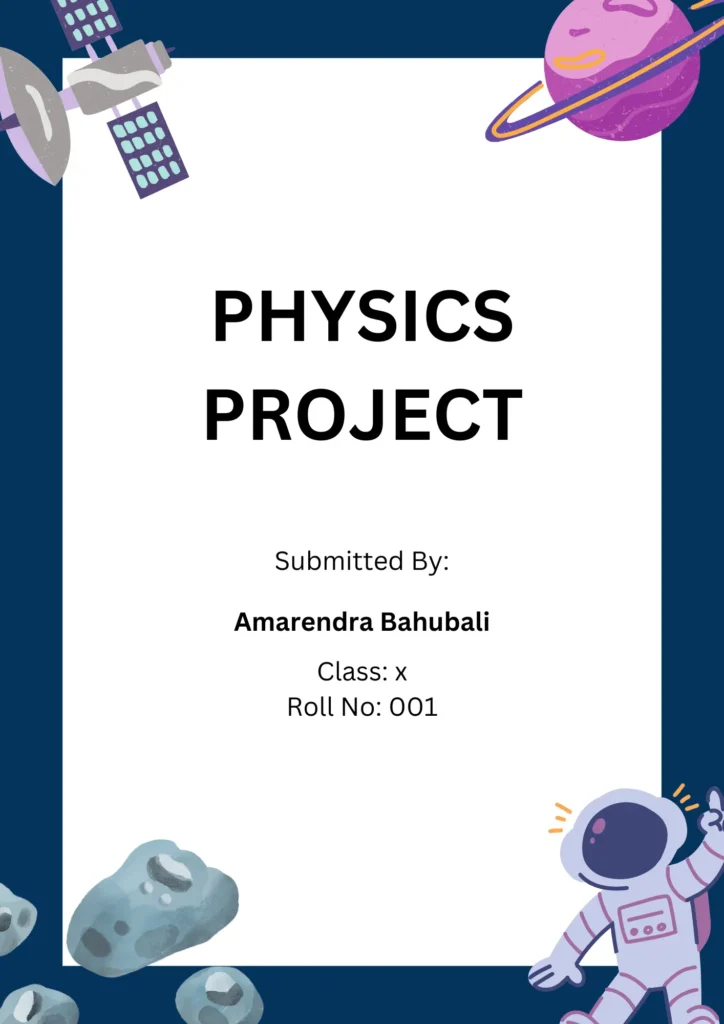
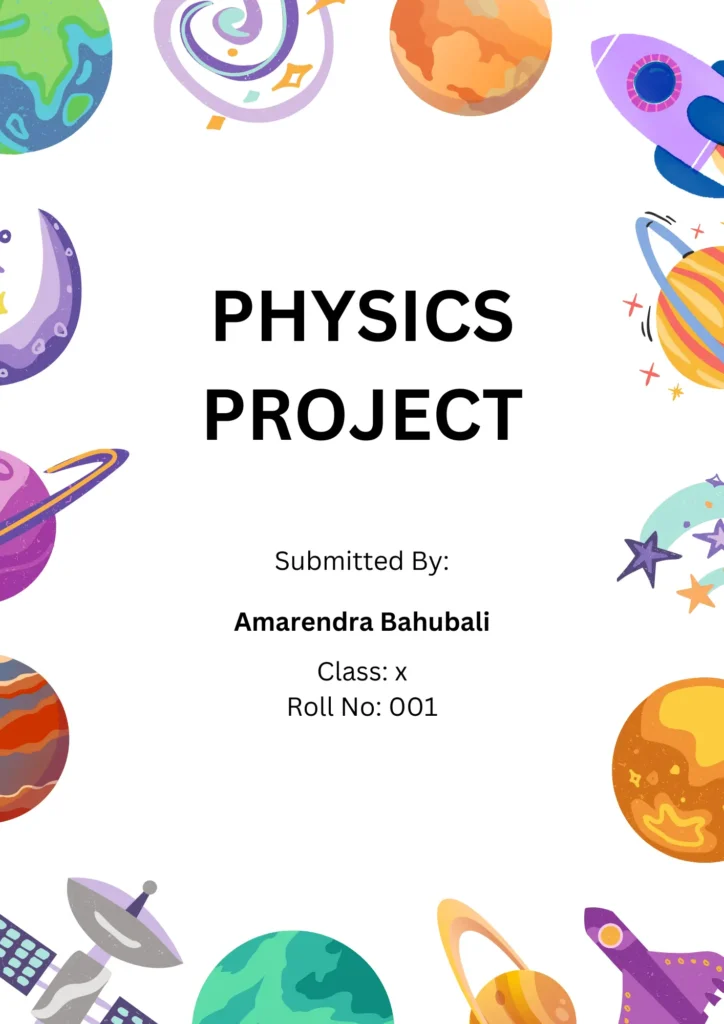
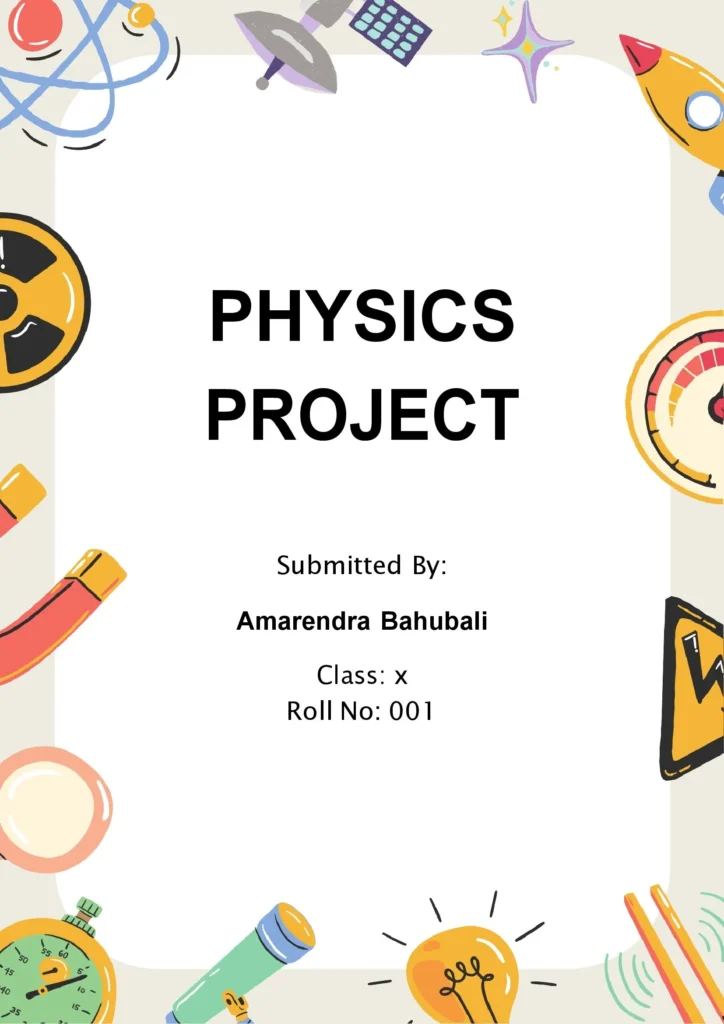
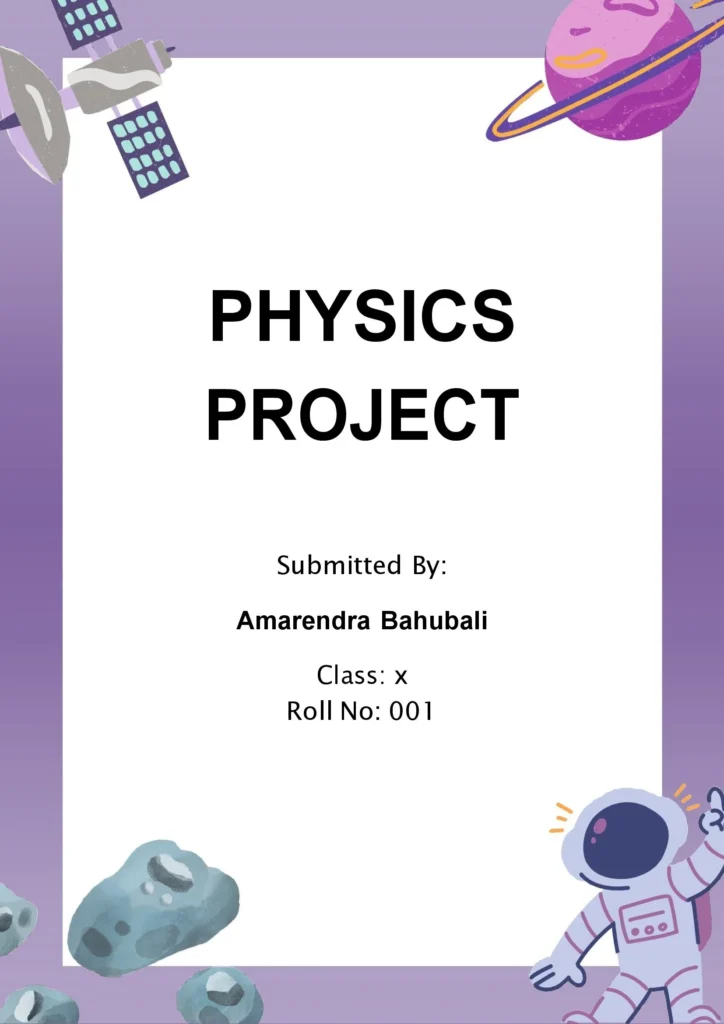
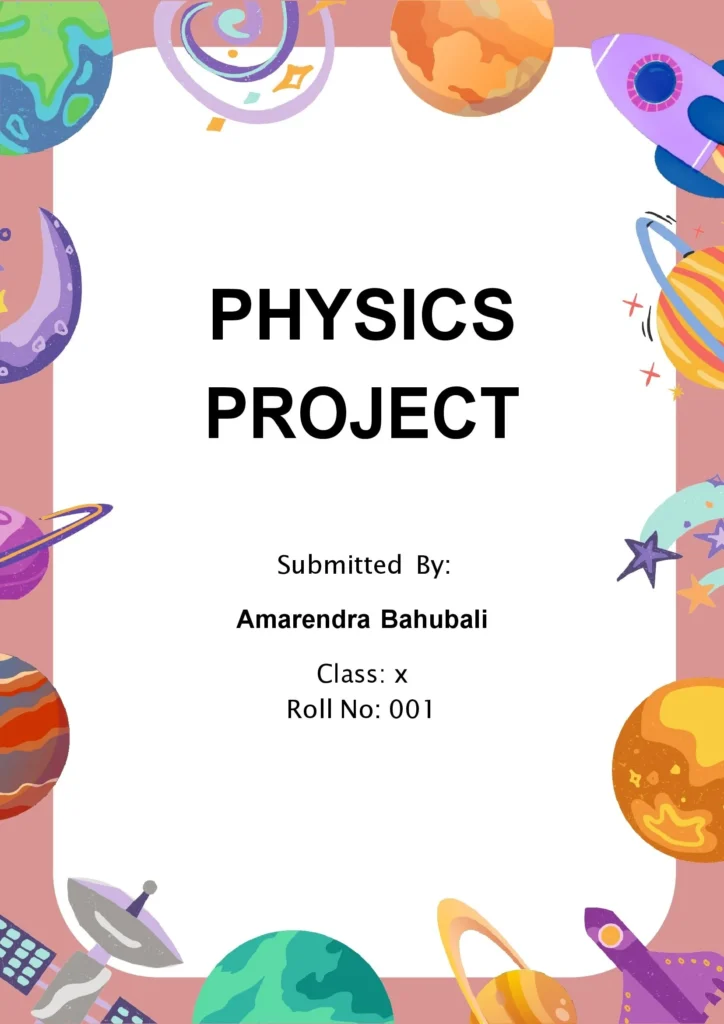
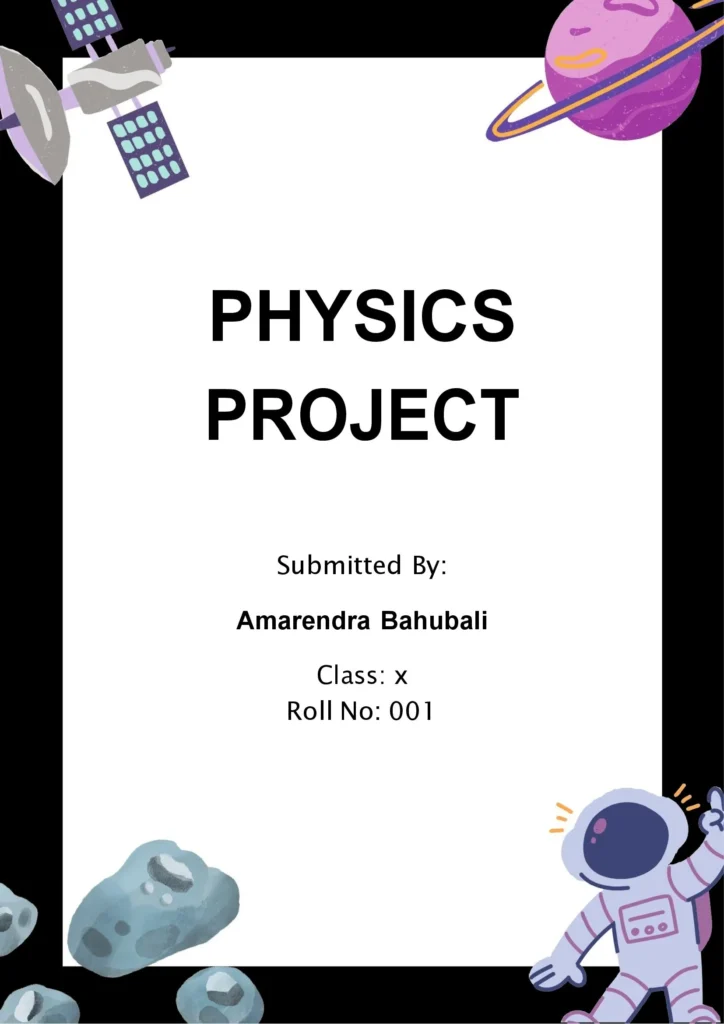
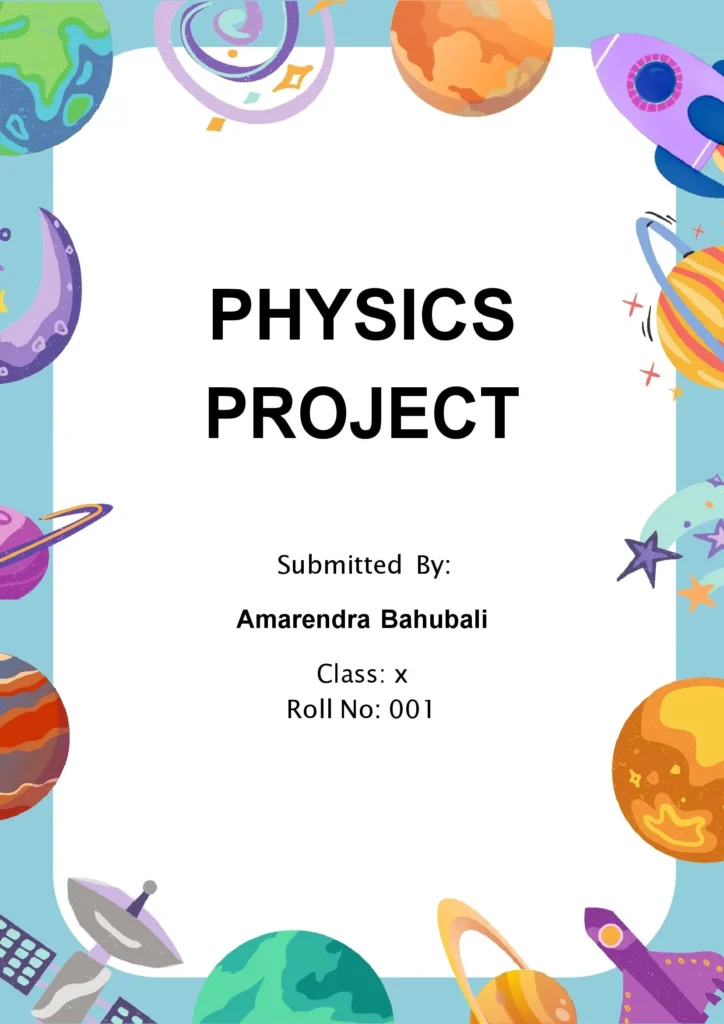
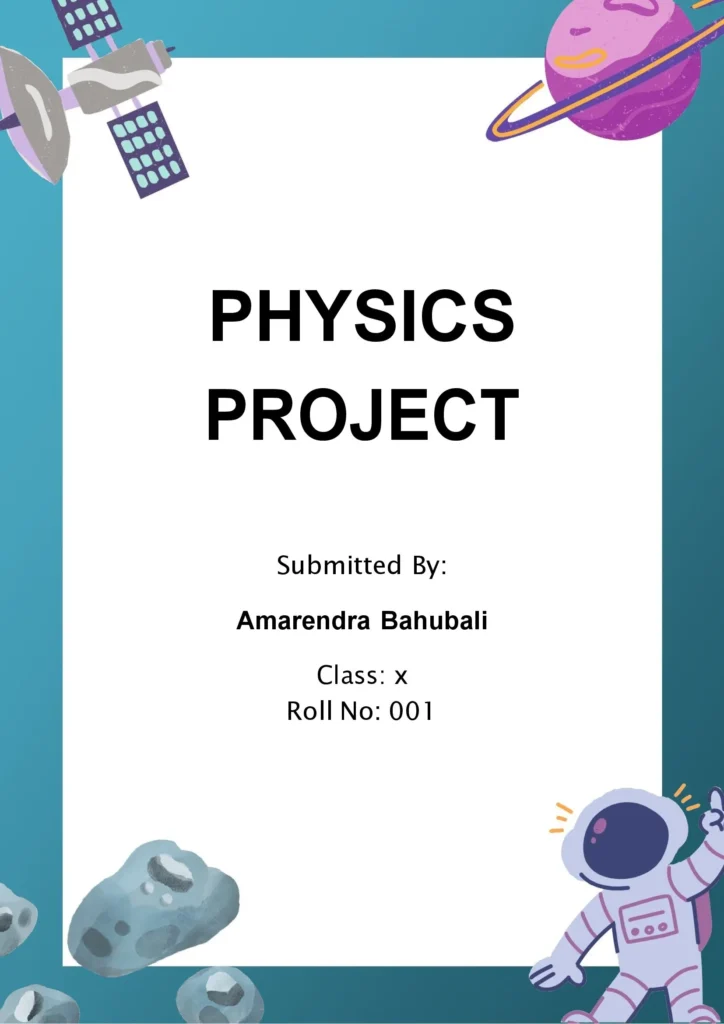
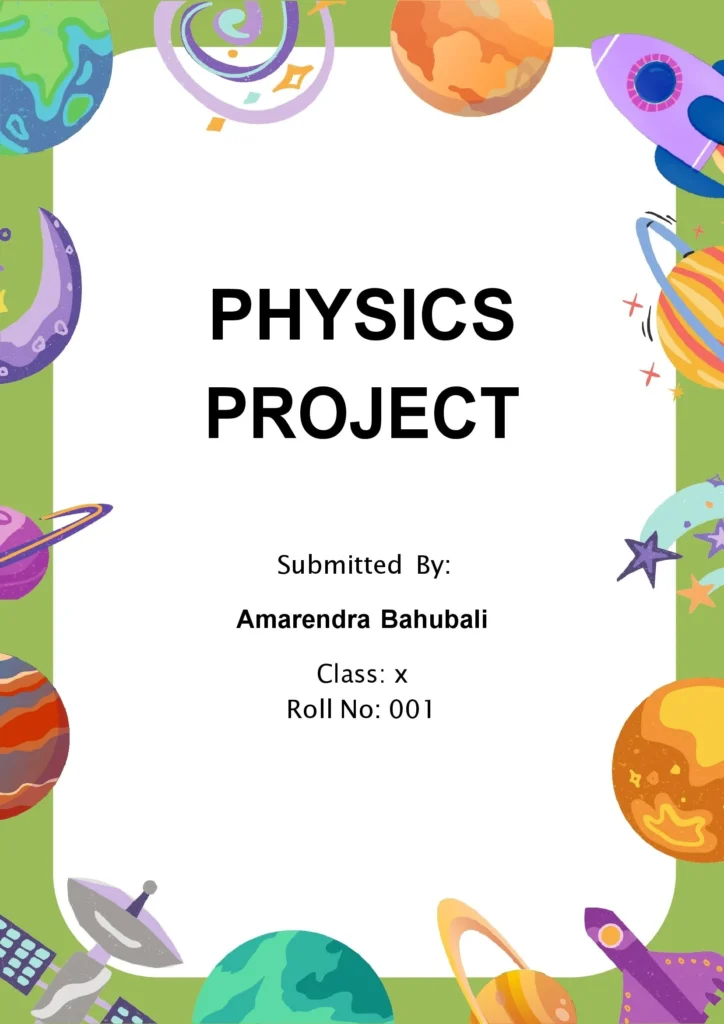
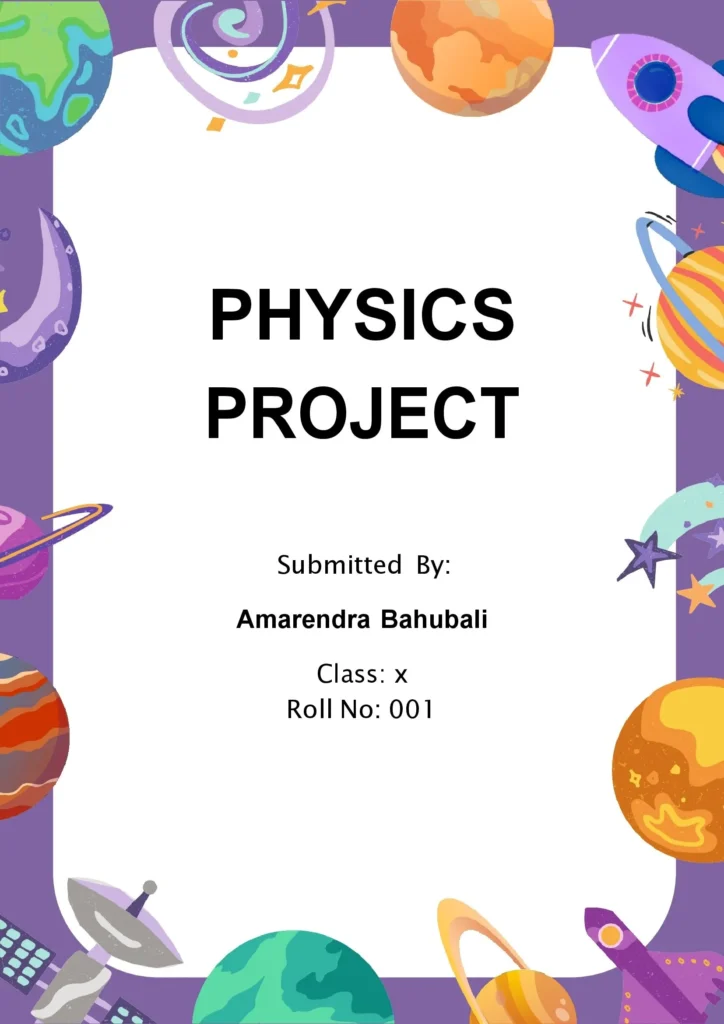
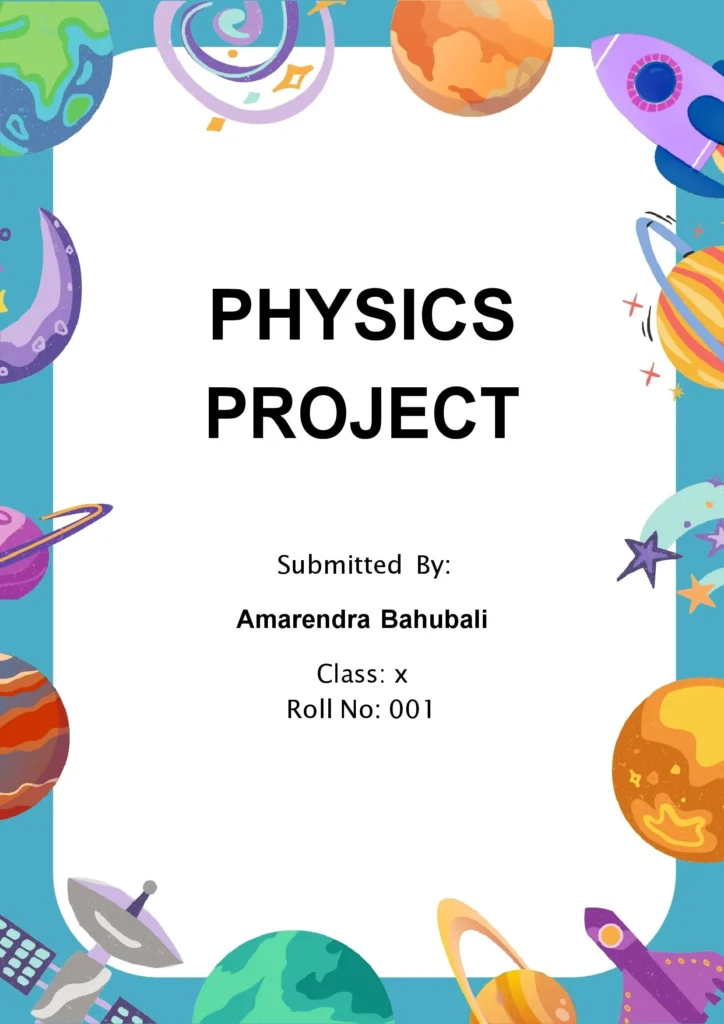
💡Front Page Design Tips For Physics Project and Assignment
To make a high-impact cover page for a Physics project, combine clean contrast with theme-appropriate graphics:
- Background Themes: Use dark blue, deep black, or space-gradient backdrops to mimic the atmosphere of gravitational forces, deep space exploration, or kinetic motion lines.
- Title Typography: Choose bold, modern, sans-serif fonts such as Helvetica, Arial Black, or Montserrat. Align your title prominently in the center of the page using high-contrast tones like white or light gray to create a sharp focal point.
- Subtitles & Abstracts: Place a smaller, clean sans-serif text box directly below the title to mention your sub-topic (e.g., “An investigation into gravitational forces and planetary orbital mechanics”).
- Personal Identification Blocks: Group your name, class registration, roll number, and date of submission together in a clear, smaller font block positioned cleanly in the bottom right or left corner.
- Institutional Identity: Position your school or university logo in the top margin to personalize the project layout.
- Theme Elements: Integrate simple, sharp vector assets like atomic orbital rings, wave pattern graphs, or celestial orbit diagrams to visually anchor the subject.
- Borders: Use a thin, minimalist silver or white page border around your canvas to add clean framing structure and a high-end finish.
This design concept for a Physics project front page is both visually appealing and professional, reflecting the subject matter while keeping the layout clear and organized.
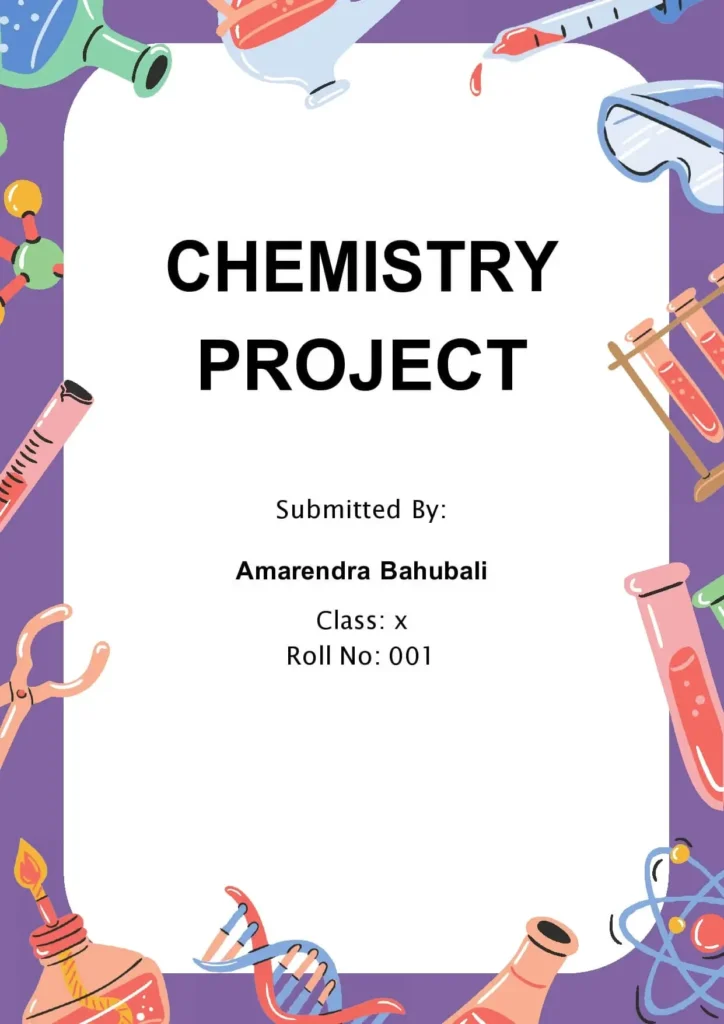
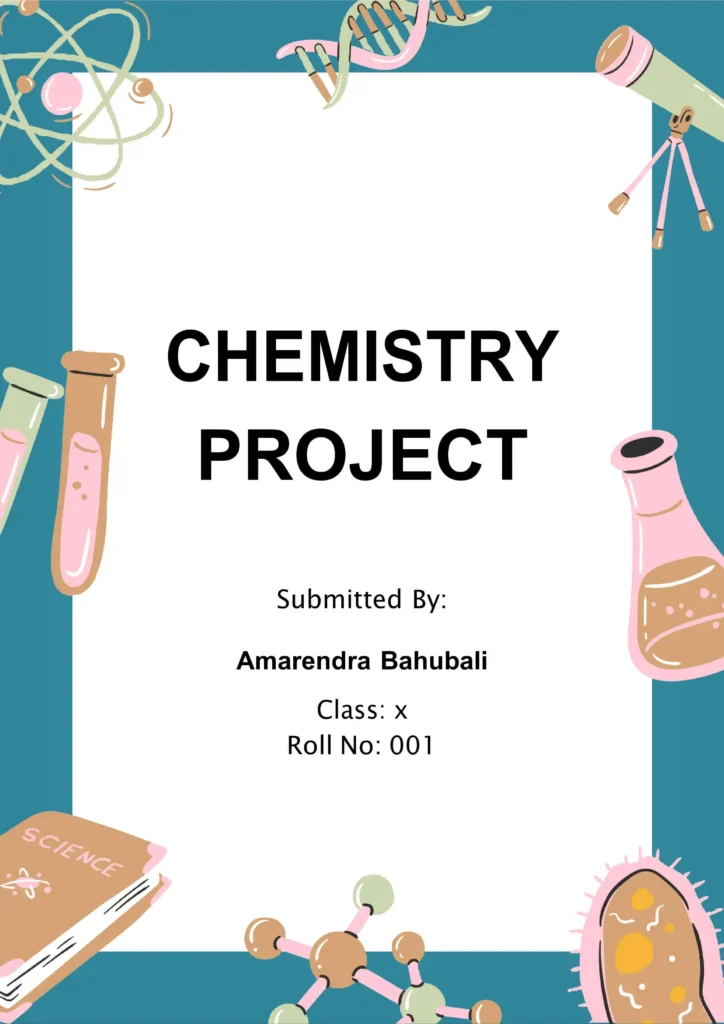
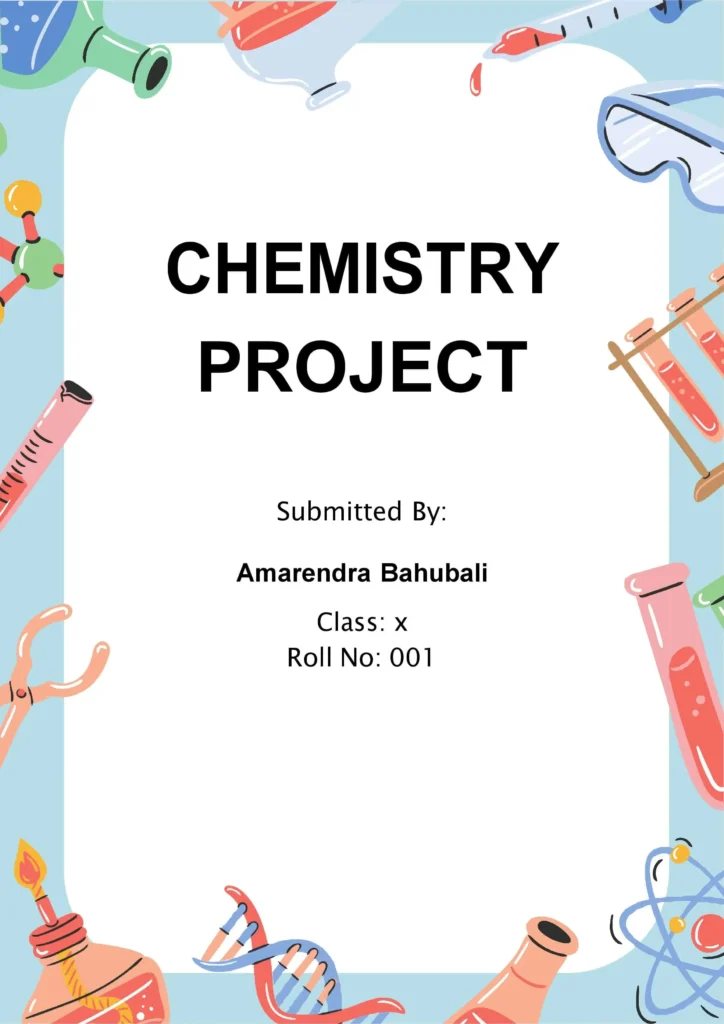
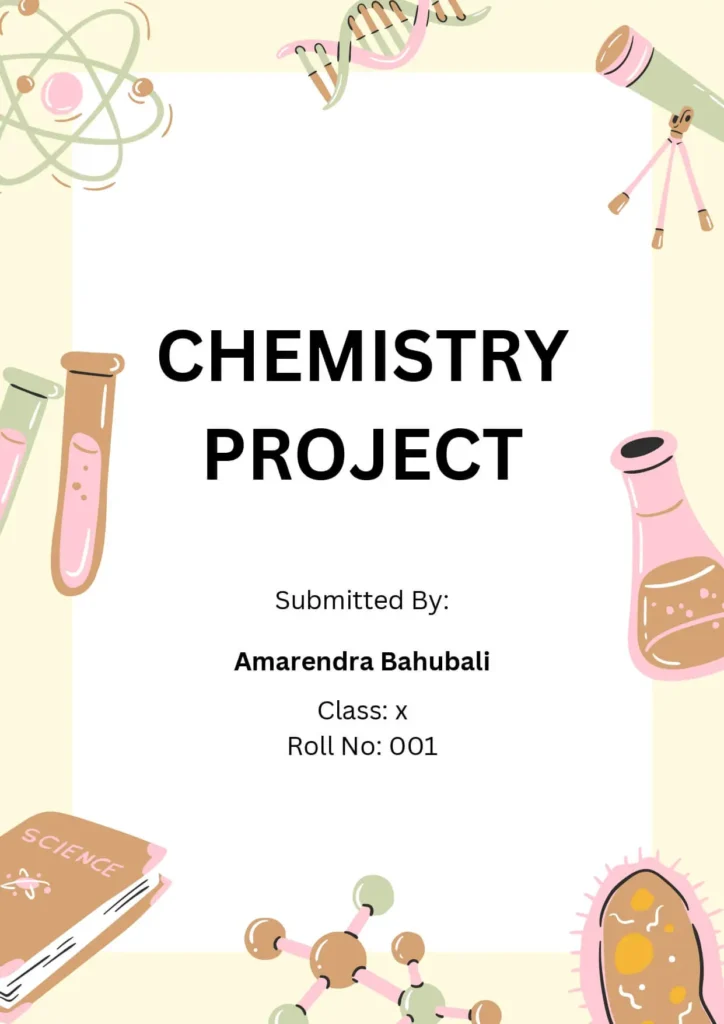
15+ Creative Chemistry Assignment Cover Pages:
Browse our specialized chemistry layouts featuring graphical frameworks for chemical compounds, laboratory records, and element structures.
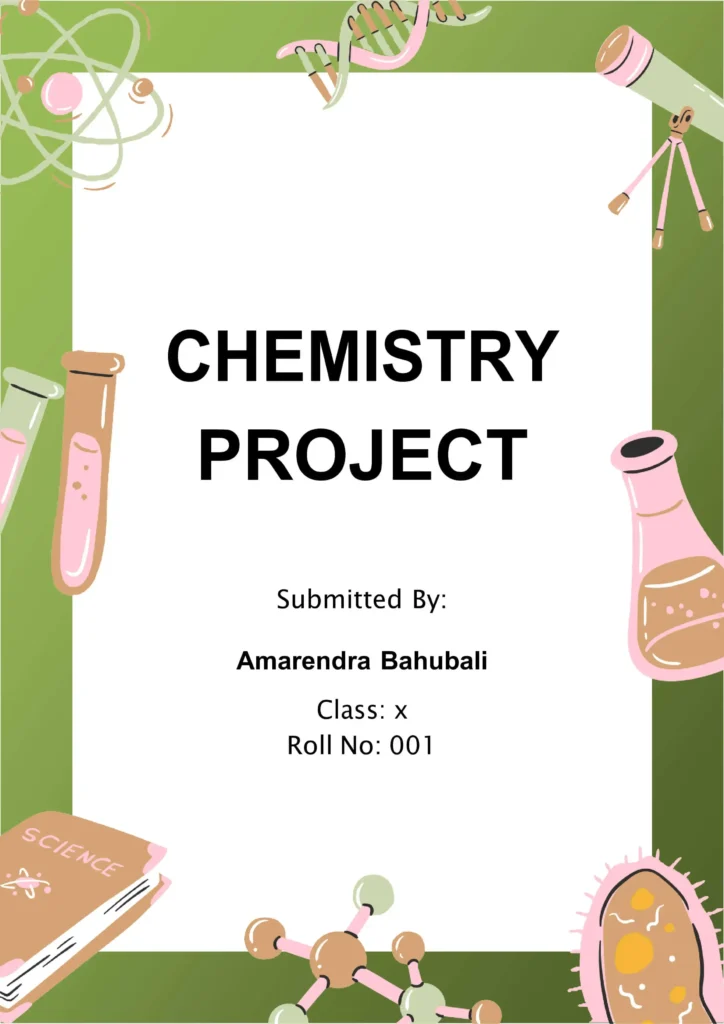
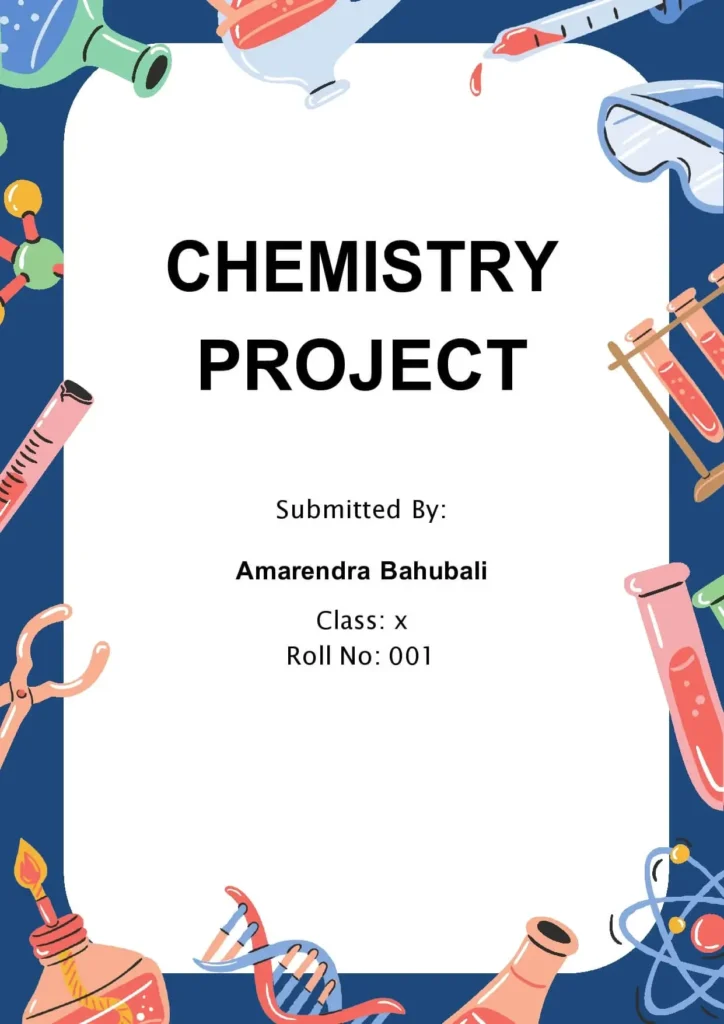
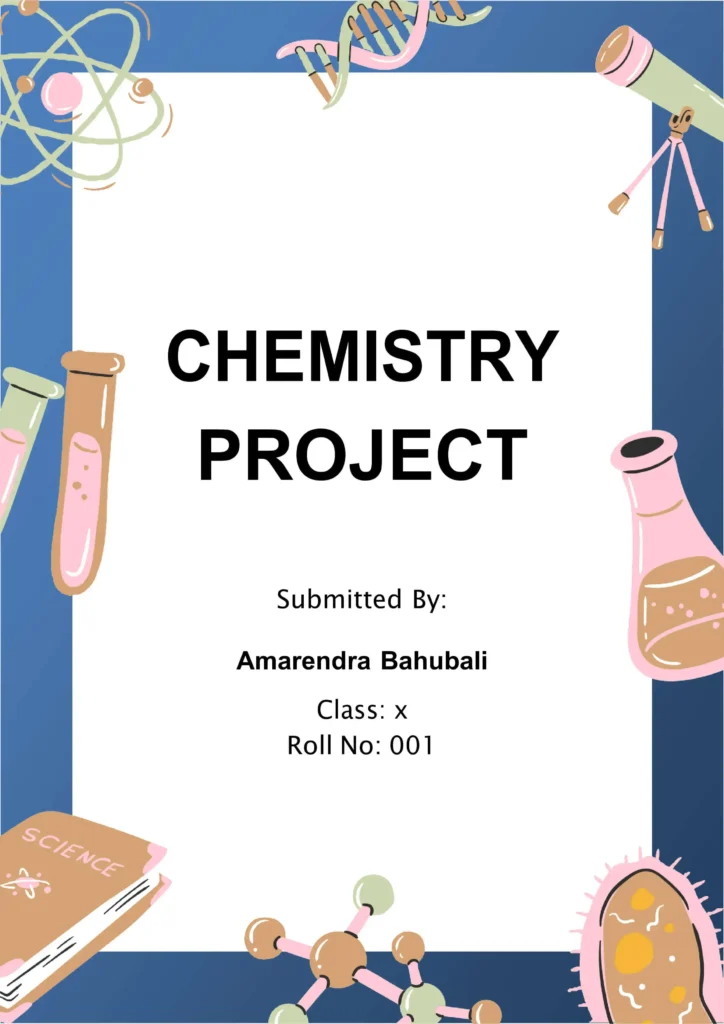
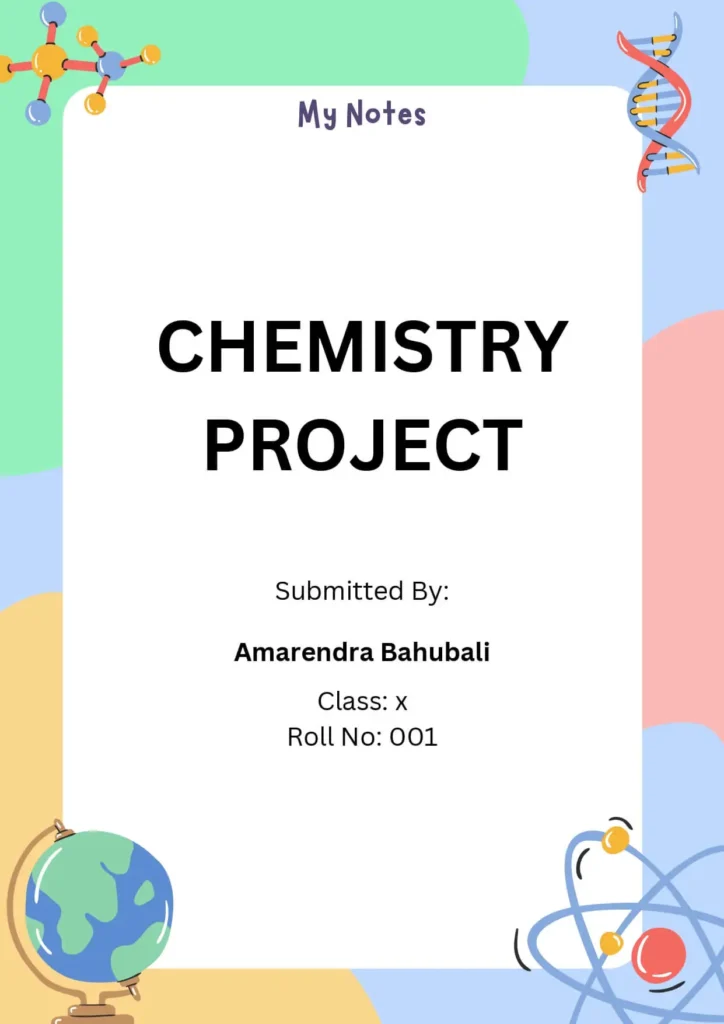
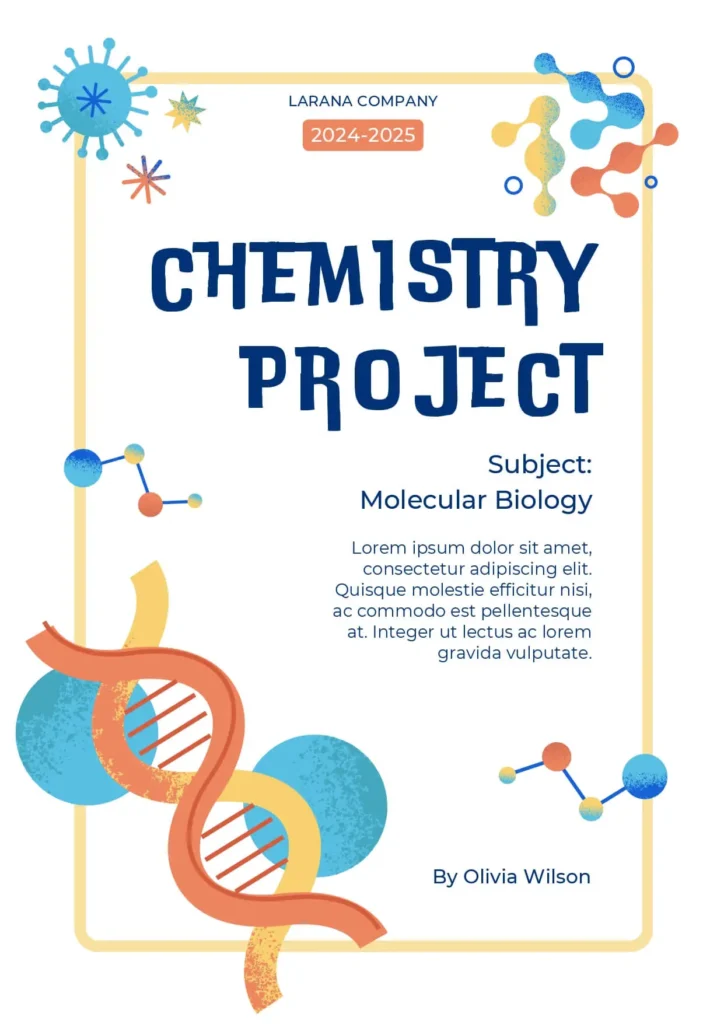
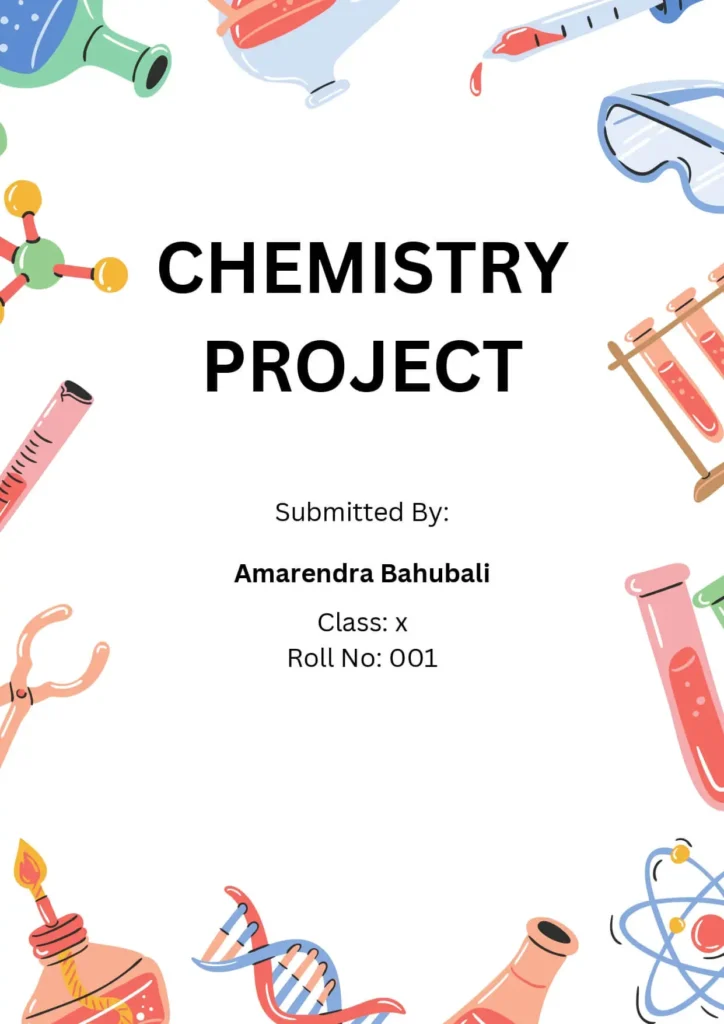
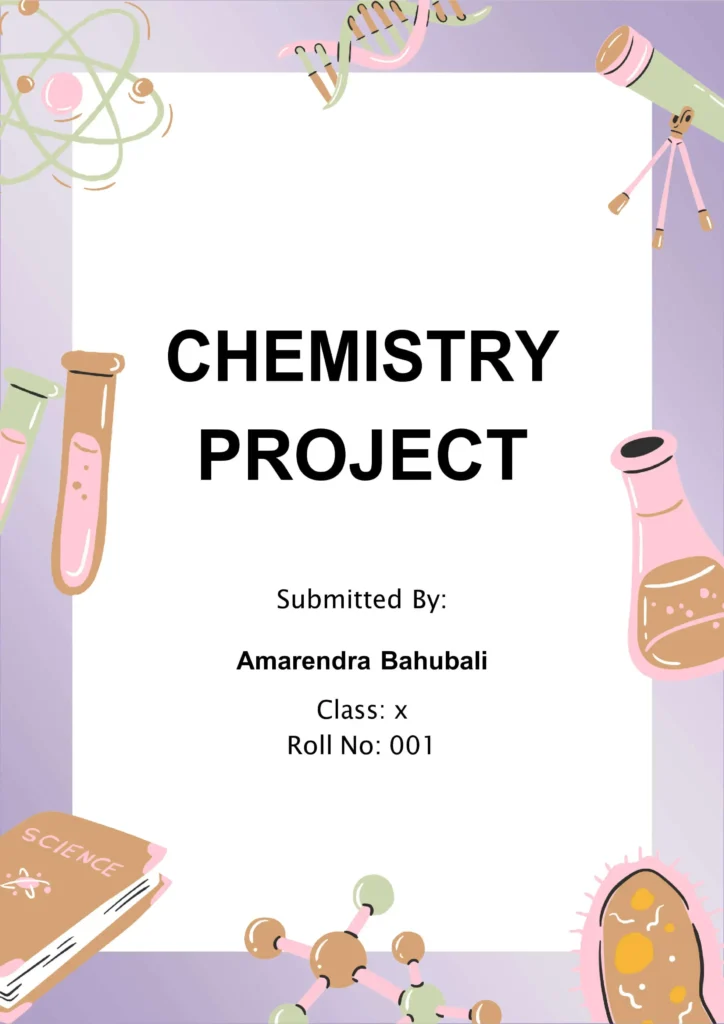
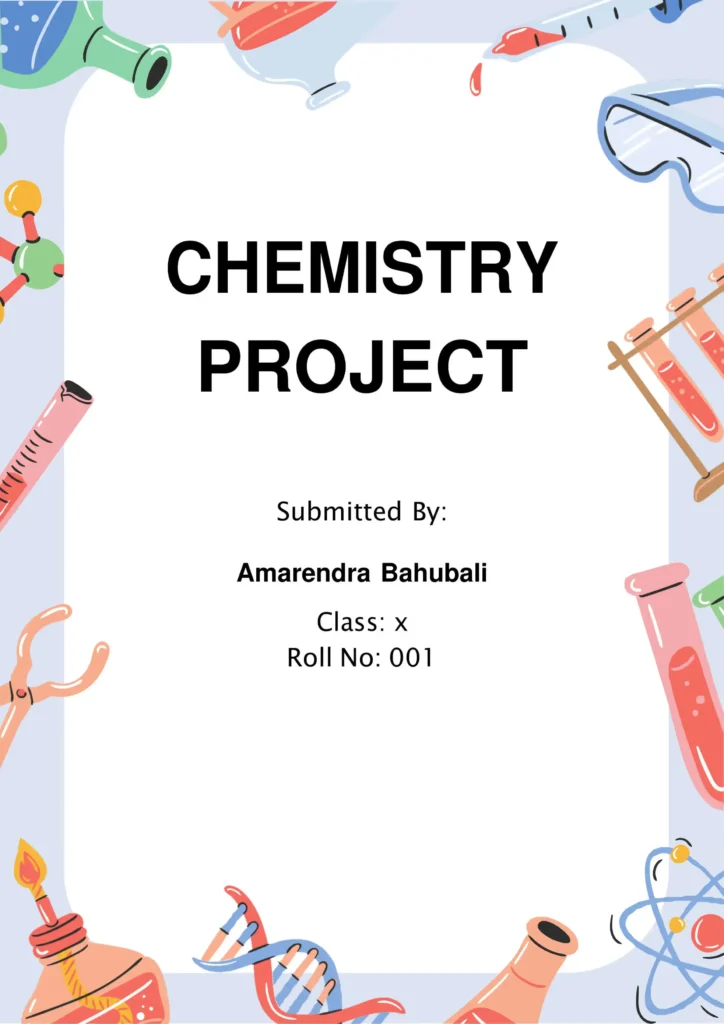
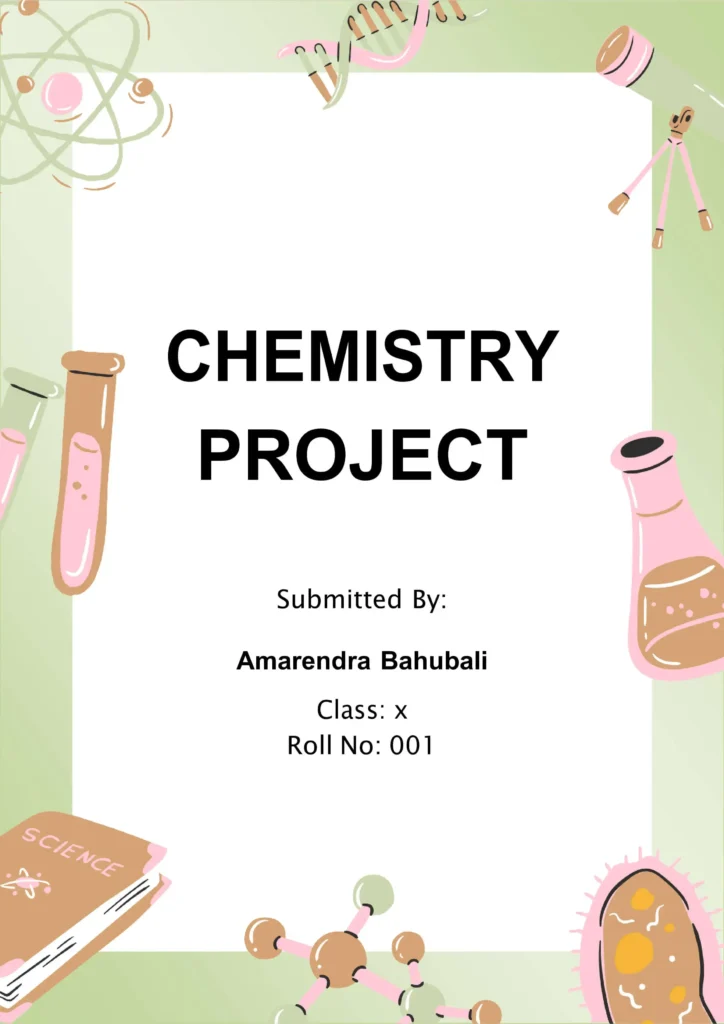
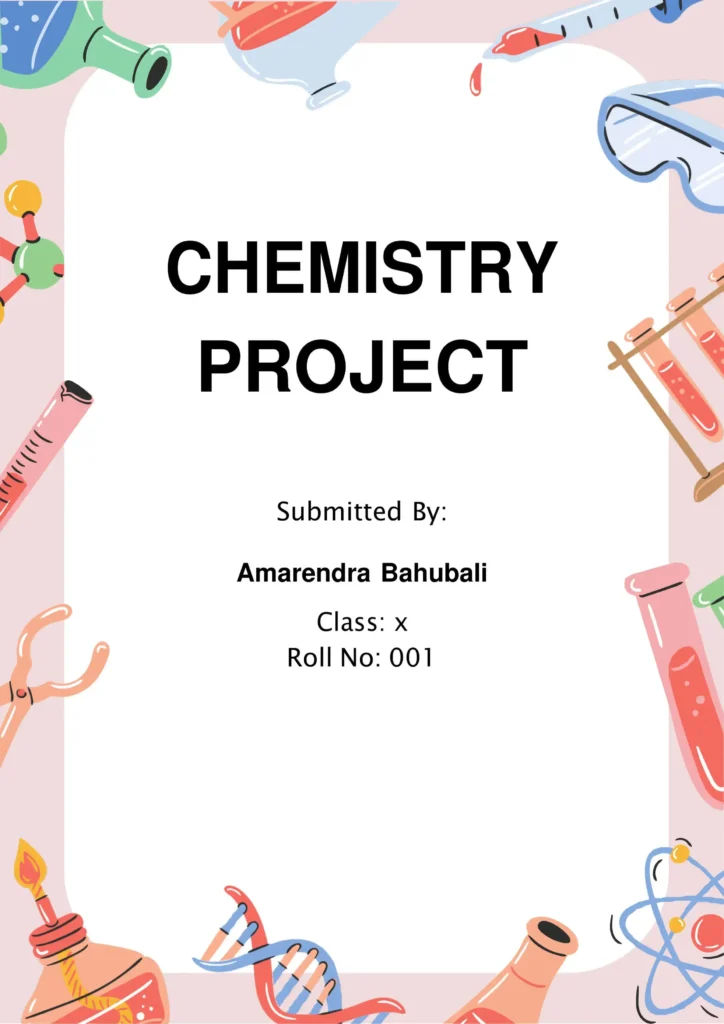
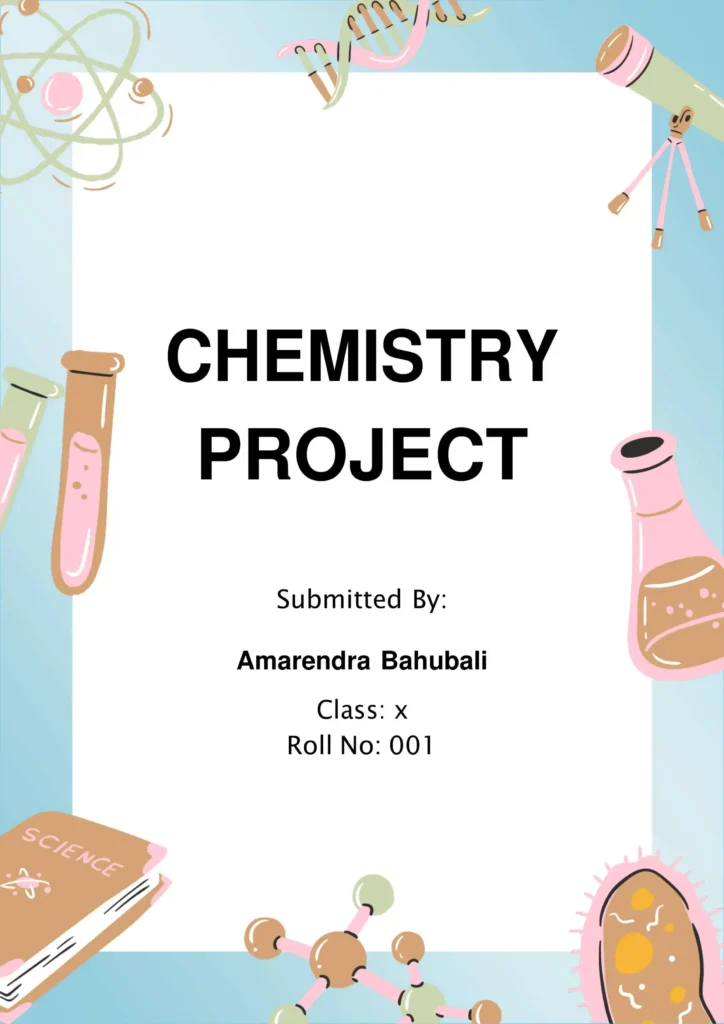
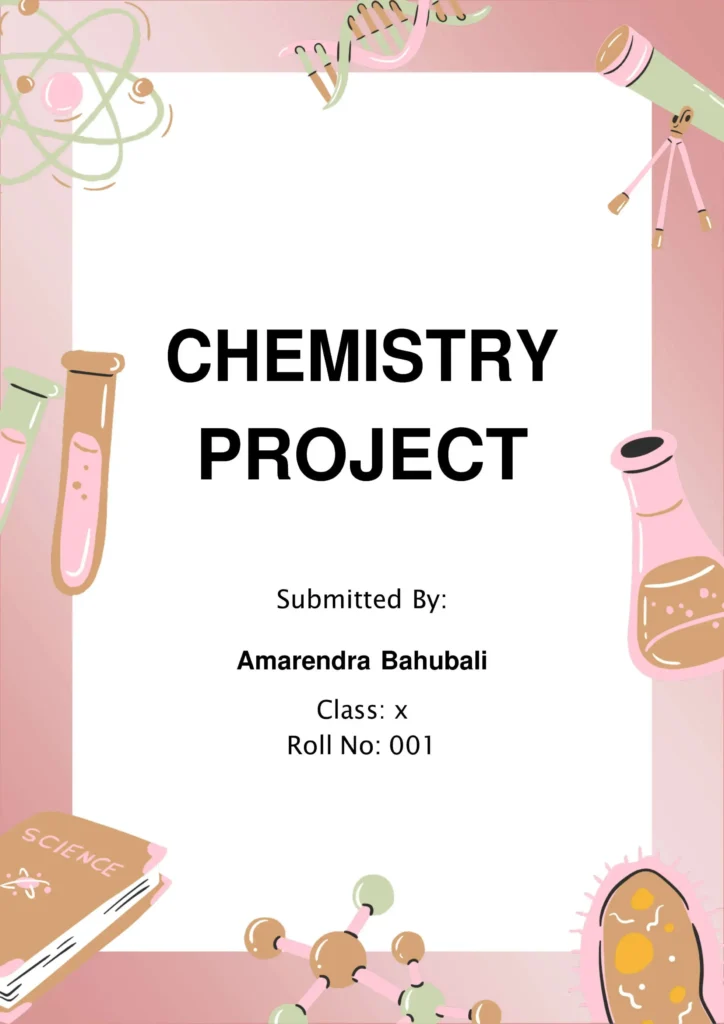
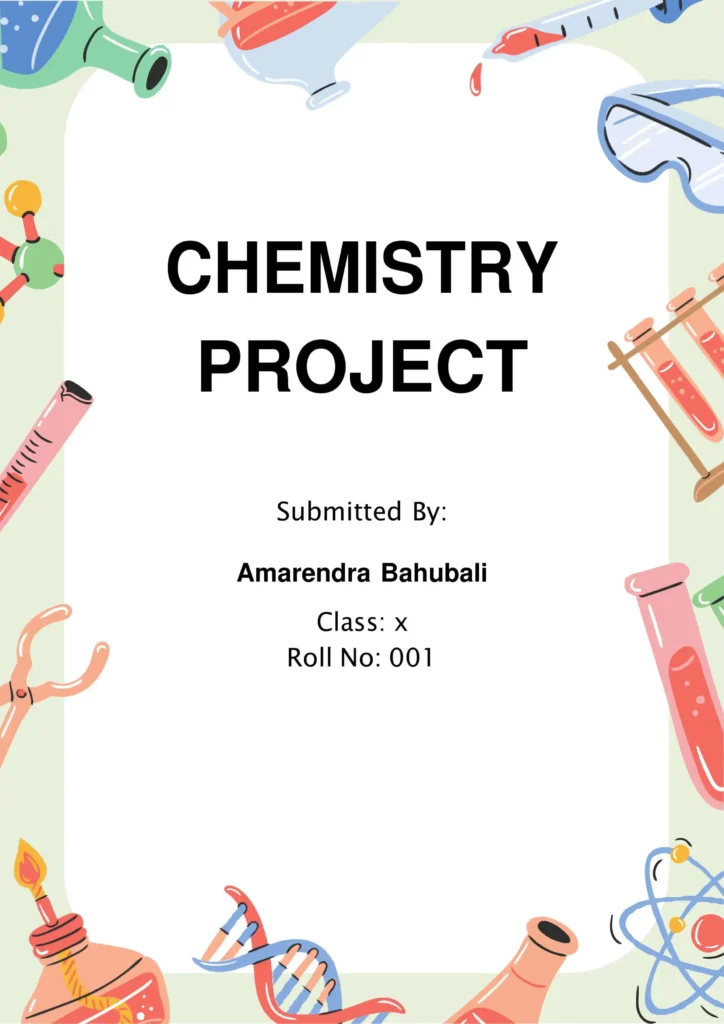
💡Front Page Design Tips For Chemistry Project and Assignment
If you want to construct your own custom design structure for a Chemistry lab report or project, try utilizing these visual patterns:
- Color Palettes: Utilize light blue, mint green, or light gray gradients to echo the look of liquid chemical solutions inside a laboratory environment.
- Project Title: Write out your main project heading using prominent, high-impact sans-serif fonts like Arial, Verdana, or Trebuchet MS. Pop the title out in white, bold black, or vibrant accent tones to pull immediate reader attention.
- Abstract Node: Add a smaller description line underneath to introduce your objective (e.g., “A study on the properties of chemical reactions and catalytic acceleration”).
- Student Metrics: Frame your name, academic year, section, and submission date cleanly near the lower page border using dark gray or black typefaces.
- School Branding: Frame your institution’s emblem or department banner in the top section to ensure academic compliance.
- Visual Enhancements: Add clear illustrations of the periodic table grid, structural organic molecule models, or laboratory glassware (beakers, flasks, and test tubes) to establish immediate context.
- Borders & Grids: A neat white or colored border line grounds the layout, giving your document definition and symmetry.
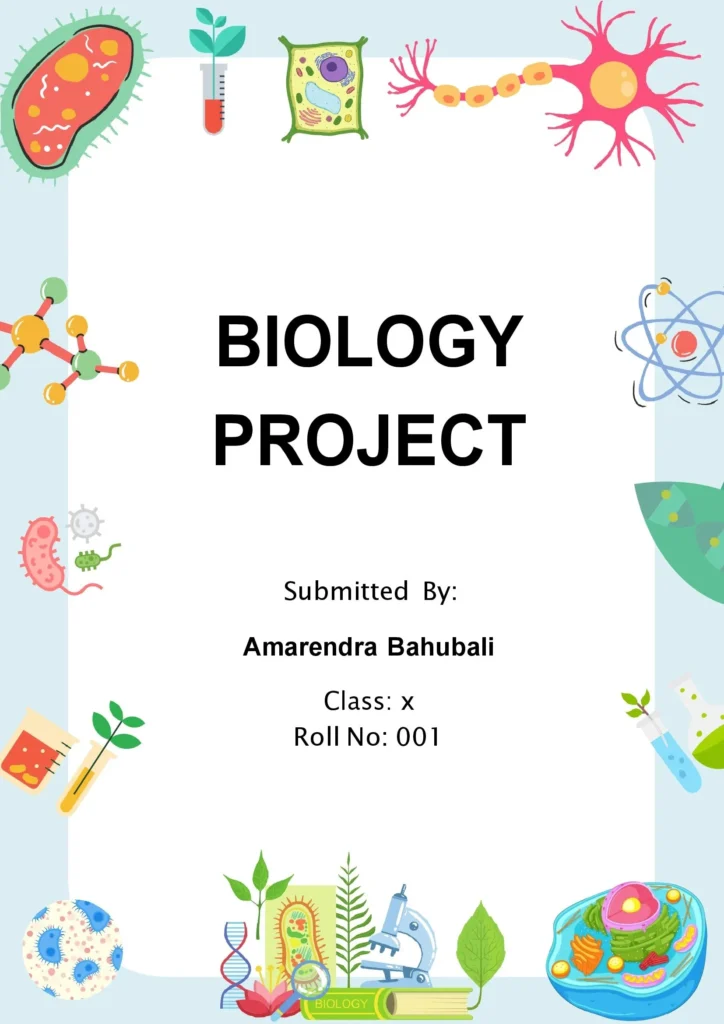
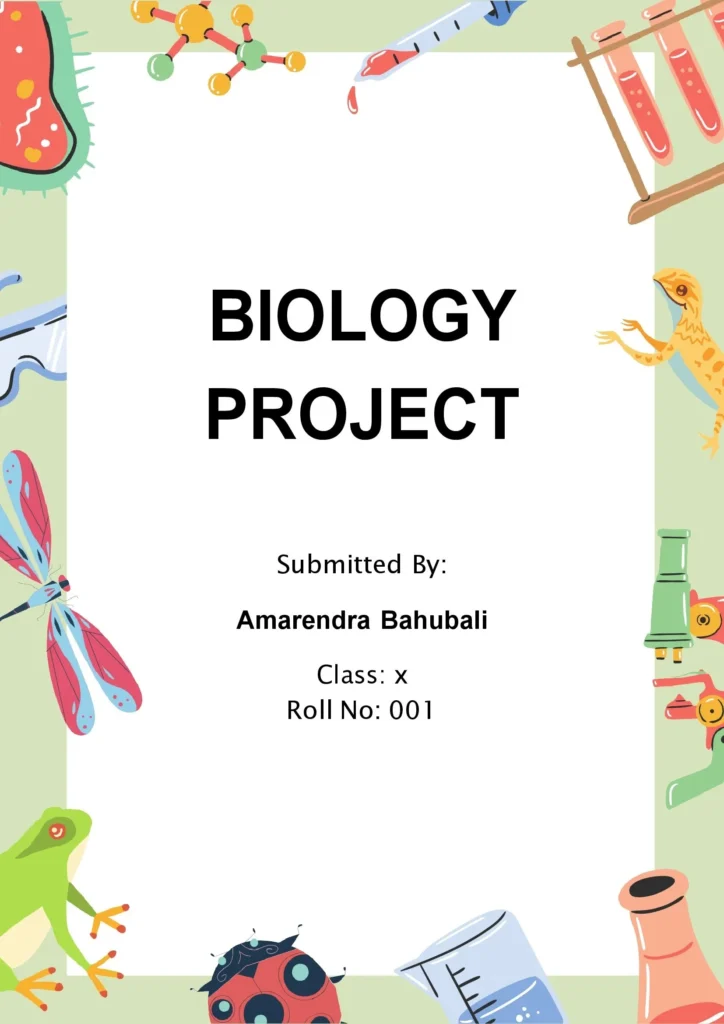
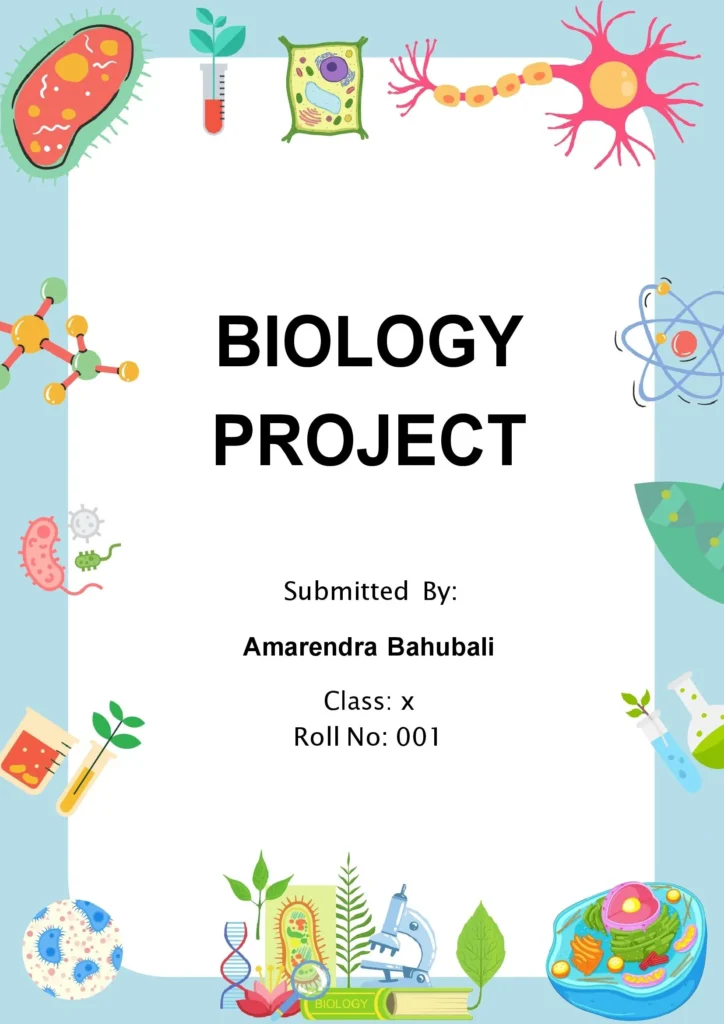
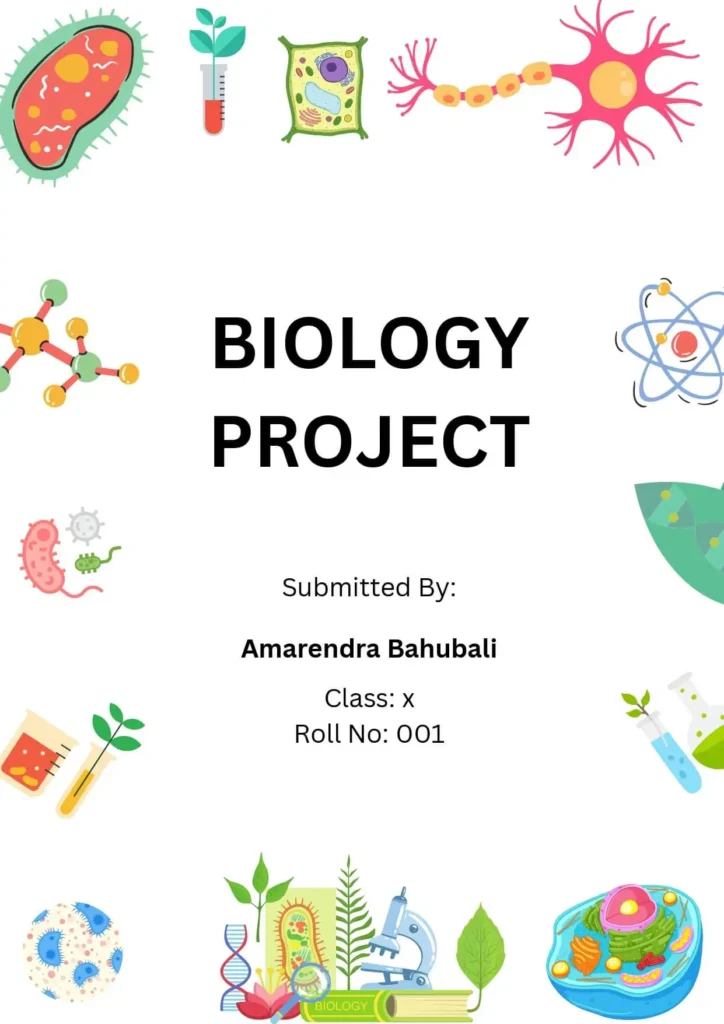
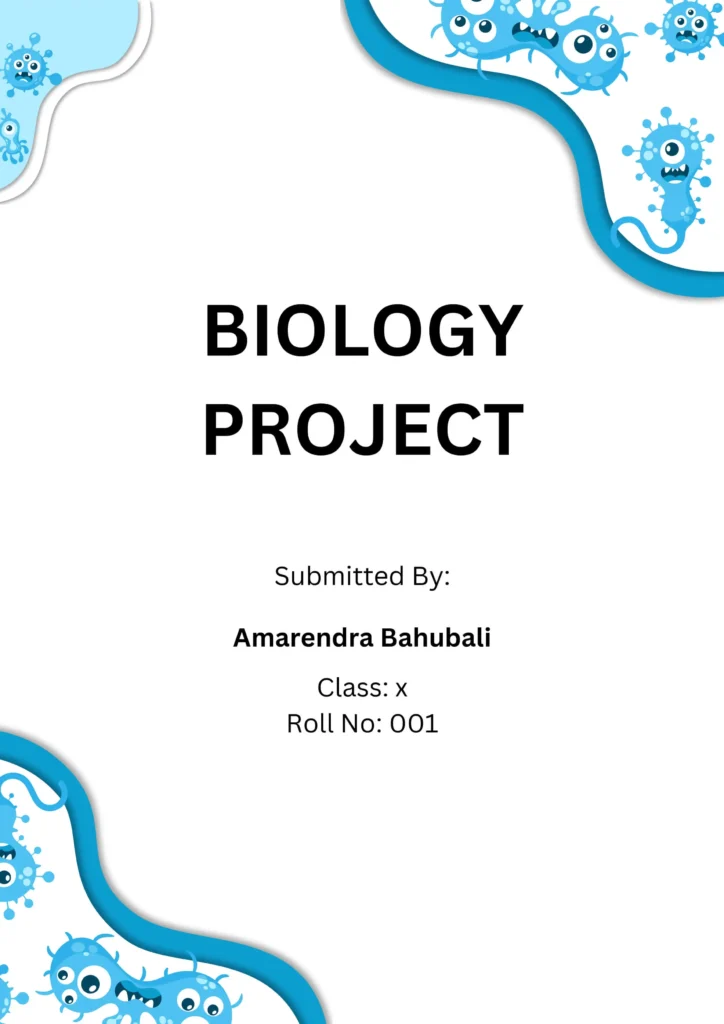
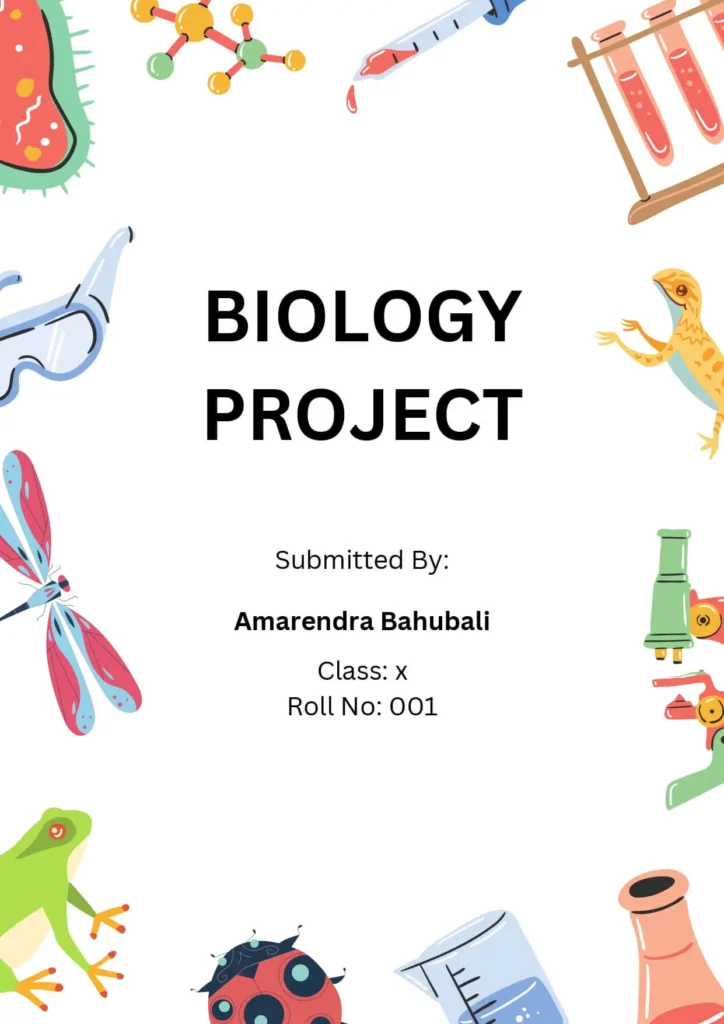
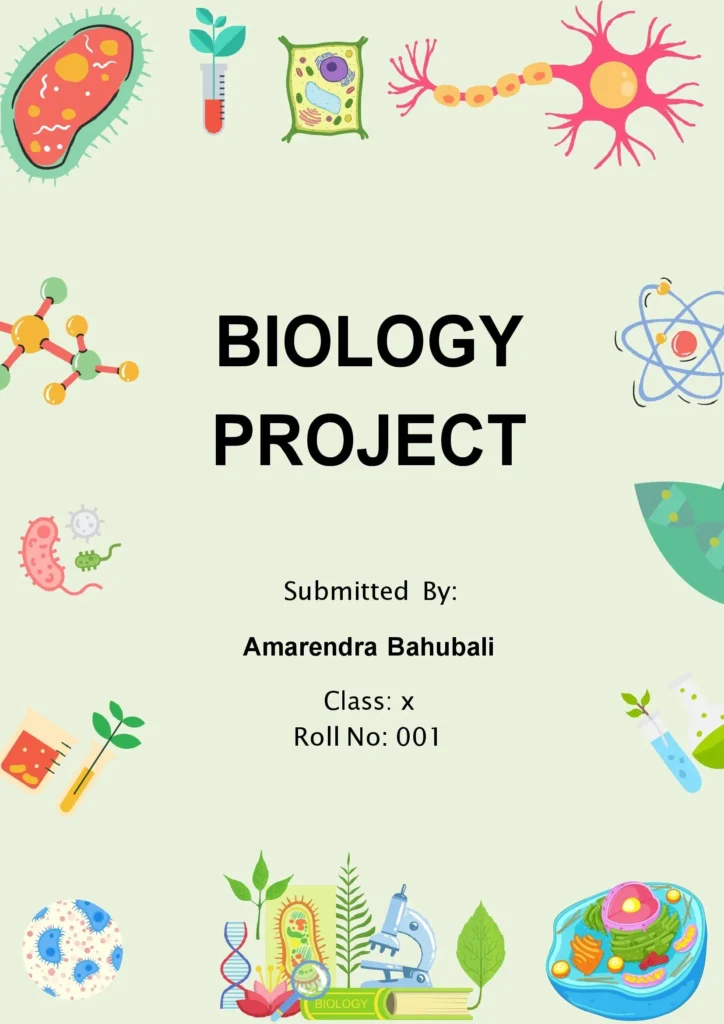
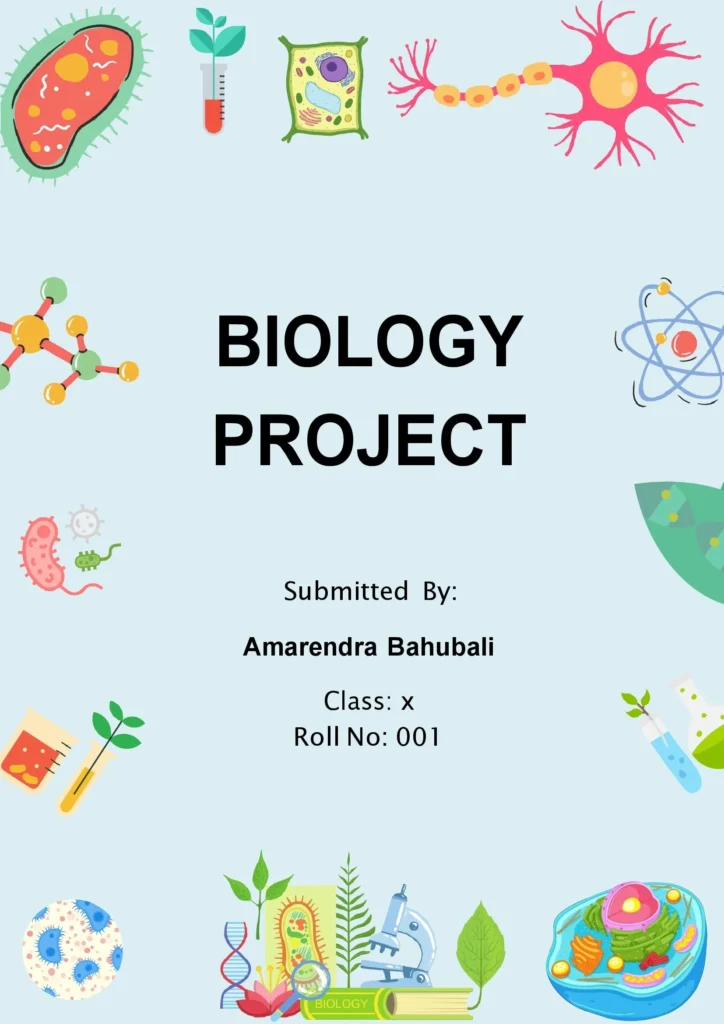
10+ Biology Project Front Page Layouts [Free Download]:
Download creative layouts built for ecology papers, human anatomy reports, plant biology briefs, and zoology files.
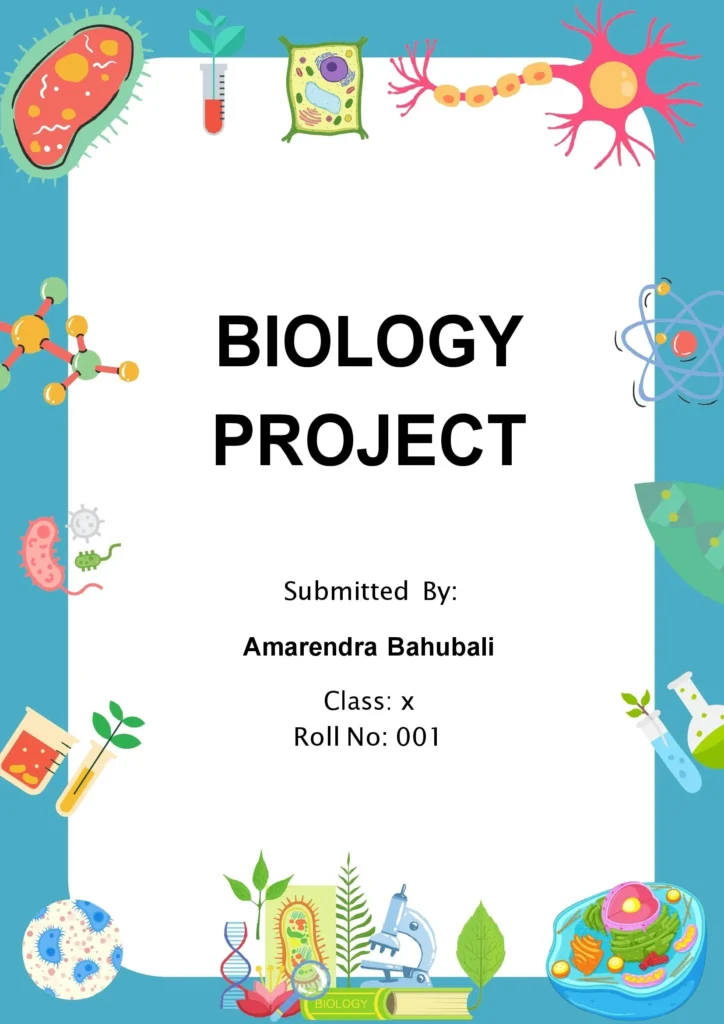
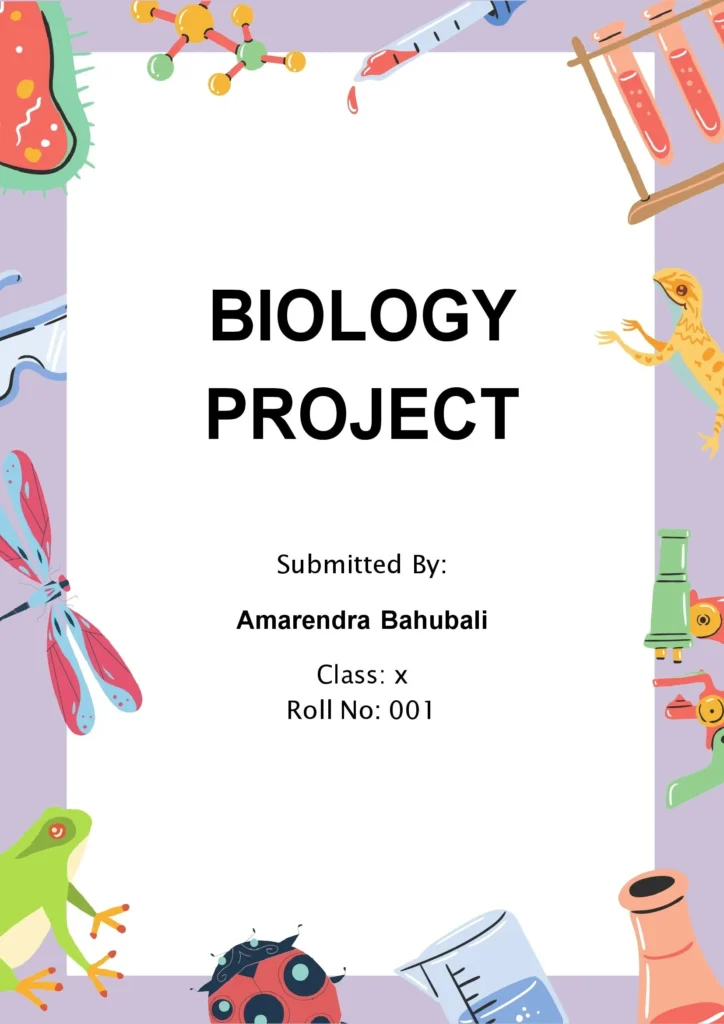


💡Front Page Design Tips For Biology Project and Assignment
When putting together a cover sheet for a life sciences or biology portfolio, use natural tones and concise data groupings:
- The Descriptive Title: Ensure your project title is clear, descriptive, and centered so the examiner understands the biological system being evaluated.
- Author Details: Place the names of the students or group members in a distinct, readable layout segment.
- Completion Date: Ensure the day, month, and academic term year are stamped clearly within your layout’s footer text fields.
- School or Institution: Add your high school board name, college department, or university affiliation fields prominently.
- Graphics & Specimens: Embed accurate biological vector visuals related directly to your study—such as botanical leaf structures, cellular micro-diagrams, DNA double-helix chains, or ecological charts.
- Project Description: A quick 1-2 sentence abstract summary regarding the purpose or case findings can be an excellent way to elevate the layout’s academic quality.
- Aesthetic Color Choice: Match your background colors to your sub-theme. For instance, soft greens and light emerald highlights fit botany and forest ecosystems perfectly, whereas cool blues fit marine and aquatic biology projects.
It’s important to note that the specific requirements for a biology project cover page can vary based on the guidelines provided by the teacher or institution. However, these elements can serve as a starting point for creating a visually appealing and effective design for a biology project cover page.
There are several tools you can use to create front page designs for your Science Project, including:
The Best Tools to Design Your Own Science Project Covers:
- Microsoft Word: Microsoft Word is a popular word processing program that includes templates and design tools for creating professional-looking front pages. You can choose from a variety of pre-designed templates or create your own custom design.
- Canva: Canva is a popular online graphic design tool that offers a range of templates, graphics, and design tools for creating front page designs. It’s user-friendly and requires no prior design experience.
- Adobe InDesign: Adobe InDesign is a professional-level graphic design software that allows you to create complex designs, including front page designs for assignments. It offers a range of design tools and templates to help you create visually stunning designs.
- Google Docs: Google Docs is a web-based word processing program that offers templates and design tools for creating front page designs. You can also collaborate with others on your design in real-time.
- PowerPoint: PowerPoint is a popular presentation software that can also be used to create front page designs. It offers a range of design tools and templates, making it easy to create professional-looking designs.
Conclusion
In conclusion, a well-crafted front page design for a science project sets a strong first impression and highlights the subject in an engaging way. By choosing or creating a front page that visually reflects the theme of your science project—whether it’s in physics, chemistry, or biology—you enhance its professionalism and appeal. With ready-made templates, you can quickly achieve a polished look that draws attention and clearly conveys your topic. A thoughtfully designed front page not only saves time but also adds a layer of creativity, making your project memorable and impactful.
Check These Also:
Border Front Page Design For Project and Assignment
Front Page Designs For Assignments and Project
Frequently Asked Questions (FAQ)
What is the downloaded file format?
Every file provided is in standard .doc / .docx format, meaning it is fully editable within Microsoft Word or any compatible software.
How to edit the template?
Simply download the document, click on any text block (such as Your Name or Project Title), and type your own details over it.
What is the default print size of these templates?
All files are pre-formatted to match the global standard A4 paper size with standard printing margins.
Can we use these templates for Class XI & Class XII board projects?
Yes, absolutely. These designs match the professional and academic styling guidelines required for CBSE, ICSE, and state board practical file submissions. They are also perfectly scaled for middle school assignments (Class 7 and Class 8).
Complete Science Lab & Project Resources
Pair your science cover layouts with perfectly matched data-logging charts, laboratory grids, and specialized printables.
Printable Science Grids
Download ready-to-print 5mm grids, coordinate logs, and hexagonal frameworks ideal for physics labs or organic chemistry structures.
Custom Laboratory Grid Engine
Generate precision measurement paper with tailored borders, dynamic margin buffers, and precise metric line weights for exact scaling.
All Document Printables
Access our primary download directory containing clean layouts, educational frameworks, charts, and universal project sheets.