Free Graph Paper Generator for Print and Digital
Finding the right grid paper is essential for math, drafting, and design. Specialized physical notepads are expensive and limited to factory settings.
This custom graph paper maker operates directly in your browser, allowing you to generate and export grid templates for free. You control the spacing, ink color, line weight, and page margins. Export your custom grid as a high-resolution PDF for high-quality printing, or a low-resolution PDF for digital sharing.
How to Generate Custom Graph Paper
- Select your Unit System: Toggle between Metric (mm) and Imperial (Inches) to set your baseline measurement.
- Choose a Grid Type: Select from Standard Square, Dot Grid, Isometric, Engineering, or Hexagonal patterns from the dropdown.
- Adjust Spacing and Colors: Use the sliders to dial in your exact line spacing and thickness. Choose a standard ink color or pick a custom hex code.
- Export or Print: Click Export High-Res PDF to download a perfect vector file, or Print Directly to send it to your printer right away.
Visual Grid Gallery & Templates
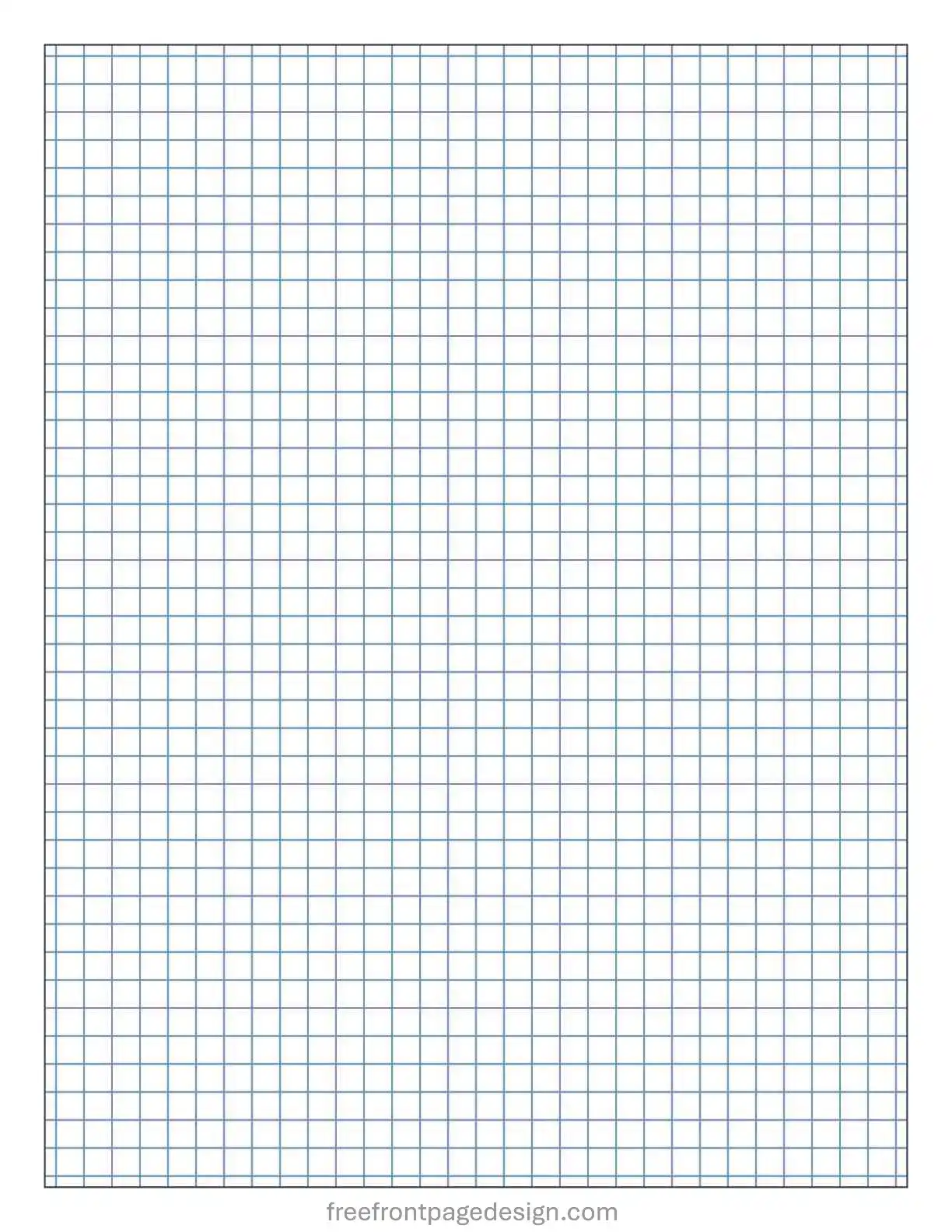
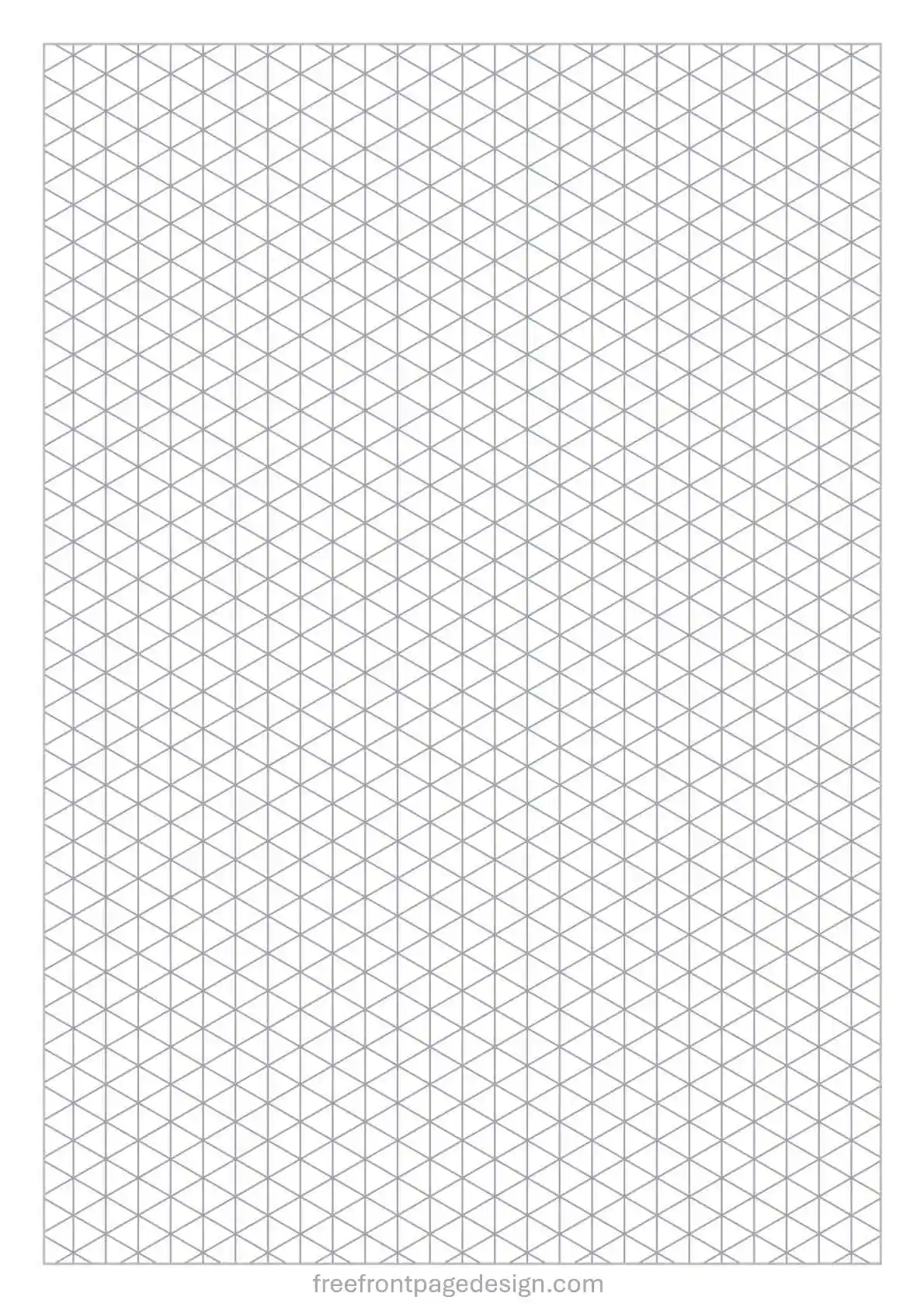
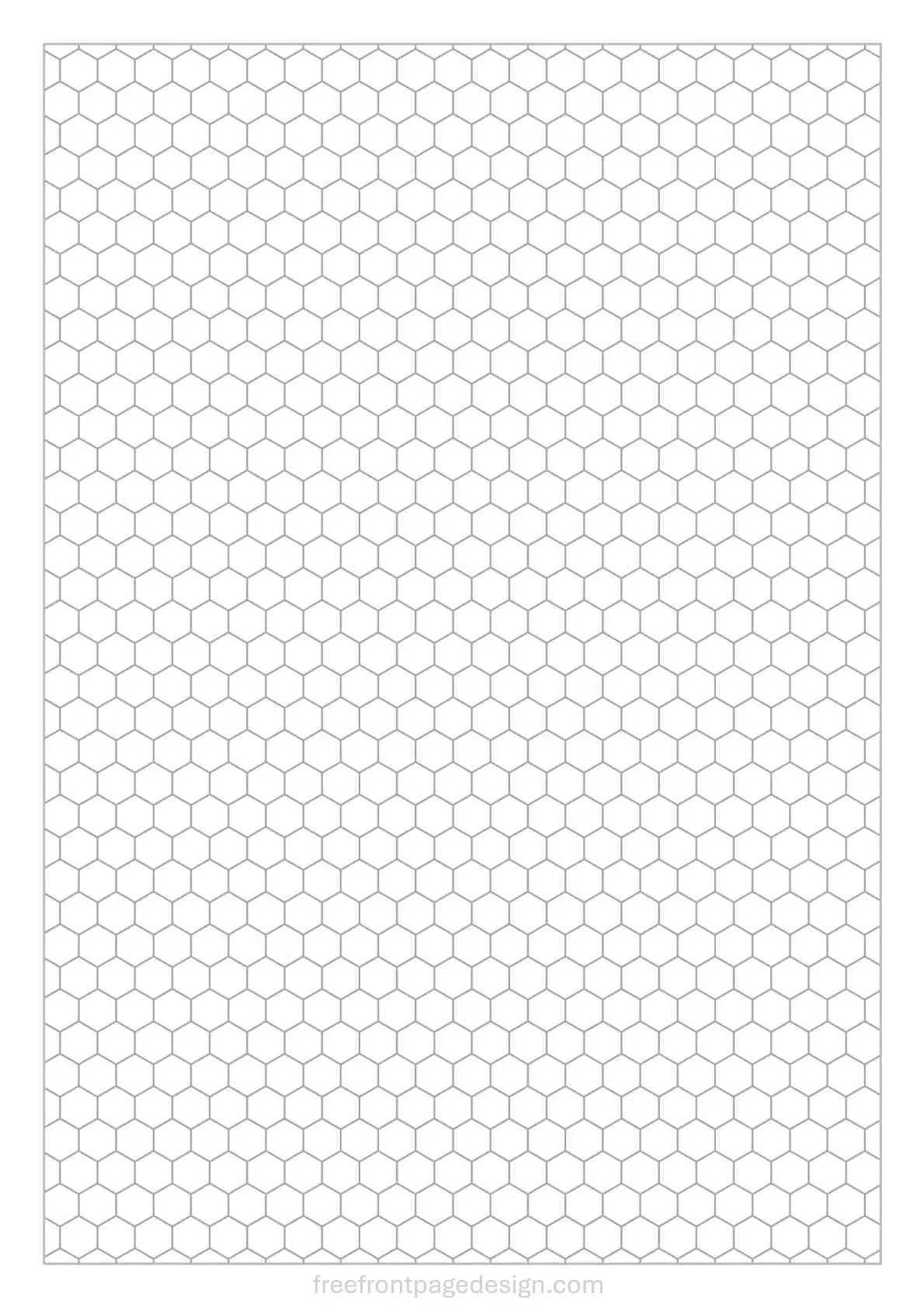
Below are examples of the templates you can generate using this tool. Click the image to see the full resolution, or use the generator above to create your own variation.

Choosing the Right Grid Configuration
Different disciplines require different grid structures. Here is a breakdown of common formats and their uses.
1. Standard Square Grid (Cartesian / Quad Paper)
The square grid is the baseline for mathematics and geometry. In the United States, Quad Paper (quadrille) typically features four squares per inch (1/4" spacing). In metric regions, 5mm spacing is the standard for secondary education and university coursework.
Tip: Enable the "Show X/Y Cartesian Axes" toggle for algebra or plotting data. It automatically finds the page center and draws labeled axes.
2. Engineering Grid Paper (5x5 / 10x10)
Engineering paper utilizes a hierarchy of line weights. It features a faint background grid overlaid with a bolder grid every 5 or 10 increments. This structure allows you to easily count units and plot decimal-based coordinates. You can replicate traditional green or tan engineering paper by adjusting the ink color.
3. Dot Grid Paper
Dot grids provide the structural guidance of a square grid without the visual clutter of intersecting lines. It is popular for Bullet Journaling (BuJo) and sketching. Once you draw over a dot grid, the dots recede into the background.
4. Isometric Graph Paper
Formed by equilateral triangles oriented at 60 and 30-degree angles, isometric paper is designed for three-dimensional drafting. Because isometric projection preserves relative scale, it is useful for mechanical drawings, piping diagrams, and architectural sketches.
5. Hexagonal Grid Paper
Hexagonal grids are used in organic chemistry for efficiently drawing carbon rings and molecular diagrams. They are also widely utilized by board game designers and tabletop RPG players for mapping. Hexagons allow for equidistant movement between adjacent tiles.
Digital Note-Taking
Many users generate these PDFs for digital tablets like the iPad, Surface, or Galaxy Tab. If importing into apps like GoodNotes or Notability, follow these steps:
- Use the Low-Res PDF Option: A heavy vector PDF can cause lag when duplicated in a digital notebook. "Export Low-Res PDF" generates a flattened, optimized file that loads quickly on tablets.
- Match Screen Ratios: If you plan to read your digital notebook exclusively on your tablet, select the Square (8.5x8.5") or US Letter options. These closely mirror the aspect ratio of modern tablet screens.
Troubleshooting True-to-Scale Printing
A common issue is that a printed grid does not match a physical ruler (e.g., a 5mm grid prints at 4.7mm). This is usually caused by a printer setting called "Auto-Scaling" or "Fit to Printable Area."
Printers require a small blank margin to grip the paper, so software often shrinks the document by 3% to 5%. To fix this:
- Generate with Margins: Use the "Margins" slider to give your page at least a 10mm (0.4 inch) border. This keeps your grid out of the printer's danger zone.
- Disable Scaling: When printing, look for a dropdown menu labeled "Page Sizing & Handling" or "Scale".
- Force 100%: Change the setting from "Fit to Page" to "Actual Size", "Custom Scale: 100%", or "Do Not Scale".
Complete Your Project
Generating the perfect graph paper is only the first step. If you are submitting a university assignment or school project, presentation matters. Pair your custom grids with one of our professional cover pages:
- Front Page Design for Maths Project
- Front Page Design for Science Project
- General Assignment Front Page Designs
Looking for quick, ready-to-print standard grids without using the generator? Browse our free printables library and download our pre-made graph paper printables.
Frequently Asked Questions (FAQ)
Do I need specialized software to open these files?
No. The files exported by this tool are standard PDF documents. They open natively in any web browser, Adobe Acrobat, Mac Preview, or note-taking software.
What line weight should I choose for drafting?
To make your drawn lines stand out more than the grid lines, set the line weight to 0.3pt or 0.4pt and choose a lighter color, like soft grey or pale blue.
Can I use this generated graph paper for commercial projects?
Yes. The PDFs you generate are free of watermarks and copyright restrictions. You can use them for homework, drafting, creating worksheets, or publishing.
Why does the print preview look split across two pages?
If your browser splits the image when clicking "Print Directly", it is likely trying to add its own headers and footers (like the date and URL). If this happens, use the "Export High-Res PDF" button instead and print the downloaded file.