
Make your numbers and equations look professional with our Maths project front page designs. A clean and organized Mathematics cover page reflects the precision and logic required for the subject. Our collection features free Math templates for MS Word that include geometric shapes, mathematical symbols, and modern grid layouts. These templates are fully editable and optimized for A4 printing, making them perfect for geometry, algebra, or calculus projects.
How to Use ?
- Step 1: Browse the designs below and pick your favorite.
- Step 2: Click the “Download” button to get the MS Word file.
- Step 3: Open the file and replace the placeholder text with your name, class, and project title.
- Step 4: Save as a PDF for a perfect, professional print!
Simple and Clean Math Project Templates for Students
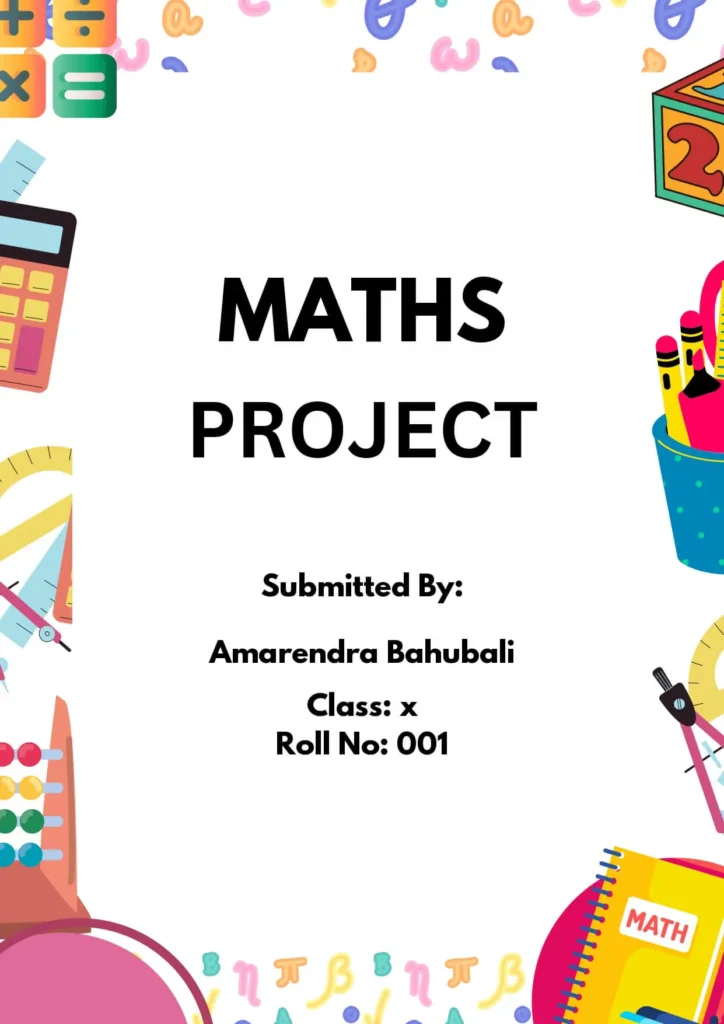

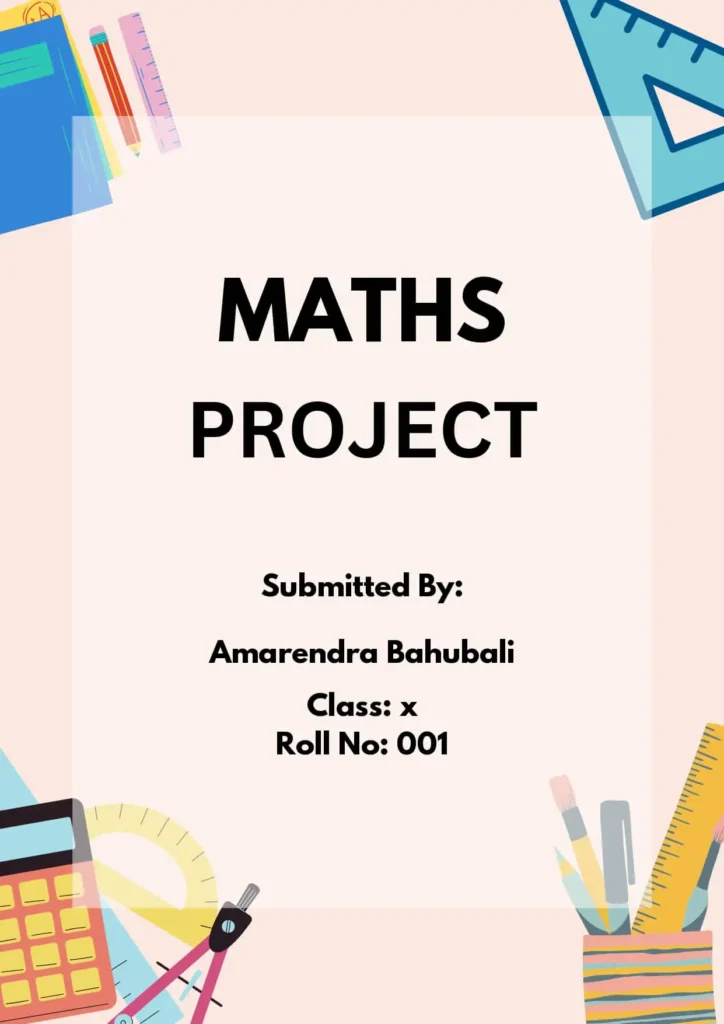
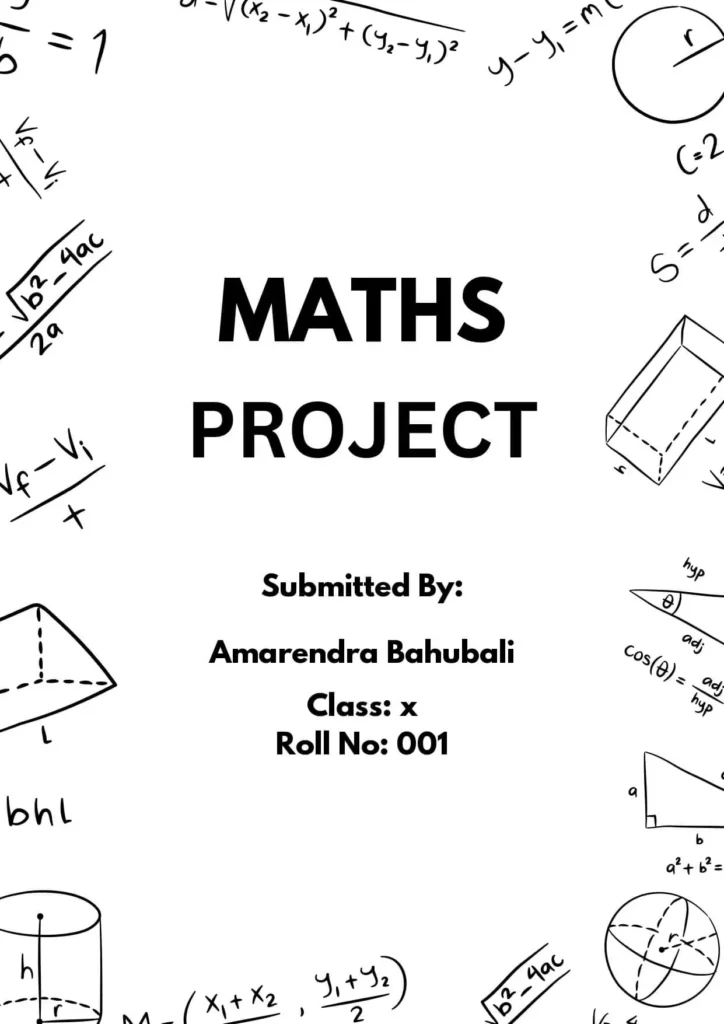


Expert Tips for Designing a Professional Maths Project Front Page
A great Mathematics cover page should reflect the precision, logic, and clarity of the subject itself. Follow these design steps to ensure your math assignment looks as sharp as your calculations:
- Embrace Geometric Themes: Use clean, geometric borders or background patterns featuring triangles, circles, and grids. This immediately signals the “Math” theme to your instructor.
- Focus on Numerical Clarity: Your project title should be centered and easy to read. If your project is about a specific branch of math (like Calculus or Statistics), consider using a bold sans-serif font for a modern, mathematical feel.
- Incorporate Mathematical Symbols: Adding small icons like square roots, pi ($\pi$), or integral signs can act as great visual accents that reinforce the subject matter.
- Keep Layouts Organized: Math projects value logic. Ensure your Name, Roll Number, and Teacher’s Name are neatly aligned, either in the bottom right corner or centered below the main title.
- Use a Minimalist Color Palette: For math, “less is more.” Stick to professional colors like deep blues, greys, or simple black-and-white to maintain a formal academic look.
- Highlight the Project Goal: If space allows, include a small one-line subtitle describing the project’s focus, such as “An Analysis of Pythagorean Theorem Applications.”
Conclusion: Why a Great Front Page Matters
A high-quality front page design for school and college projects is more than just a cosmetic choice—it is the first thing your evaluator sees. A well-organized, creative cover page demonstrates your dedication, attention to detail, and respect for the subject matter. It sets a positive tone for the rest of your assignment and can often influence the overall impression of your work.
Complete Assignment Architecture
Complement your front-page layouts with our production-ready math modeling grids and core asset sheets.
Printable Graph Paper
Download standard, pre-scaled 1/4 inch and 5mm engineering sheets calibrated to absolute A4/Letter size specs.
Interactive Grid Studio
Generate coordinate planes with custom line spacing, target margins, explicit ink opacity variations, and axes configurations.
Central Printables Directory
Access our comprehensive repository containing professional grids, charts, frameworks, and system assets.